PS3 [Research] Modifying the Gaia Visualization (custom_render_plugin/earth.qrc)

Im just throwing the stone, the next thing that can be made is to use the correct file extensions in the extracted files, but this in itself is tricky because the code is very strict
As there is almost no chance of any qrc files ever changing again, Some stuff could be hardcoded now just for earth.qrc and lines.qrc. Maybe a simple renaming script could be added to the end, to run run afterwards on the extracted files to rename them, kind of a standalone second step So no need to modify what is there now.

I have no experience with python but migh tbe able to figure out something given a few weeks :)

https://datatofish.com/rename-file-python/


The only good/easy way is by improving the CXML decompiler python script up to the point where it allows to build .qrc files from scratch
Is a bit challenging, but the CXML decompiler code is very well structured and clean, let say... it contains all needed info for rebuilding and is ready for being expanded
I wonder could we do it once manually and add a lot zero filled space in between each jpeg, that could then be used as a base for future mods, I just mean that might be easier than creating a tool that can repack any qrc dynamically, and it could be done in multiple steps and not be user friendly as it only needs to be done once.

If we was to add a round amount of space to each jpeg, like 10KB of zeroes for example, it might make the mod easier?
 
I actually just noticed, all the file names are in the xml. Surely it is easy to use this xml to rename the files and make the folders.

upload_2020-1-17_19-52-3.png


Here is the extracted qrc attached if anyone is interested in having a go. It would be much easier to work with the qrc if all the bins had proper names.
 

Attachments

Last edited:
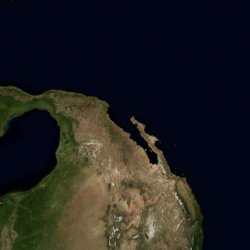
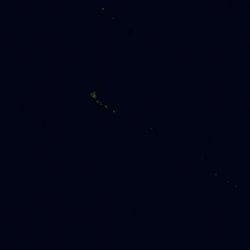
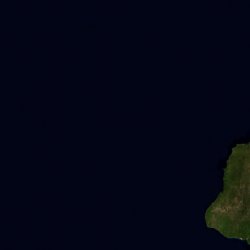
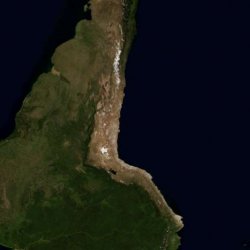
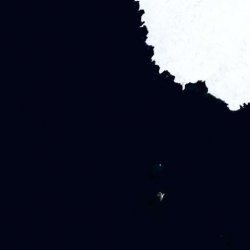
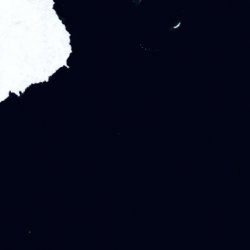
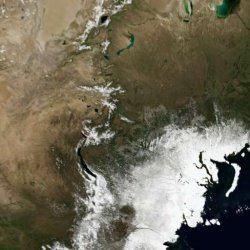
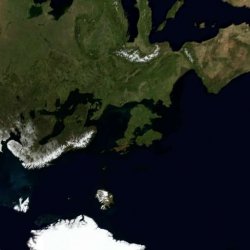
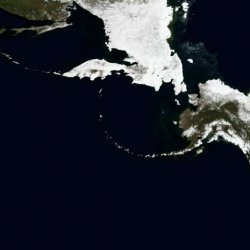
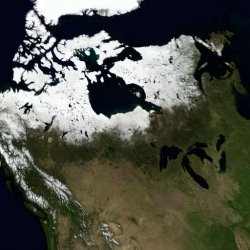
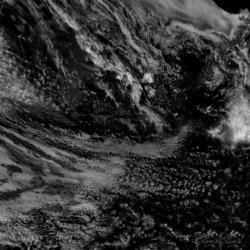
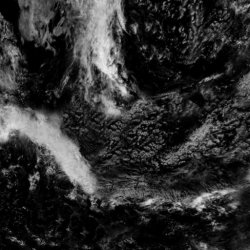
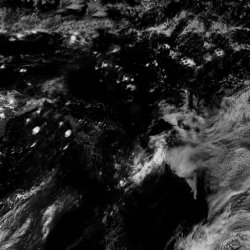
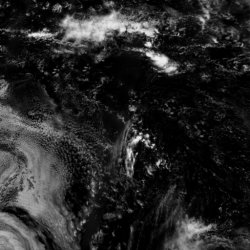
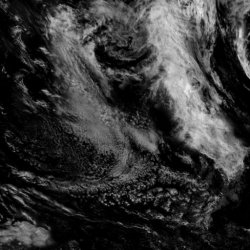
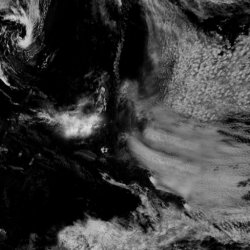
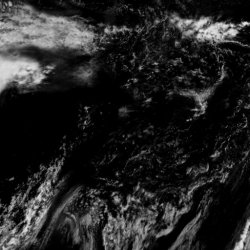
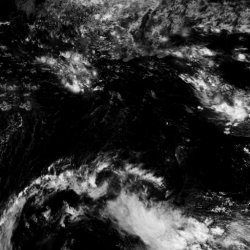
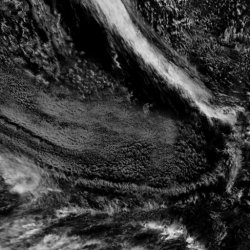
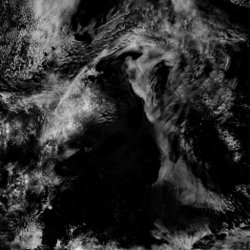
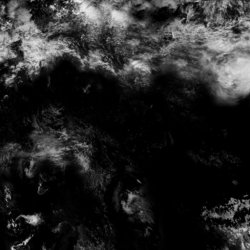
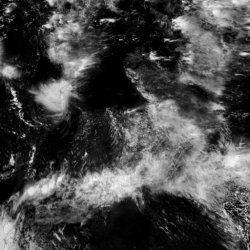
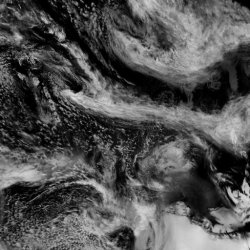
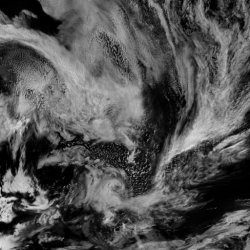
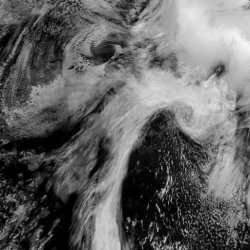
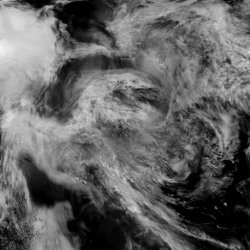
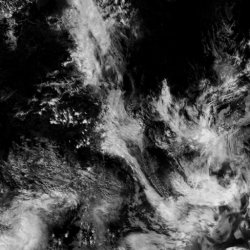
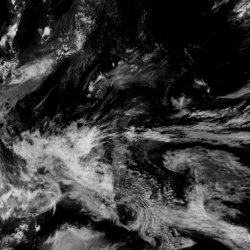
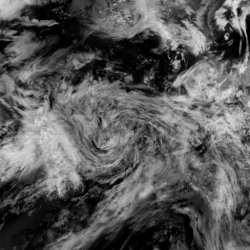
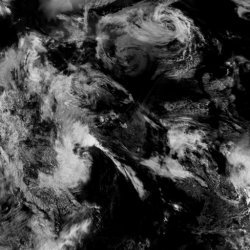
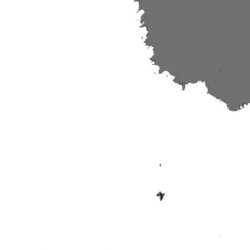
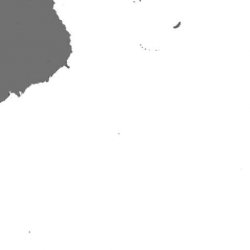
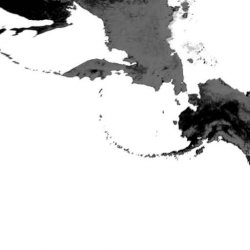
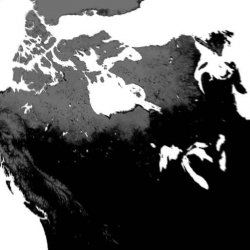
Here are all the earth.qrc JPEGs. It seems we actually do have a good bit of space to work with, we just need to shift things around. The ground textures only take up 277KB, but the clouds take up 1.27MB, and specular is 150KB, so for example if we was to use the cloud slots for the ground, we could have 500% more space. :)


Ground Textures (277KB):
1.jpg 2.jpg 3.jpg 4.jpg 5.jpg 6.jpg 7.jpg 8.jpg 9.jpg 10.jpg 11.jpg 12.jpg 13.jpg 14.jpg 15.jpg 16.jpg 17.jpg 18.jpg 19.jpg 20.jpg 21.jpg 22.jpg 23.jpg 24.jpg

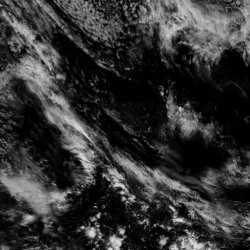
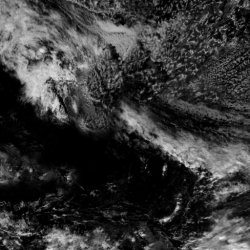
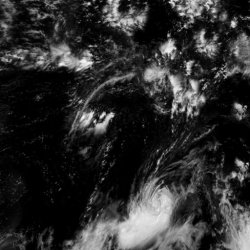
Cloud Textures (1.27MB)
1.jpg 2.jpg 3.jpg 4.jpg 5.jpg 6.jpg 7.jpg 8.jpg 9.jpg 10.jpg 11.jpg 12.jpg 13.jpg 14.jpg 15.jpg 16.jpg 17.jpg 18.jpg 19.jpg 20.jpg 21.jpg 22.jpg 23.jpg 24.jpg

Specular Textures (150KB):
1.jpg 2.jpg 3.jpg 4.jpg 5.jpg 6.jpg 7.jpg 8.jpg 9.jpg 10.jpg 11.jpg 12.jpg 13.jpg 14.jpg 15.jpg 16.jpg 17.jpg 18.jpg 19.jpg 20.jpg 21.jpg 22.jpg 23.jpg 24.jpg
 

Attachments

Last edited:
I thought in some mods, but for some reason most of them are a bit apocalyptical, lol

.....
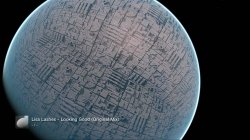
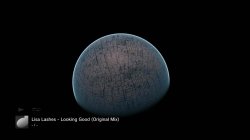
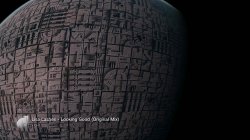
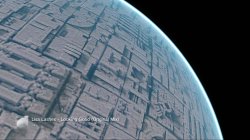
-Replace the ground textures by the death star from star wars for a "death star mod"

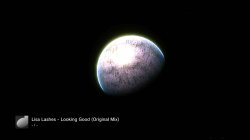
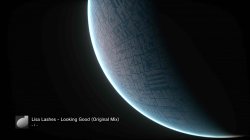
Just tried a test mod based on this idea. Seems the cloud jpgs are displayed bigger than the ground jpgs...

Anyway for a first mod it looks ok, I just injected this image a few times.

upload_2020-1-18_0-15-54.png


texture_test1.jpg


texture_test2.jpg


texture_test3.jpg
 
As there is almost no chance of any qrc files ever changing again, Some stuff could be hardcoded now just for earth.qrc and lines.qrc. Maybe a simple renaming script could be added to the end, to run run afterwards on the extracted files to rename them, kind of a standalone second step So no need to modify what is there now.

I have no experience with python but migh tbe able to figure out something given a few weeks :)

https://datatofish.com/rename-file-python/

I actually just noticed, all the file names are in the xml. Surely it is easy to use this xml to rename the files and make the folders.
I was thinking in it, first take the "id" from the xml, split it and use it for the paths, file names, and file extensions

In the code this is the only way to do it btw... i mean... inside the .qrc structure there is only 1 place where you can see the file extension, file name, and path. To extract the files with accurate names is needed to process that "id"

So... the challenge is the same for file extension, file name, and path
The easyest from them is the file extension, because is very straightforward and is not going to cause any problem

For the path and filename... well... is a bit more tricky because is needed to process the "id" string to identify the directories (with "/"), and decide if you want to extract the files in his directories or just replace the "/" by other character allowed in windows and extract all the files together (without directories)

Anway, yeah thats the next thing we need... are 3 different things, but are pretty much the same because all them involves in processing the "id" string

I wonder could we do it once manually and add a lot zero filled space in between each jpeg, that could then be used as a base for future mods, I just mean that might be easier than creating a tool that can repack any qrc dynamically, and it could be done in multiple steps and not be user friendly as it only needs to be done once.

If we was to add a round amount of space to each jpeg, like 10KB of zeroes for example, it might make the mod easier?
No, we need to respect the original .qrc structure, all the files are stored together next to each others inside a "file table"
The size of that "file table" is defined when the .qrc is created and we cant make it bigger
The only way to make the "file table" bigger is by rebuilding the .qrc structure entirelly (in other words, being able to create .qrc files from scratch)

Here are all the earth.qrc JPEGs. It seems we actually do have a good bit of space to work with, we just need to shift things around. The ground textures only take up 277KB, but the clouds take up 1.27MB, and specular is 150KB, so for example if we was to use the cloud slots for the ground, we could have 500% more space. :)
Yes, thats what i meant, nice calculations, from that 500% we should count only a part of it, because is not a good idea to remove the files completly... to make room is needed to replace some files by other smaller files with lower quality

As example, with the clouds, you can resize them to half the size and use a high .jpg compression, is going to cause some pixelation but probably is softened when is displayed
Also, you can increase the transparency a lot to hide the pixelation a bit... you know the density of the earth clouds could vary from day to day and in between seasons, and having a earth with very transparent clouds is ok... it would still be realistic

In earth we need clouds and that cool effect of the atmosphere layer... but for other mods like mars or moon we should reduce the visibility of atmosphere a lot because that planets doest have it (well they have a bit). And doesnt have clouds (well, in mars you can create some clouds with red dust, heheh)

Things like that should work good enought to allow us to reduce quality of some images and increase it in others

Also... keep in mind the experiments you was doing redirecting some animations to others... by doing this you are reducing the number of animations used... and as a consequence we are free to remove the images used by the disabled animations (if we patch the values in the index the firmware is not even going to notice that has been removed)

Just tried a test mod based on this idea. Seems the cloud jpgs are displayed bigger than the ground jpgs...

Anyway for a first mod it looks ok, I just injected this image a few times.
texture_test2-jpg.22525
Lol, looks good, that reflection is a shame, it looks like is an sphere made of glass
texture_test3-jpg.22526


Btw, the textures are mapped like in the images you uploaded to this post, right ?
https://www.psx-place.com/threads/r...ization-custom_render_plugin-earth-qrc.27756/
smokey1-jpg.22398

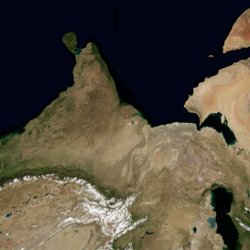
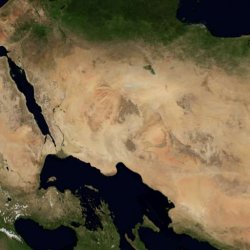
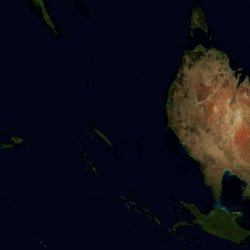
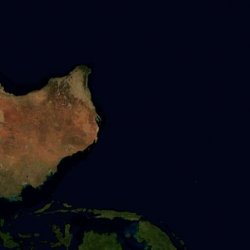
To me it looks like the sphere is covered with 6 "squares" (like a inflated cube)... and every face of the cube have several squared textures (lets say 4 each)
So... 6 * 4 = 24 ?

Is like that ?

 
Last edited:
I see a SW Death Star or Star Killer base mod coming next.....
Maybe... You should do it really. You're the graphics artist after all, bet you could do an amazing mod. I'm only messing around, Its actually really easy to inject jpgs. Just remove the 8 byte header from the qrc, decompress with zlib (simplyzip works), then you can inject the jpegs with a hex editor.

Here is my Death star POC mod, its fairly crap but ok for a first attempt.

Massive thanks to Sandungas for all the help with everything.


texture_test4.jpg texture_test5.jpg texture_test6.jpg texture_test7.jpg texture_test8.jpg texture_test9.jpg
 

Attachments

Last edited:
I was thinking in it, first take the "id" from the xml, split it and use it for the paths, file names, and file extensions
Even just extensions and different folders would be cool, different folders so nothing gets over written. Obviously full extraction with paths would be best.

No, we need to respect the original .qrc structure, and all the files are stored together next to each others inside a "file table"
The size of that "file table" is defined at the time the .qrc is created and we cant make it bigger
Ok, I just mean we only need to do it once really with a decent amount of space added, so it does not need to be a tool, it could be 10 scripts and some manual edits and it would be ok. Of course proper dynamic rebuilding would be awesome..

Yes, thats what i meant, nice calculations, from that 500% we should count only a part of it, because is not a good idea to remove the files completly... to make room is needed to replace some files by other smaller files with lower quality
Well we could remap the ground pointers to the cloud textures, and the cloud pointers to the ground textures, this way we can have high quality surface and smaller clouds or flying objects, it makes more sense that way around really. Also as we are not actually moving any file, it should be simpler in theory.

Things like that should work good enought to allow us to reduce quality of some images and increase it in others
Yeah, thats a cool idea too.
Also... keep in mind the experiments you was doing redirecting some animations to others... by doing this you are reducing the number of animations used... and as a consequence we are free to remove the images used by the disabled animations (if we patch the values in the index the firmware is not even going to notice that has been removed)
Oh yeah, forgot that. I am actually not sure what is used normally but it seems like not all 30 are used, hard to tell due to randomess.. Do you know what factors are used with this, maybe month and time of day effects it...idk. Anyway we can defo limit it to like 20 or something if it means better quality.

Lol, looks good, that reflection is a shame, it looks like is an sphere made of glass
I bet we can break that effect, must be one of those fpo/vpos. :)

Btw, the textures are mapped like in the images you uploaded to this post, right ?
Not sure which post you mean there.
Edit: I get it now, you mean the smokey image, yeah.

To me it looks like the sphere is covered with 6 "squares" (like a inflated cube)... and every face of the cube have several squared textures (lets say 4 each)
So... 6 * 4 = 24 ?

Is like that ?
Yeah, that sounds about right. I was thinking of making some textures like this from 1 to 24 and mapping exactly position and rotation used for each image, and mapping which images are shown in which presets.


upload_2020-1-18_3-13-27.png


BTW, I have been trying to add higher resolution textures, no luck so far, but it does not crash and it does attempt to display them, I had to increase the compression loads to make it fit, so maybe its that, idk.1024x1024, so 300% increase, but glitching.

glitch1.jpg

Also how come we are displaying jpgs in layers... I dont get that, I thought jpegs had no transparency? Must be using some other method to add that I guess, shaders or something
 
Last edited:
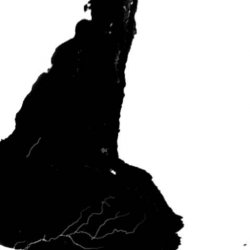
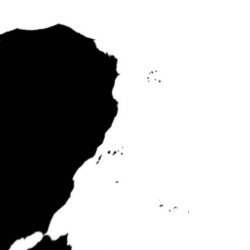
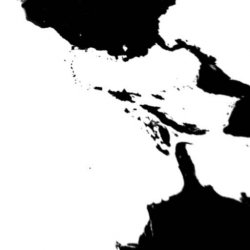
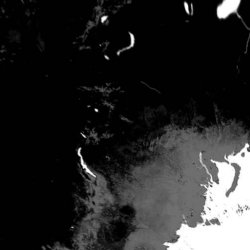
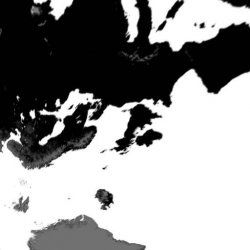
Btw, the 24 images under "specular" path are used to define the reflections
https://en.wikipedia.org/wiki/Specularity#Specular_maps

Are in grey scale... white represents max reflections (used in oceans), black is no reflection (for the grounds), the rivers have a dark grey (just a bit of reflection), and the ice of the poles have light grey (a bit more than rivers, but lower than oceans)

Are pretty simple, i guess the quality of them could be reduced a lot because are not really visibles, they just stores the info to create the reflections

And btw... could be handy to use them to define edges and things like that for mods like the death star
Anyway... this "specular" images are created at the end, after you have the real texture... is needed to generate the specular image based on the real texture
 
Btw, the 24 images under "specular" path are used to define the reflections
https://en.wikipedia.org/wiki/Specularity#Specular_maps

Are in grey scale... white represents max reflections (used in oceans), black is no reflection (for the grounds), the rivers have a dark grey (just a bit of reflection), and the ice of the poles have light grey (a bit more than rivers, but lower than oceans)

Are pretty simple, i guess the quality of them could be reduced a lot because are not really visibles, they just stores the info to create the reflections

And btw... could be handy to use them to define edges and things like that for mods like the death star
Anyway... this "specular" images are created at the end, after you have the real texture... is needed to generate the specular image based on the real texture
Ok, thats cool, I was wondering how those were used. I guess they are under the cloud textures and that is why they are not showing in my mod, So this is another reason to make more room for the ground textures.
 
@xf505 Very quick step by step, there are better ways, but this is simple to explain and will get you started. This way would be considered quick and dirty, and I think @sandungas will be horrified. :)

Open the qrc in HxD and remove these 8 bytes:
upload_2020-1-18_4-20-34.png


So it looks like this:
upload_2020-1-18_4-21-37.png


Then save it.

Now you will need Simplyzip installed. Go to this menu:

upload_2020-1-18_4-23-29.png


Now select decompress, and select the file you removed the header from:

upload_2020-1-18_4-24-51.png


Now you will end up with a file with no extension in the same folder. Open it in HxD, it should look like this at the top:
upload_2020-1-18_4-26-48.png


Now search this file for "JFIF", this is the header for the first cloud jpeg of 24:

upload_2020-1-18_4-27-52.png


Now you will need your new textures to be the same size or smaller than what is there so they fit, the originals are different sizes but to be sure just make your jpegs 40kb or less and they will be sure to fit into all places. For example say this is the new texture we want to use, its 39.4KB

moon.jpg


Open the jpg in HxD:

upload_2020-1-18_4-33-13.png


Now you want to select all (CTRL+A), then Copy (CTRL+C).

Now go to the earth.qrc again and move your cursor to the point marked in red and then paste write (CTRL+B) from exactly that point.

upload_2020-1-18_4-35-52.png


It should look like this:
upload_2020-1-18_4-36-47.png


Then save that, then add a couple of rows of 00 00 00 on the hex side so it looks something like this:

upload_2020-1-18_4-38-28.png


Now this is where you could search for the next "JFIF" and repeat the same process for that one, pasting in whichever jpeg you want for all of them up to 24

But for now lets just pack it up with 1 image changed. So save the file in HxD and open the file in simplezip again , this time compress it:

upload_2020-1-18_4-57-32.png


Now you will have a earth.zlp file in the same folder. Rename it to earth.qrc and open it in HxD, it should look like this:
upload_2020-1-18_4-42-17.png


Now open up the original qrc file too, and copy the first 8 bytes:
upload_2020-1-18_4-43-31.png


And go to the first cursor position marked here in red and paste in the header (51 52 43 43 00 2C 84 F0) using CTRL+V, it should look like this:
upload_2020-1-18_4-50-7.png


Now save it and put it on dev_blind/vsh/resource/qgl/, if you have done it correctly it will load your new texture, this will only load in 1 slot, So you may need to watch for a while to see it come up. Repeat this for the other 23 to have the earth fully skinned.


@all If someone could make a little GUI that could do all that it would be very cool. :)
 
Last edited:
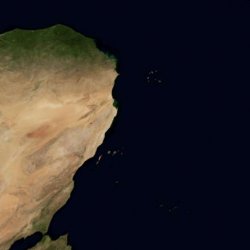
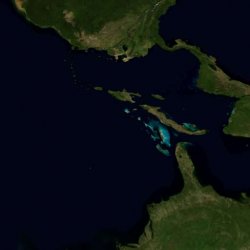
I made a layout to allow you to "paste" the textures in it, like tiles
Is made at real size, so... is huge, first i tryed to do it at 4K resolution but it was not enought so i made it at 8K resolution (7680x4320 pixels)
It can be cropped to make it smaller because it have lot of white areas all around, but by now is better this way because the photoshop file used to do it have tenths of guides well aligned to pixels, it has been an small pita to align all that, but is done :D

Can be made 3 versions of it, "ground", "specular", and "clouds" with the official images, but also if at some point someone wants to retexture the earth comlpetly this can be used as a template to have an overview of it

You can just "paste" the original images at 512x512 pixels in it to order them
I made it this way because as mentioned before it seems they are using a "cube" to map an "sphere" (both are primitive geometry forms)... i never seen something like this is a bit in between genius and weird
The point is there are different ways to represent the geometry of a 3D cube in 2D... but this is probably the most intuitive and frequently used, like a dice with 6 "facets"
VGe1h50.jpg


You know most image web hostings resamples the images to change the format or reduce his size and this could reduce his quality, most of the times it doesnt matters, but with the image im uploading matters a lot, so instead of downloading the image you can see in this post better download this .zip
It contains the image in .jpg format and the .psd used to do it (you can modify the .psd to add texts or any other kind of info in it)

Download Earth textures layout ---> http://s000.tinyupload.com/index.php?file_id=86538968839616353565
 
Btw, the names of the files indicates the position:
Code:
earth/flashrom/ground_cm/0/1/000_000.jpg
earth/flashrom/ground_cm/0/1/000_001.jpg
earth/flashrom/ground_cm/0/1/001_000.jpg
earth/flashrom/ground_cm/0/1/001_001.jpg
earth/flashrom/ground_cm/1/1/000_000.jpg
earth/flashrom/ground_cm/1/1/000_001.jpg
earth/flashrom/ground_cm/1/1/001_000.jpg
earth/flashrom/ground_cm/1/1/001_001.jpg
earth/flashrom/ground_cm/2/1/000_000.jpg
earth/flashrom/ground_cm/2/1/000_001.jpg
earth/flashrom/ground_cm/2/1/001_000.jpg
earth/flashrom/ground_cm/2/1/001_001.jpg
earth/flashrom/ground_cm/3/1/000_000.jpg
earth/flashrom/ground_cm/3/1/000_001.jpg
earth/flashrom/ground_cm/3/1/001_000.jpg
earth/flashrom/ground_cm/3/1/001_001.jpg
earth/flashrom/ground_cm/4/1/000_000.jpg
earth/flashrom/ground_cm/4/1/000_001.jpg
earth/flashrom/ground_cm/4/1/001_000.jpg
earth/flashrom/ground_cm/4/1/001_001.jpg
earth/flashrom/ground_cm/5/1/000_000.jpg
earth/flashrom/ground_cm/5/1/000_001.jpg
earth/flashrom/ground_cm/5/1/001_000.jpg
earth/flashrom/ground_cm/5/1/001_001.jpg

From 0 to 5 are the "facets" of the cube, and the numbers at the end represents some kind of coordinates
 
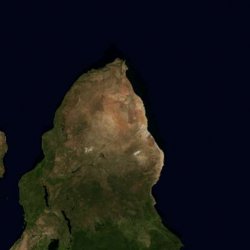
I'm gonna get some sleep. Here is where I am at so far.

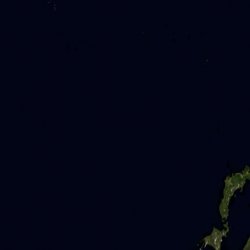
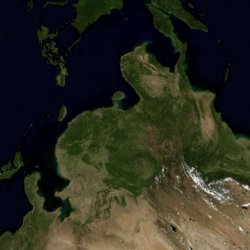
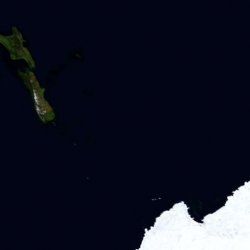
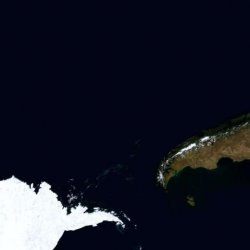
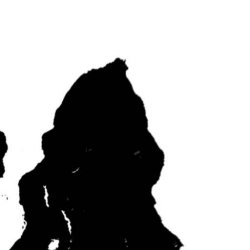
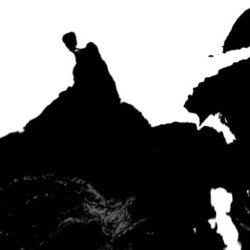
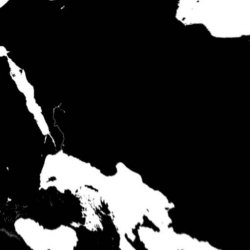
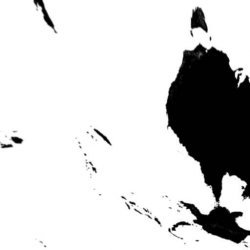
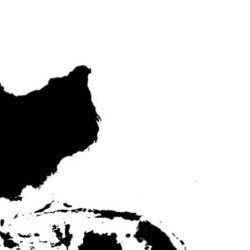
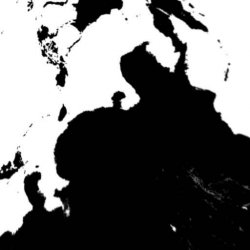
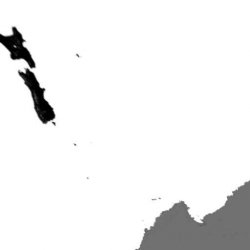
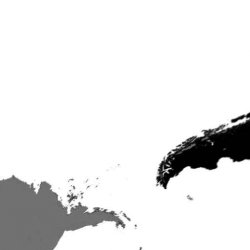
map1.jpg map2.jpg map3.jpg map4.jpg


These are numbered in the order I found them in the qrc from top to bottom. I do need to double check everything again tomorrow.
 
Lulz, pretty cool, lottery mod

When looking at it take notes in text, like... "21 is at top of 10", or things like that
You know, incase you start reordeing the images in a way... but later you realize is better to represent them in a different way... that notes written on text could help you a lot to figure how is the best way to represent them

Actually, incase of adding them in the image i amde... we need to see if is posible to rotate them... because the originals are rotated... dunno
 
Im looking at your screenshots and i think you had a mistake in nº 13 ?
14 is taking the position of 13
15 is taking the position of 14
16 is taking the position of 15
17 is taking the position of 16

At least that 4 doesnt seems to follow the order of the others, 1, 2, 3, 4 are the pacific ocean and north america... 5, 6, 7, 8 at left of africa... 9, 10, 11, 12 at right of africa and india
So... the next 4 for australia indonesia, etc... should be 13, 14, 15, 16, right ? (not 14, 15, 16, 17, like in the screenshot of your last post)
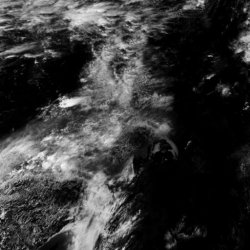
It seems that sequence of numbers is consecutive (4 facets of the cube that does a full turn at the sphere)
Then it goes the poles
 
Last edited:
Yep I messed up and left 13 out...feck.. . Will fix it tomorrow. Anyway, they are in groups of 4, mostly upside down.

These are positions, I need to sort out the rotation still. All the ones across the middle are upside down. The ones on the end need a little more figuring out.

EDIT: Image removed, see next page for updated mapping.
 
Last edited:
Nice, thats what i was thinking, is intuitive and straightforward, in groups of 4, first a turn all around, then the poles
That upside down of the original images is confusing me a lot, lol
 

Similar threads

Back
Top