

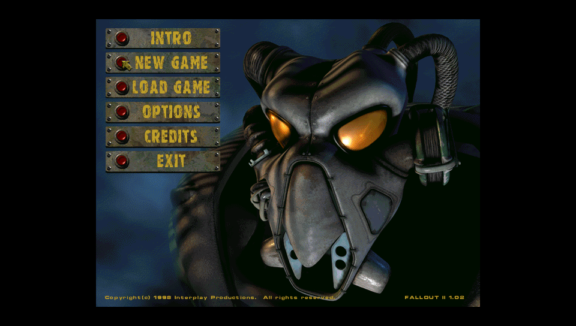
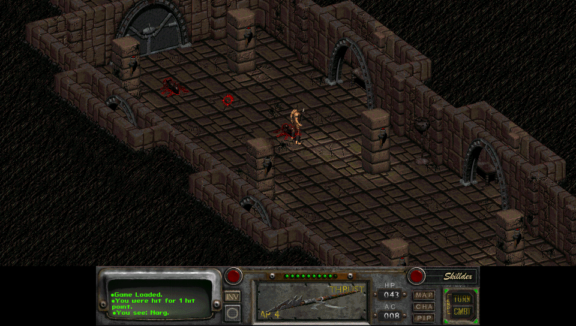
Fallout 2 port for PS Vita\TV.
-
Download fallout2-ce.vpk file and install it to your PS Vita.
Copy master.dat, critter.dat, patch000.dat, data and sound folders from the installed Fallout 2 game folder into to ux0:data/fallout2/. -
Controls
- Left analog stick - Cursor movement
- Right analog stick - Map scrolling
- × - Left mouse button
- ○ - Right mouse button
- □ - Skill list/selection
- △ - Inventory
- D-Pad Up - Character screen
- D-Pad Down - Pip-Boy
- D-Pad Left - Start combat
- D-Pad Right - End turn
- L1 - Toggle active item
- R1 (hold) - Cursor movement speedup
- SELECT - Esc
- START - On screen keyboard
-
You can change the game resolution by editing ux0:data/fallout2/f2_res.ini file and modifying SCR_WIDTH and SCR_HEIGHT parameters. Recommended resolutions are 640x480, 848x480 and 960x544.
Cursor speed can be changed with MOUSE SENSITIVITY slider in game preferences.
Fallout 2 CE is still in early stages of development, so all kinds of bugs and crashes are to be expected.
Thanks to @isage and aforementioned F2 port for help with figuring out the save game bug. -


- Integrating Sfall goodies is the top priority. Quality of life updates are OK too. Please no large scale refactorings at this time as we need to reconcile changes from Reference Edition, which will make this process slow and error-prone. In any case open up an issue with your suggestion or to notify other people that something is being worked on.
-
See Fallout 2 Reference Edition.
Same conditions apply until the source code in this repository is changed significantly.
Source: https://github.com/Northfear/fallout2-ce-vita.
Another Fallout 2 CE port for PS Vita (functionally the same except for different controls): https://github.com/isage/fallout2-ce


