

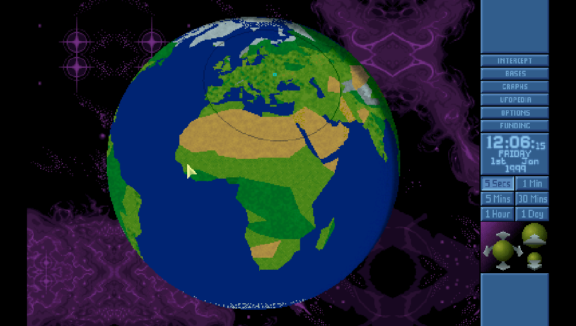
OpenXcom port for PS Vita.
- OpenXcom is an open-source clone of the popular "UFO: Enemy Unknown" ("X-COM: UFO Defense" in the USA release) and "X-COM: Terror From the Deep" videogames by Microprose, licensed under the GPL and written in C++ / SDL.
-
Download openxcom.vpk from https://github.com/Northfear/OpenXcom-vita/releases and install it to your PS Vita.
Download openxcom-data.zip from https://github.com/Northfear/OpenXcom-vita/releases, extract it and copy OpenXcom folder into ux0:data/.
Copy content of installed Enemy Unknown folder into ux0:data/OpenXcom/UFO or/and installed Terror From The Deep into ux0:data/OpenXcom/TFTD. You can check README.txt inside each folder for details.
rePatch reDux0 OR FdFix plugin may be required for proper suspend/resume support (only use one at a time). -
Controls
- Left analog stick - Cursor movement
- Right analog stick - Map/Globe scrolling
-
 - Left mouse button
 -
 - Right mouse button
 -
 - Open Map
 -
 - Inventory
 - D-Pad Up/Down - Switch between floors
- D-Pad Right/Left - Use item in right/left hand
- R1 - Select Previous Unit
- L1 - Select Next Unit
-
 - Esc
- Esc -
 - End turn
Buttons can be remapped in the "Controls" options menu.
Cursor movement speed can be changed by editing the controllerPointerSpeed option in ux0:data/OpenXcom/options.cfg.
Savegame transfers between Vita and PC
Geoscape saves can be transferred between Vita and PC.
Battlescape saves can be transferred from Vita to PC, but not the other way around.
Mod support
RAM is pretty limited on Vita, so there's a change that game would just crash with heavy mods installed.
Other
You can change game resolution in the "Video" options menu.
320x200 provides the best performance. 960x544 looks good with a 1.5x Battlescape Scale.
"Fullscreen" display mode scales game surface to fullscreen. "Windowed" mode centers the game area w/o scaling it (640x400 in windowed mode is perfect x2 scale).
You can skip intros by tapping on screen. -
Some screenshots:
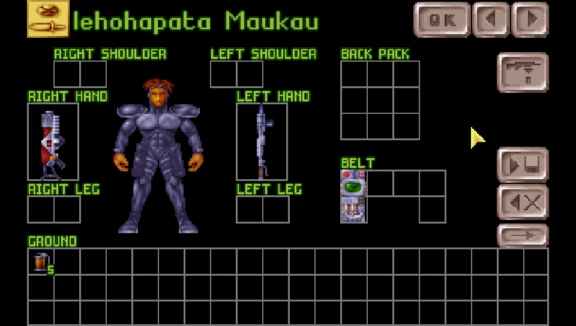
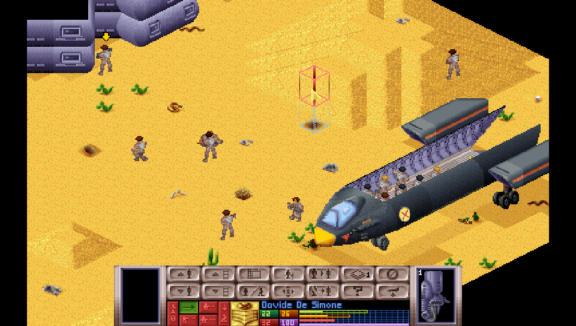
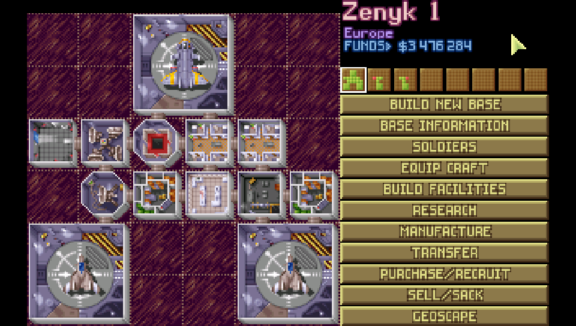
Source:
https://github.com/Northfear/OpenXcom-vita.


