

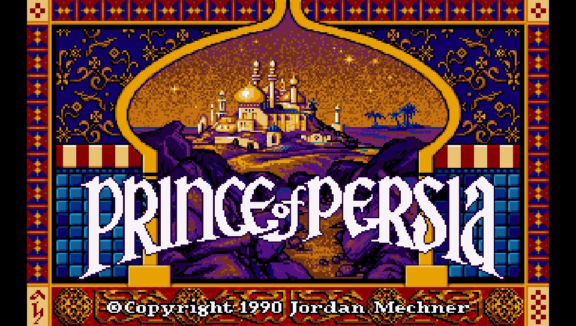
-
Installation:
- Install SDLPoP-Vita.vpk using VitaShell
- Extract the prince.zip archive into ux0:data
-
Controls:
[TBODY] [/TBODY]Keys Left Turn or run left Right Turn or run right Up or O Jump or climb up Down Crouch or climb down X Pick up things, hang from edge X + Left / Right Careful step △ Display remaining time L Quick load R Quick save Select Toggle fullscreen Start In-game menu
[TBODY] [/TBODY] -
Build instructions:
https://github.com/usineur/SDLPoP-Vita/wiki/Build-instructions. -
Customization
This can be done via the in-game menu. Press "Start" to access it.


-
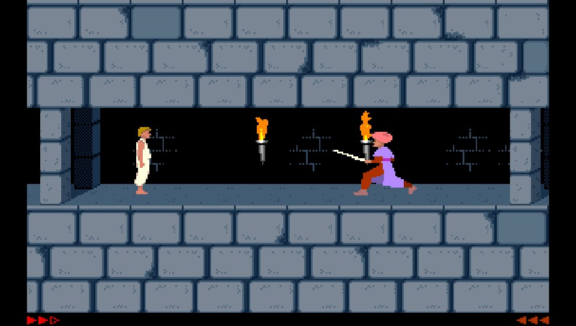
-
Changelog:
1.7:
- Based on SDLPoP release 1.20 (2019-10-13)
- Based on SDLPoP release 1.19 (2019-03-31)
- Based on SDLPoP release 1.18.1 (2018-03-24)
- Various fixes
- Based on SDLPoP release 1.18 (2018-03-17)
- Added in-game menu (press "Start") with ability to change settings while in-game
- Added support for MIDI music. External ogg music files are not needed anymore
- Full changelog here
- Image quality improvement. Thanks to @rsn8887.
- Rebase with last features / fixes of SDLPoP original project
- Rebase with last features / enhancements of SDLPoP original project
- Enable toggle fullscreen
- Fix music resume after clicking to the PS button.
- Enable L/R buttons to respectively quick load/save your progression.
- Add keyboard support to enter your name in the hall of fame (you must finish the game first)
- Loading time is reduced
- Unneeded "overclocking" is removed
- Real fullscreen mode
- Circle button performs the same action as "up" button
- First public release
Additional links:
https://github.com/usineur/SDLPoP,
https://vitadb.rinnegatamante.it/#/info/166,
http://gbatemp.net/threads/release-sdlpop-vita-an-open-source-of-prince-of-persia-for-vita.443107/,
http://wololo.net/2016/09/28/release-sdlpop-vita-play-original-prince-persia-vita/.


