UT99 Vita  (Unreal Tournament)

PS VITA / PSTV UT99 Vita (Unreal Tournament) 0.5

215d8c1535f77295a758b20038890765d3c436ded3510aeba589d7ef1c594d0b.png9369ed16298f2b82631a02e277660c172d49196c092162d75ce4323f93fb5c9f.pngc6a925a878aa401d9e11da8c01325423d03007400affc0cf8ba38d082bcd1834.pngd42c8ed357d9cf45231866b94705da25e6f263327c924c0a960558b5b15295f5 (1).png


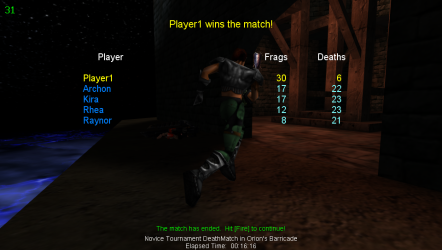
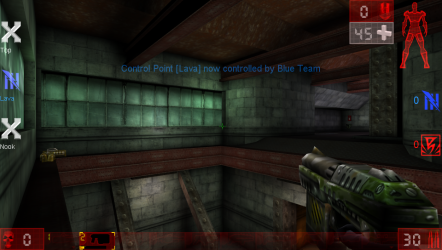
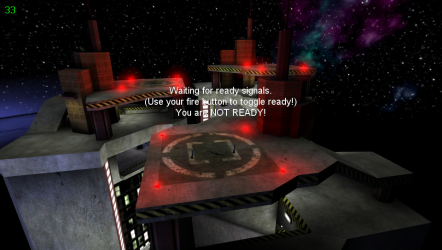
  • This is a wrapper/port of Unreal Tournament for the PS Vita.

    The port works by loading the Android ARMv7 executables from the unofficial Android port by Andiweli in memory, resolving their imports with native functions and patching it in order to properly run. By doing so, it's basically as if we emulate a minimalist Android environment in which we run natively the executables as they are.

    Notes

    • The loader has been tested with v.1.5.0 of the Android port.
    • Loading times are pretty rough and the game can have framedrops in more chaotic situations.
    • Editing Options from in game can brick the ini file. If you want to edit options, edit the ini files in System folder directly.

    Default Controls

    • Left Analog: Move
    • Right Analog: Aim (Move Cursor in Menus)
    • L Trigger: Alternate Fire
    • R Trigger: Fire (Click in Menus)
    • Cross: Jump
    • Square: Crouch
    • Triangle: Equip best weapon
    • Circle: Equip Slot 0 weapon (Impact Hammer/Traslator)
    • Left Arrow: Equip previous weapon
    • Right Arrow: Equip next weapon
    • Up Arrow: Feign Death
    • Down Arrow: Equip Slot 0 weapon (Impact Hammer/Traslator)
    • Start: Pause
    • Select: Show Score

    Special Options Mapping

    There are a few options that are re-used for different purposes on Vita:

    • DeadZoneXYZ: Deadzone for the left analog.
    • DeadZoneRUV: Deadzone for the right analog.
    • ScaleXYZ: Scale used for gyro aiming.
    • ScaleRUV: Scale used for right analog aiming.
    • InvertY: Invert Y axis for gyro aiming.
    • InvertV: Invert Y axis for right analog aiming.
    • UseJoystick: Enables gyro aiming.
    The calculation for the aiming is done lossly as follow:

    FinalAimDelta = ((ScaleXYZ * GyroDelta) + RightAnalogDelta) * ScaleRUV<br>

    Changelog

    v0.5

    • Initial Release.

    Setup Instructions (For End Users)

    • Install kubridge and FdFix by copying kubridge.skprx and fd_fix.skprx to your taiHEN plugins folder (usually ux0:tai) and adding two entries to your config.txt under *KERNEL:
    *KERNEL<br> ux0:tai/kubridge.skprx<br> ux0:tai/fd_fix.skprx<br>

    Note Don't install fd_fix.skprx if you're using rePatch plugin

    • Optional: Install PSVshell to overclock your device to 500Mhz.
    • Install libshacccg.suprx, if you don't have it already, by following this guide.
    • Install the vpk from Release tab.
    • Obtain your copy of Unreal Tournament v400 legally. This version is the CD release one (non GOTY version). You need only CD 1.
    • Place the Music, Maps, Sounds, System and Textures folders in ux0:data/ut99.
    • Download the Android port of UT99 from the Release Tab and open the apk with your zip explorer. Extract the files libUnrealTournament.so and libut99dc_android_bridge.so from the lib/armeabi-v7a folder to ux0:data/ut99.
    • Download the zip from Release tab and extract it in ux0:data/ut99 and replace files when asked.

  • Like
Reactions: krHACKen and jolek
Uploaded by
STLcardsWS
Downloads
36
Views
264
First release
Last update

Ratings

0.00 star(s) 0 ratings

More resources from STLcardsWS

Back
Top