DogleFogle
Member
I recently bought a slim ps2 I think its SCPH-7700x and wanted to mod it so I can play games for free of of my usb. I modded it using this tutorial '
'. Now I heard that usb aren't a good way to play games and that it's better to play them of of a hdd but the slim doesn't have an expansion bay so I searched some more and I found something called a mx4sio card. It was close enough to a usb so I thought it would be easy to setup.
I followed this tutorial pretty accurately '
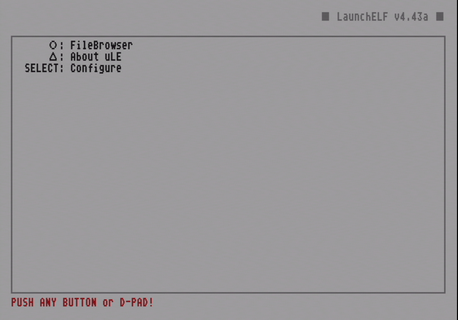
' but there was no bdm start on opl for me. So I decided to try and replace the versions of the opl's thinking it will maybe work that way. Instead it bricked my funtuna and it didn't want to launch no more... So I decided to do free mcboot instead. I did it by also following the tutorial above but the problem is whenever I click x to enter a app it's just black... There is however a 1 in a billion chance that maybe the app will launch, like it happend for me with free mcboot configurator.
I really don't know what to I am kinda desperate because I don't want mx4sio card alongside my sd card to go to waist after spending money on them so if you can help please do.
I followed this tutorial pretty accurately '
I really don't know what to I am kinda desperate because I don't want mx4sio card alongside my sd card to go to waist after spending money on them so if you can help please do.