OPL PC Tools

PS2 OPL PC Tools 3.1

brainstream

Member
Desktop tools for working with Open PS2 Loader storages. Written in Qt and can be run on Linux and MS Window (XP and higher).
With OPL PC Tools you can:
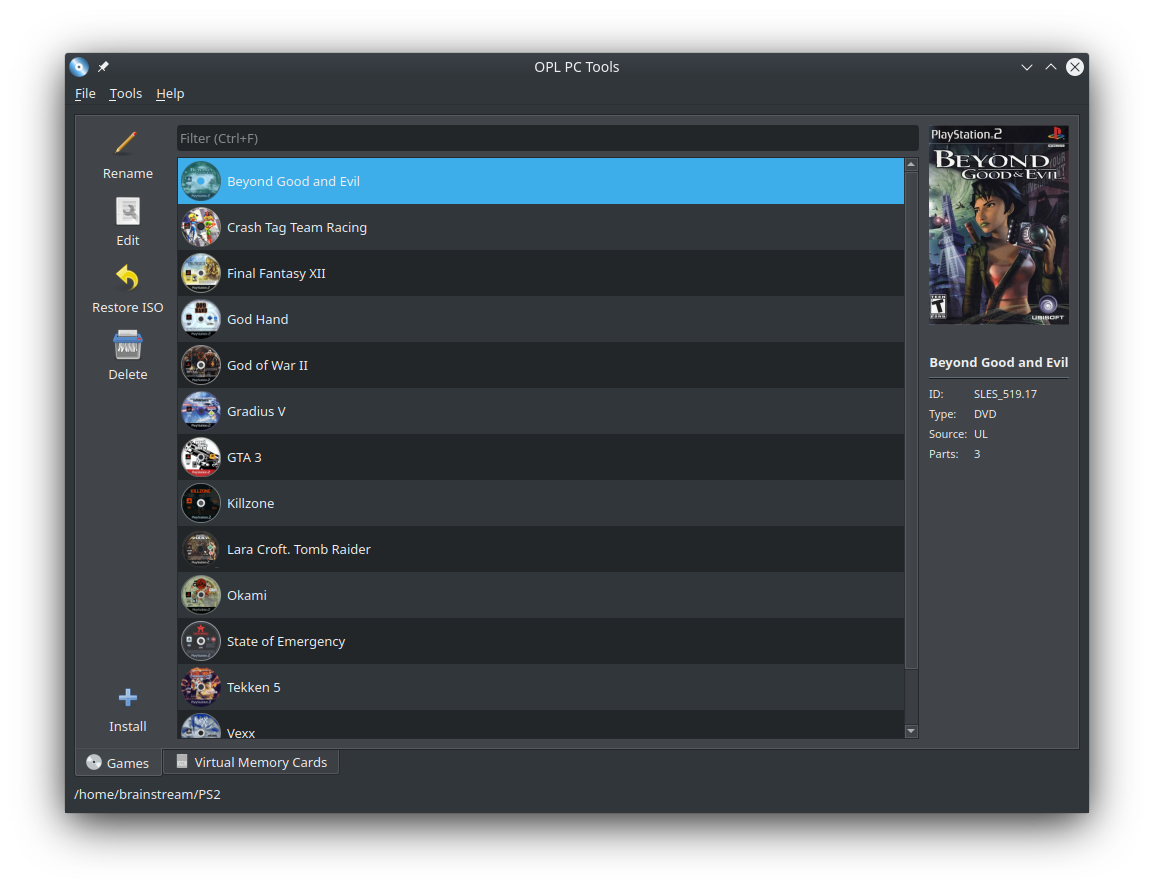
  • Manage your game collection;
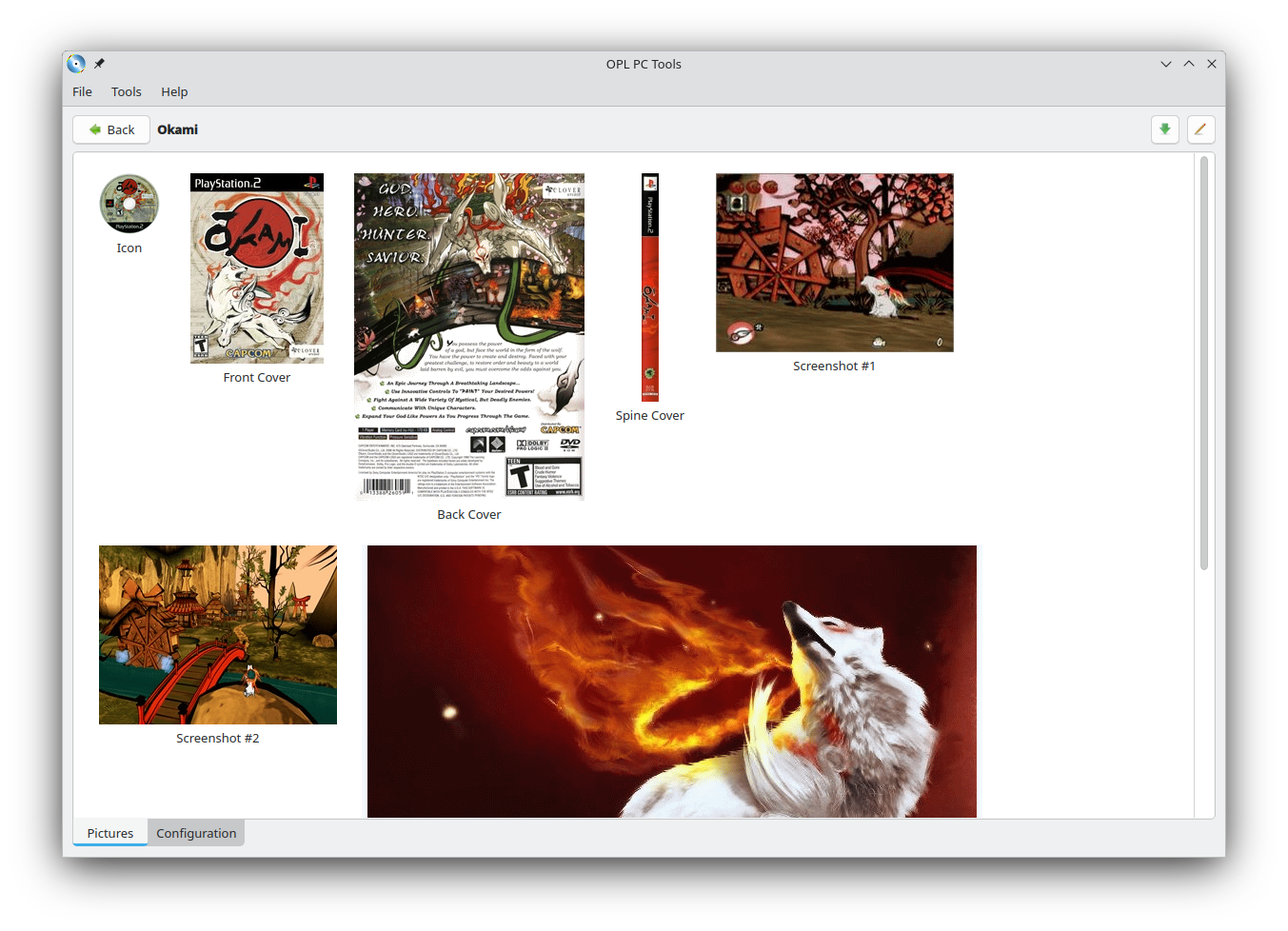
  • Set pictures for games;
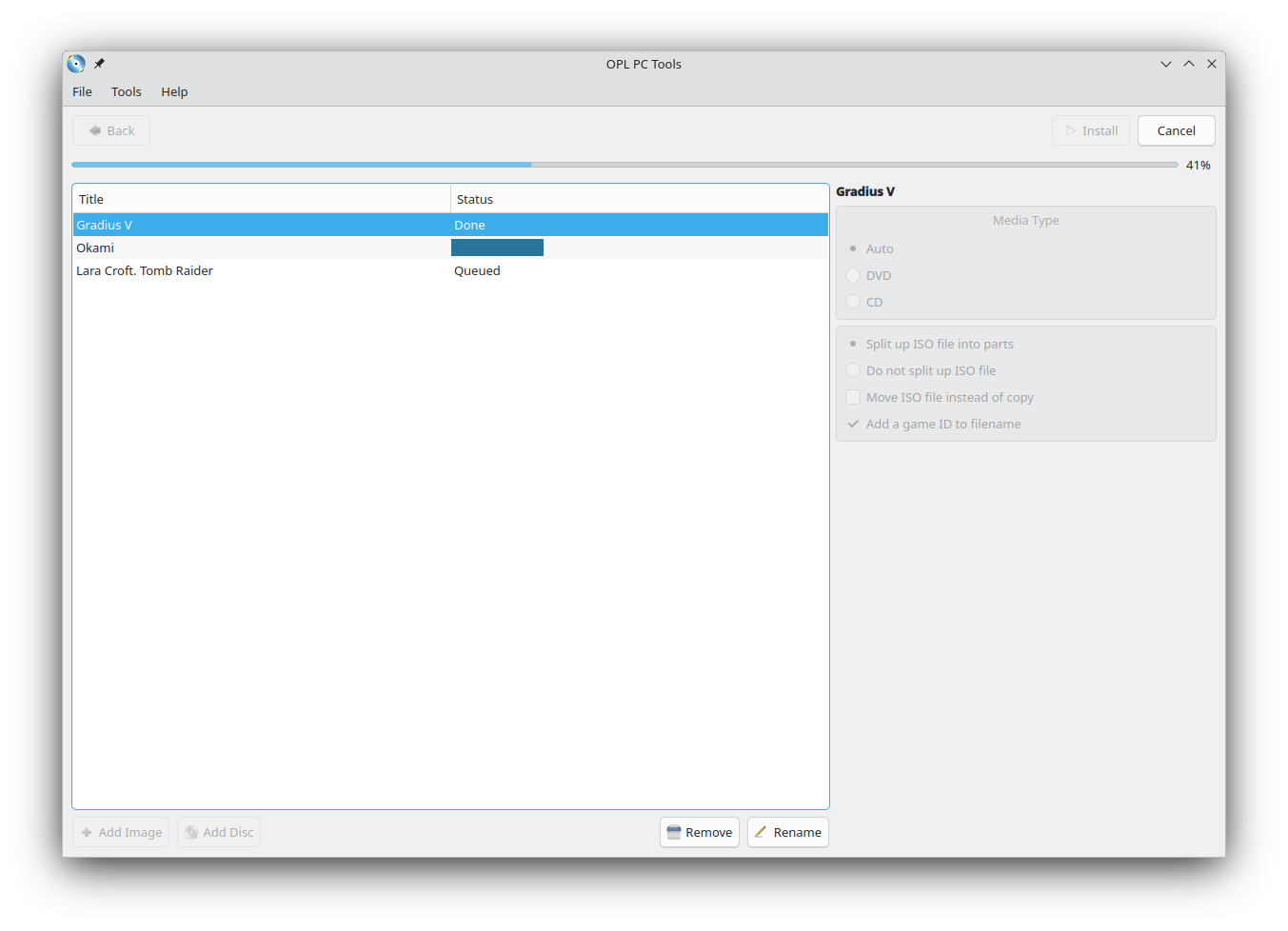
  • Install multiple games from different sources (CD/DVD drive or *.iso, *.bin, *.nrg files) in automatic sequential mode;
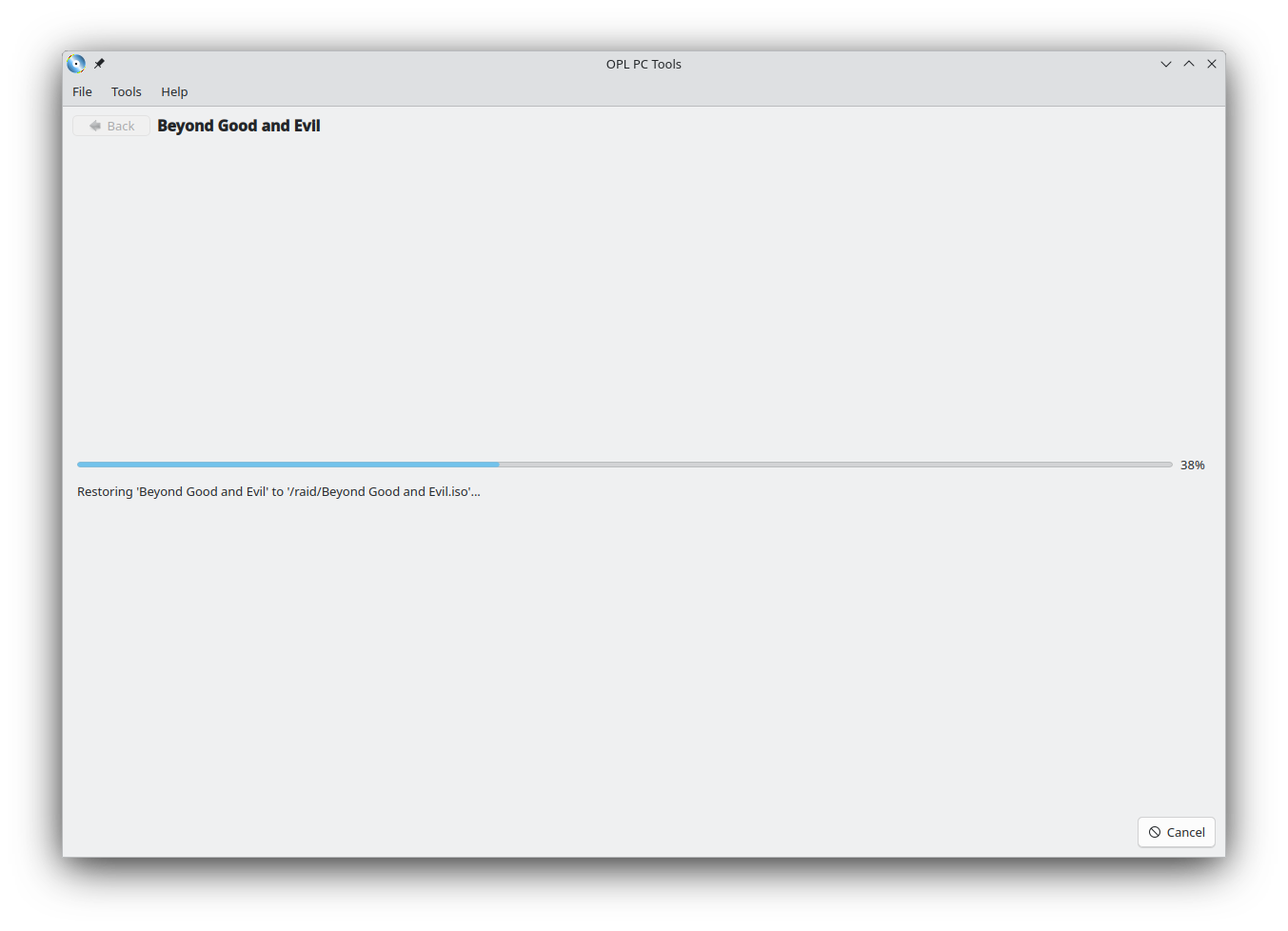
  • Recover *.iso files from installed games;
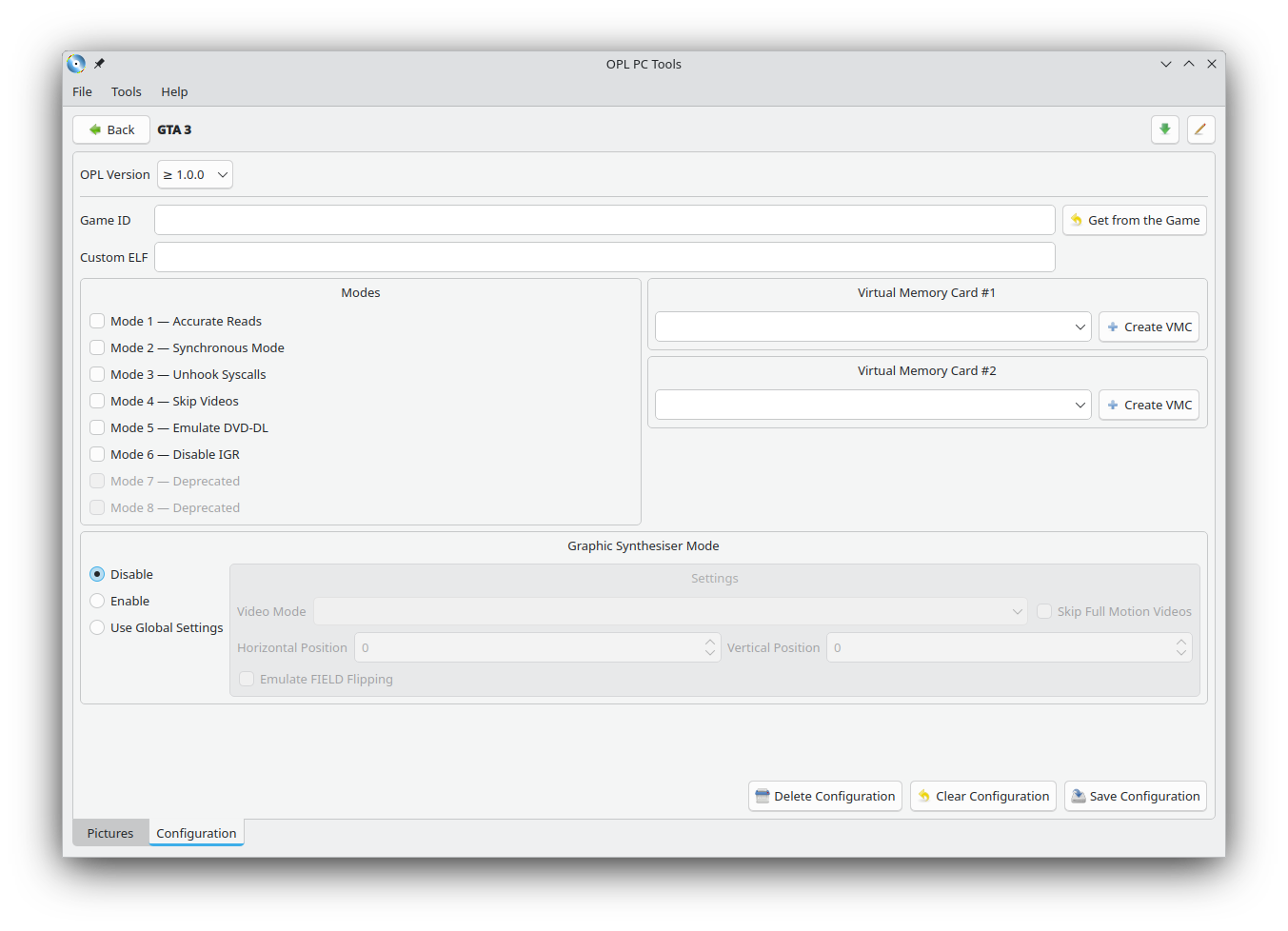
  • Edit game settings;
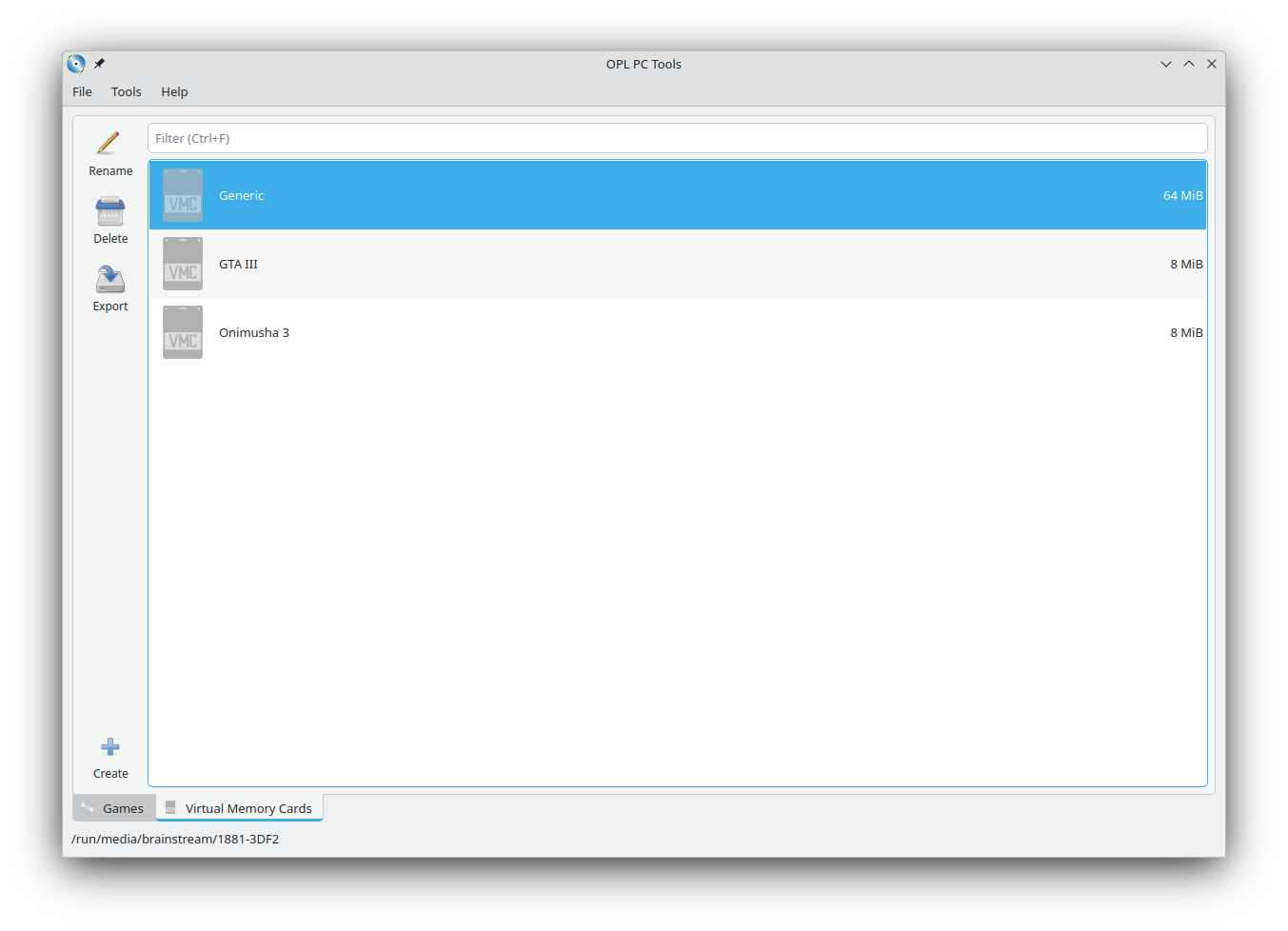
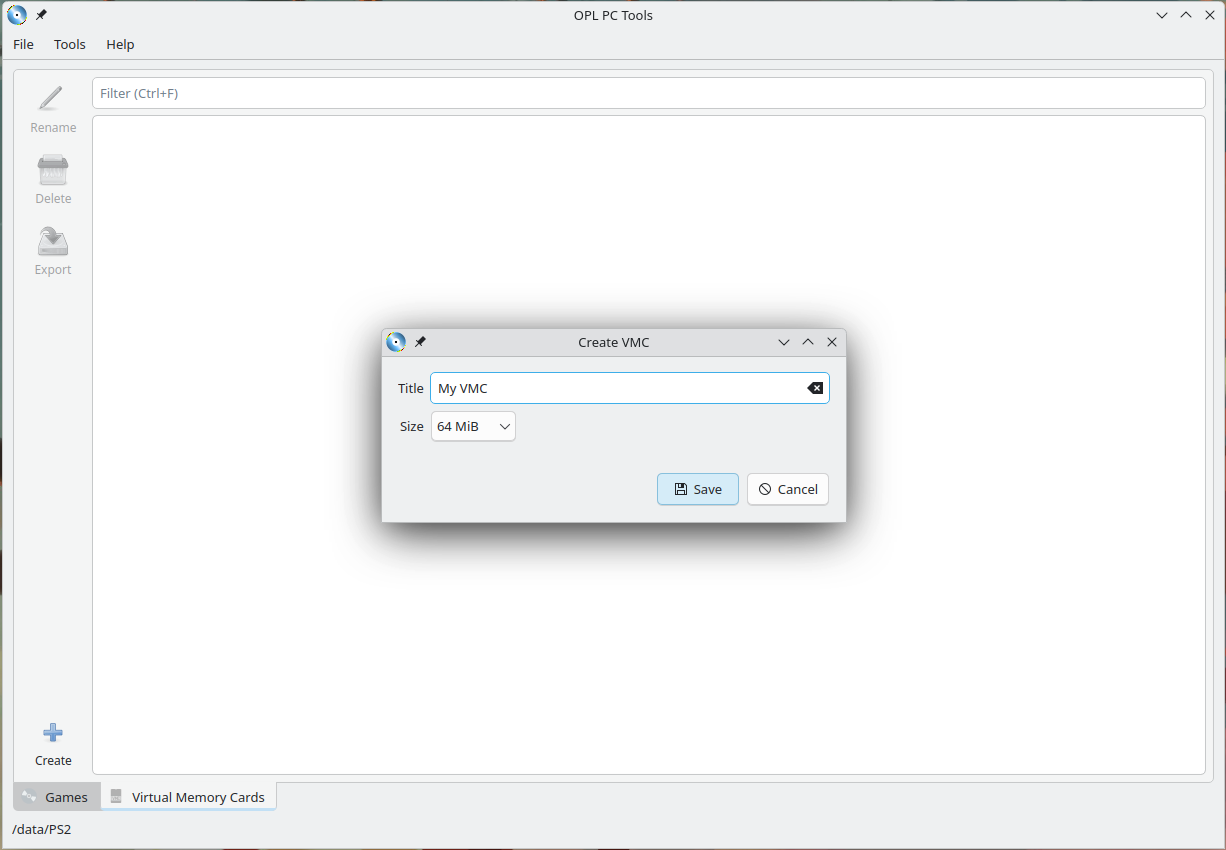
  • Create virtual memory cards;
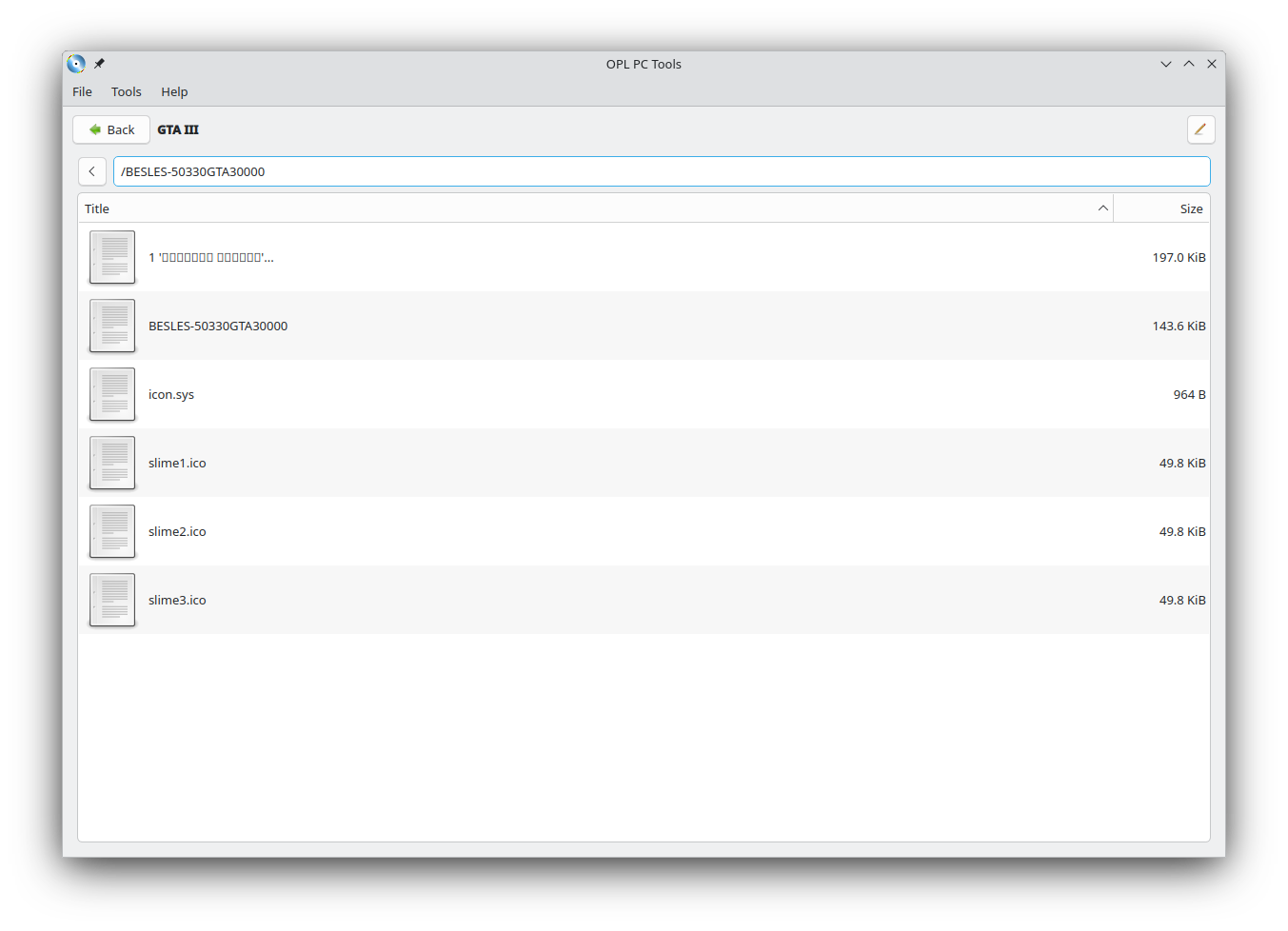
  • Read virtual memory cards and export data from them;
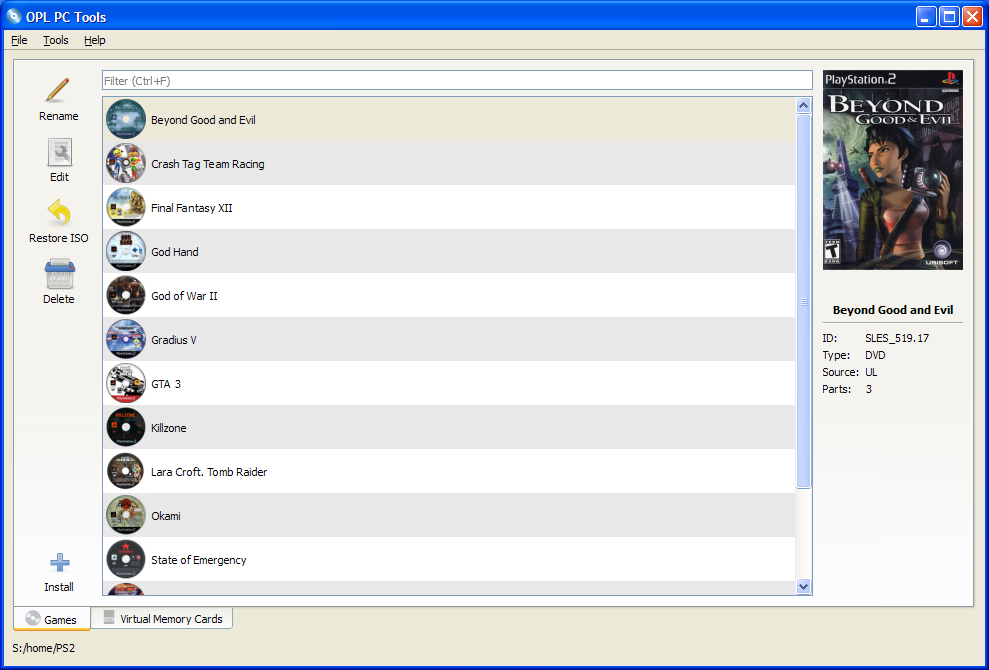
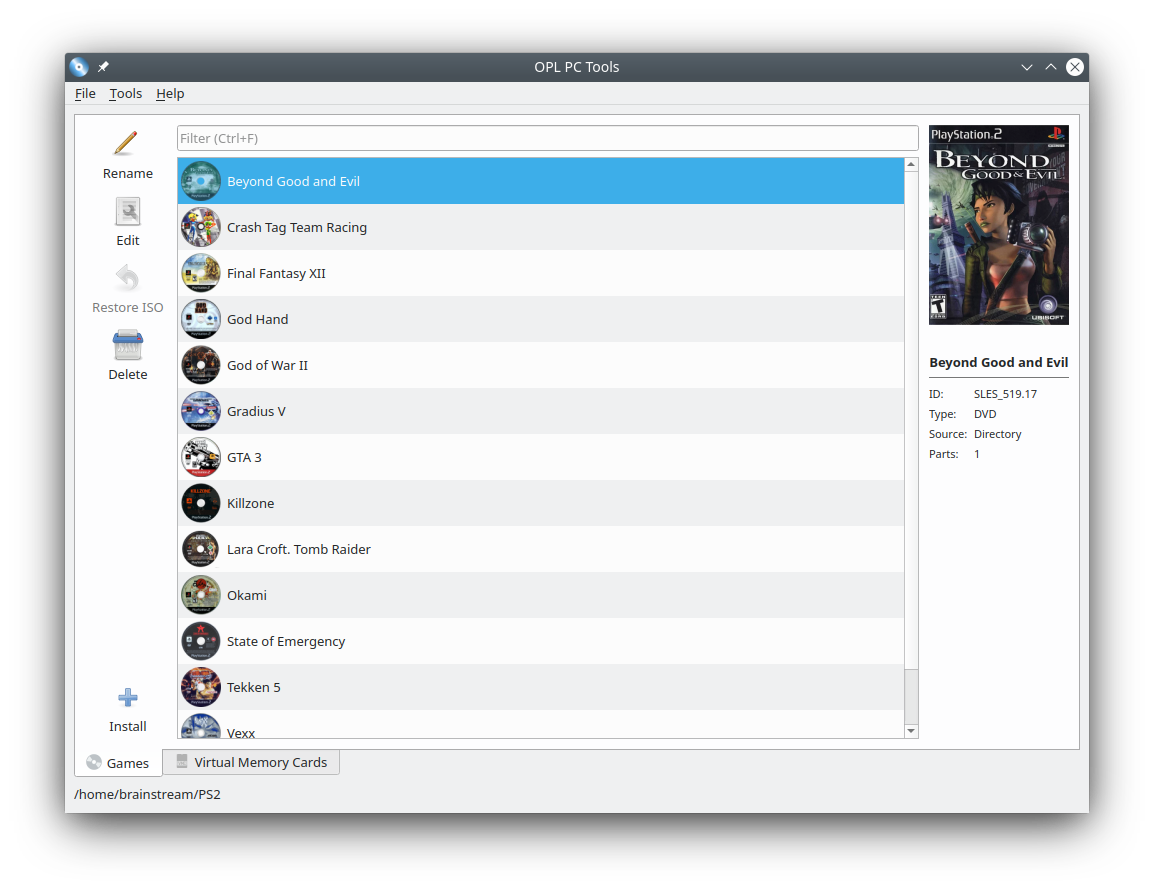
Main.png

Arts.png

Install.png

Recovery.png

GameConfig.png

VmcList.png

VmcCreation.png

VmcExplorer.png

Dark.png

WindowsXP.png
 
brainstream updated OPL PC Tools with a new update entry:

OPL PC Tools v3.0

  • Application renamed to OPL PC Tools (no more Open PlayStation 2 Loader PC Tools);
  • Icon theme completely replaced with Tango icons for all operating systems. These icons look great in both light and dark themes;
  • Added VMC management. Read-only so far. You can create VMCs and export data from them;
  • Added editing of standard game configurations;
  • Issue addressed;
  • And many other small improvements.

Read the rest of this update entry...
 
Hi i´m having issues with OPL Manger. ¿I need to put HDL DUMP in the same folder? ¿Where can i see a tutorial to OPL Manager to put the covers?
 
The official releases are only for 64 bit systems. For anyone wanting to run this on 32 bit (linux) machines, I compiled it myself. The steps to execute the program are in the readme.
github.com/EmotionalApe/OPL-PC-Tools-32bit-Compiled
 
Hello, is it possible to add an automatic art download to OPL PC Tools, similar to OPL Manager? I'd rather use the PC Tools, but this feature really makes OPL Manager a lot more convenient.
 
brainstream updated OPL PC Tools with a new update entry:

OPL PC Tools v3.1 released

✨ New Features
  • Download images from archive.org – Now you can fetch pictures directly!
  • Import games from other OPL storages

Linux Improvements
  • Built with Qt6 – Better performance and modern backend.
  • Wayland support – Native compatibility with Wayland displays.
  • Seamless desktop integration – Follows system themes and behaviors.

Several bugs fixes

Read the rest of this update entry...
 
I used to have this program for my games.

This is an excellent USBUtil replacement, but the images transfer seems kinda off for me.
 

Similar threads

Back
Top