PS2 Which are USB keys compatible with ps2 and OPL for PSX games?

hi
i'm using a quite old 64GB verbatim USB key with ps2, in order to play PSX games using OPL.
But now i would like to use a bigger usb key (128GB for example) inorder to add more psx games. I tried several usb key i still have and they aren't recognized by ps2...
Do you know some specifi model that is supported for sure?
I could try to buy the same model that currently have,but the new one has 128 GB and it is USB 3.0 (my current USB key is 2.0), but I don't know if buying this one it is supported by ps2...
Do you have any suggestion?

thanks!
 
It doesn't recognize them probably because the "style" of partitions are GPT (a standard design for new devices)
You must convert it to MBR (Master Boot Record) this will make your device compatible with the PS2.
To do this follow the following steps:
1.-Make a backup of your games as they will be lost in the process.
2.-Press "windows+x" key.
3.- select "Windows PowerShell (Administrator)".
4.-write the following line and press the "enter" key.

Code:
diskpart.exe

5.-type the following line and press the "enter" key (to see the number of your device).

Code:
list disk

6.-Write the following line and press the "enter" key.

Code:
select disk n

(where n is the number of your USB)

7.-Type the following line and press "enter" (this will delete all disk partitions and volumes).

Code:
clean

8.-Write the following line and press "enter".

Code:
convert mbr

9.- Once you receive the message "Dikpart successfully converted the selected file into MBR format"
close the window or type "exit" in the "command console".

10.- Add games, connect your device to the PS2 and enjoy.
 
Thanks
yes i know about the MBR format, and i verified it, but it is already correct.

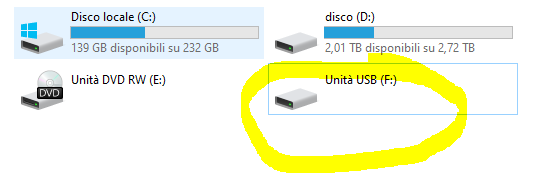
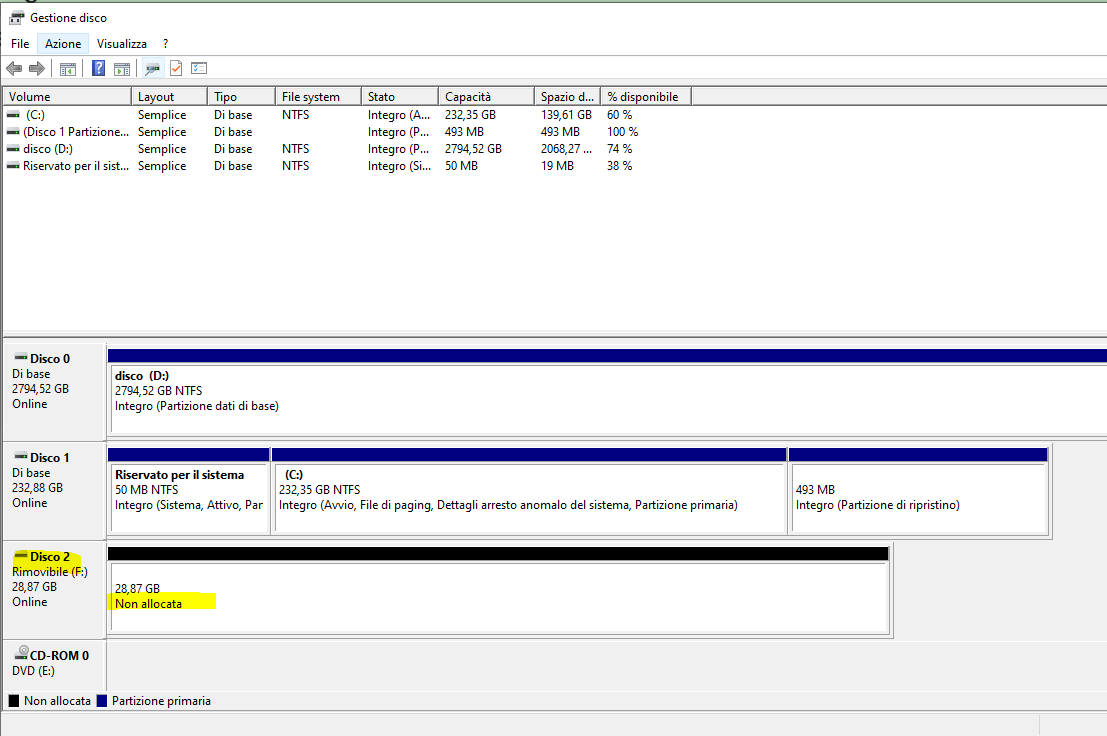
In any case, i followed your guide but now the USB key is no more recognized by my pc...it is impossible to format it in any way and it is impossibile to copy any file on it. It is also impossibile to forma it using GuiFormat software...the key isn't recognized, it seems it has no size:
8bc52df6

Cattura.png


And it seems that it isn't correctly formatted:

Cattura2.png


how can i fix it?

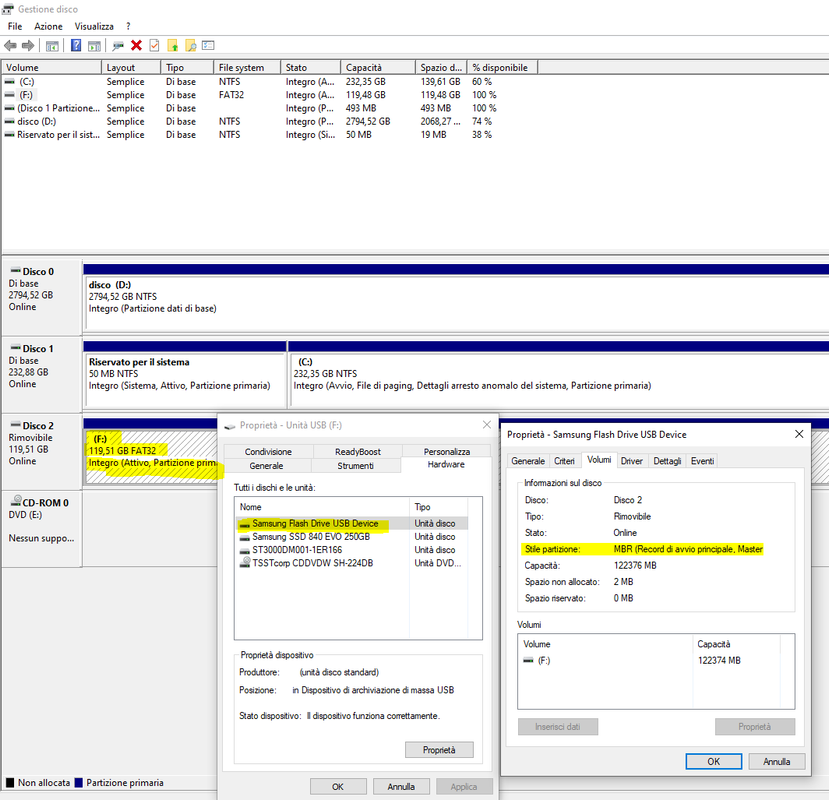
In any case, i tried another USB key, a Samsung 128 GB, it is already formatted in FAt32 and it is already in MBR format, but it isn't recognized by ps2:
Cattura3.png

thanks!
 
Last edited:
mmm... We have a memory with bad sectors, that's "another matter"
Fix it by running the command prompt as administrator:
Then write the following lines:

Code:
chkdsk U: /f /r

where "U" is the letter of your USB drive, wait for it to repair your USB flash drive.


Edit:

If you receive the following message "CHKDSK is not available for RAW drives".

Do the following:

1.-Open disk manager (Windows key + x/ disk manager)

2.-Right Click on your drive and choose new simple volume.

1.png


3.-Choose a size to partition (you can leave the default size)

2.png


4.-Assign a letter for your drive

3.png


5.-Edit your USB volume label and choose the format for your drive

4.png


6.-Click finish and wait for the partition to be created.

5.png


7.- When you finish your unit it should look like this.

6.png
 
Last edited:
thanks my colleague helpded me to fix that :)
Now, i have to understand why every usb key isn't recognized by PS2... i would like to substitute my current working 64GB usb key with a 128GB one, i tried all the usb keys i have at home but none is detected...every usb key is FAT32 formatterd and with MBR partition. I copied the contente of my current usb key into the new one, but when i run OPL, it isn't detected any game...
 
What actually happened is that you did all the steps correctly, you just missed partitioning it again (carelessness on my part) I'm sorry if you had a good scare.

For the rest, before ruling out the USB, we will rule out other possibilities.

One of them is that, if you have games in a folder, let's say called "PS2SMB", you have to assign the path of your games in the OPL menu or it will not read any of them.

OPL_BDM_PATH.png
 
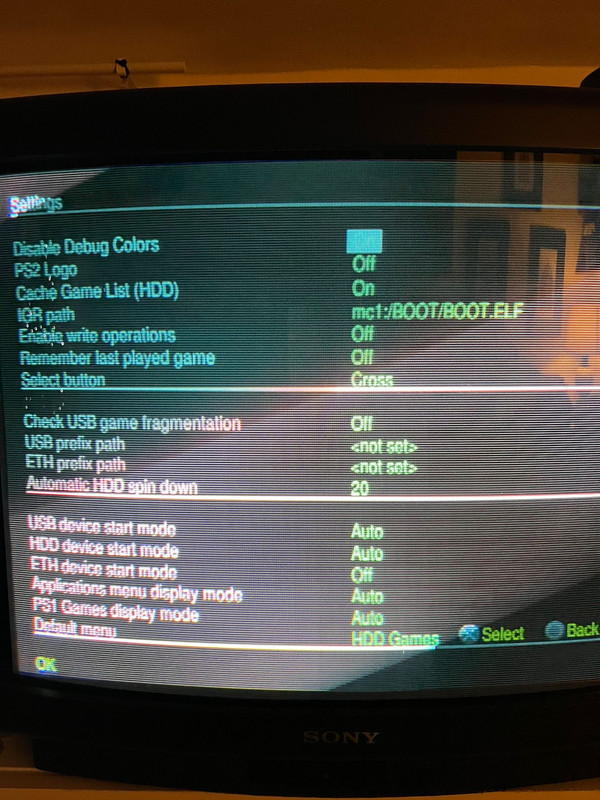
well, this is my default configuration:
Whats-App-Image-2023-11-27-at-21-28-25.jpg


and it correctly detect my default usb key.
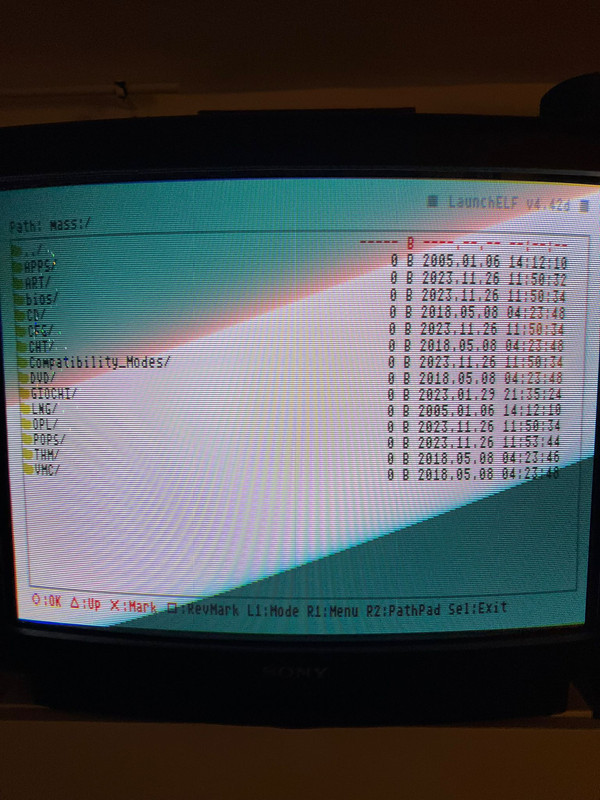
I tried with another USB key, it isn't detected in OPL menu, ma if i try to explor in uLaunchElf --> MASS --> the USB key is detected:
Whats-App-Image-2023-11-27-at-21-28-15.jpg


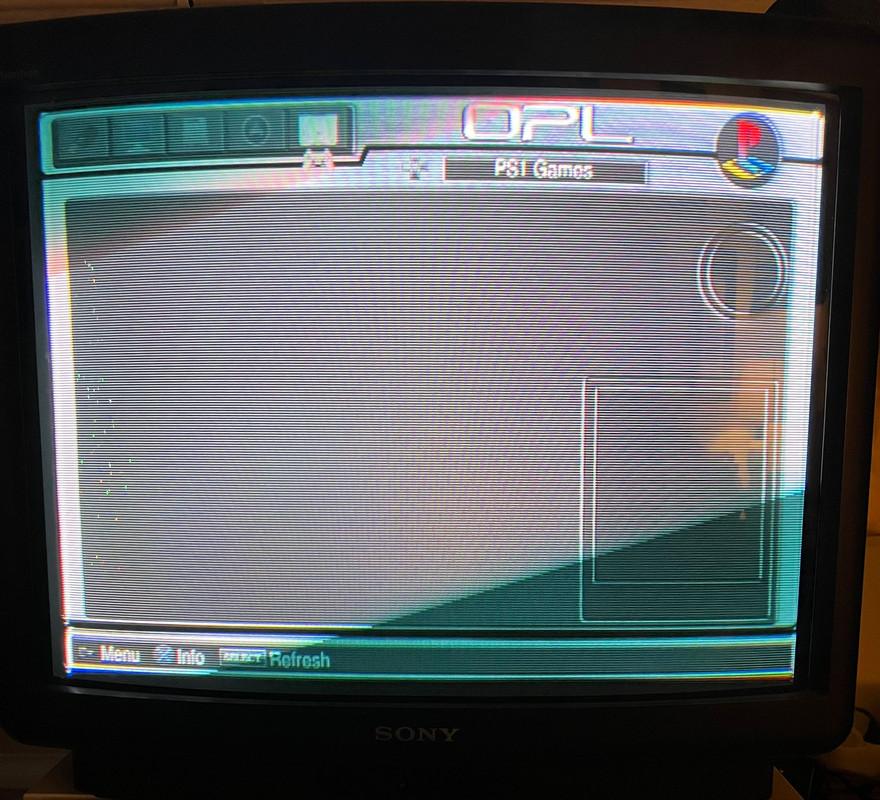
But in OPL it doesn't:
Whats-App-Image-2023-11-27-at-21-34-47.jpg


What can I do?
thanks
 
well, this is my default configuration:
Whats-App-Image-2023-11-27-at-21-28-25.jpg


and it correctly detect my default usb key.
I tried with another USB key, it isn't detected in OPL menu, ma if i try to explor in uLaunchElf --> MASS --> the USB key is detected:
Whats-App-Image-2023-11-27-at-21-28-15.jpg


But in OPL it doesn't:
Whats-App-Image-2023-11-27-at-21-34-47.jpg


What can I do?
thanks


I see that you are using OPL DB, it is not surprising that the USB does not recognize you, I changed to the official version due to some bad experience when using OPL DB.

you can get it from here:

https://github.com/ps2homebrew/Open-PS2-Loader/releases
 
ah...i really like OPL DB interface...i found this tutorial
but i don't know if i can install this new OPL version overwriting the existing one.
Otherwise, i could transfer PSX games on internal HDD, as a friend of mine did...probably it is more simple...?
 
ah...i really like OPL DB interface...i found this tutorial
but i don't know if i can install this new OPL version overwriting the existing one.
Otherwise, i could transfer PSX games on internal HDD, as a friend of mine did...probably it is more simple...?


As far as I know, the official stable version is version 1.1.0 (you can find it in the link I provided) and the one in the video you show is v1.0.0.

You can play PSX games in the applications section following this guide.

https://www.psx-place.com/threads/m...ames-in-the-app-section-of-opl-via-usb.41184/

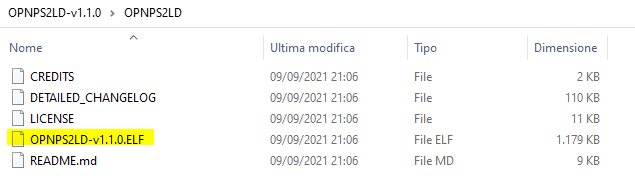
To install OPL just replace the old file with the new "ELF" either on your memory card or on your USB device.
 
well, i don't need to do that! I discovered the issue with my USb key! I forgot to copy a file into the POPS folder!:ambivalence:
now it perfectly works, the usb key is correctly detected! :friendly wink:
thank you very much, i'm really sorry for that :\
 
well, i don't need to do that! I discovered the issue with my USb key! I forgot to copy a file into the POPS folder!:ambivalence:
now it perfectly works, the usb key is correctly detected! :friendly wink:
thank you very much, i'm really sorry for that :\

Which surprises me considering you said you followed my tutorial many times, but I'm glad you were able to solve it.
 
hi guys, i'm still here as i still have an issue with my new 128GB USB key.
As i previously said, now i'm able to use the new 128GB usb key and it is correctly detected by ps2 and OPL. So i copied all the contents of my old 64Gb usb key into the new one, and all games are detected and they works.

Well, now i added 10 new psx games into the 128Gb usb key: they are detected, but when i push X to load them, there is a black screen and none of those games start! I really don't know why! I tried to copy a couple of them into my previous 64Gb usb key and they perfectly works! So the issue is related only to those new games only into the 128Gb usb key.

I tried to defrag it but it wasn't necessary as the usb key is already defragmented. I tried to format the key and copy all the contents again from my PC desktop, but the issue is still present: games that were present (101 games) into the previous usb key work correctly, the 10 new games don't...
Do you have any idea how to solve this really strange issue?

thanks!

EDIT: i tried to delete the 10 games and add again only one of them. But it doesn't work. The added game doens't start. I really don't know the reason..
 
Last edited:
hi guys, i'm still here as i still have an issue with my new 128GB USB key.
As i previously said, now i'm able to use the new 128GB usb key and it is correctly detected by ps2 and OPL. So i copied all the contents of my old 64Gb usb key into the new one, and all games are detected and they works.

Well, now i added 10 new psx games into the 128Gb usb key: they are detected, but when i push X to load them, there is a black screen and none of those games start! I really don't know why! I tried to copy a couple of them into my previous 64Gb usb key and they perfectly works! So the issue is related only to those new games only into the 128Gb usb key.

I tried to defrag it but it wasn't necessary as the usb key is already defragmented. I tried to format the key and copy all the contents again from my PC desktop, but the issue is still present: games that were present (101 games) into the previous usb key work correctly, the 10 new games don't...
Do you have any idea how to solve this really strange issue?

thanks!

EDIT: i tried to delete the 10 games and add again only one of them. But it doesn't work. The added game doens't start. I really don't know the reason..

It is worth asking, are you still using OPL DB?
 
yes, as it perfectly works with all the games i tried until now... it is a really strange issue this one :( It is impossibile that if i add games into a new USB, they don't start, But if i add them in my old USB they work perfectly. And this happen only with the new added games...

I tried another USB key, a 256GB: i added all the folders/files from my previous one, but this time i added only a couple of games from the working 101 and a couple of games from the new not working 10: the games from the 101 working, perfectly start. The 2 from the 10 new ones, don't!!!!
 

Similar threads

Back
Top