
Format with uLaunchELF 4.43a 41e4ebe (11-1-2019)
https://mega.nz/folder/50ITQSDI#nZfgmUpJiL8b8cPa8n8BeA
After formatting create +OPL partition with a decent size (something between 512mb and 1024
Then install FreeHdBoot (even if you don't want it, the FSCK utility is useful to warn you if something happens to the HDD) https://github.com/israpps/FreeMcBoot-Installer/releases
After installing FreeHdBoot restart the console without memory cards to see if everything is Ok.
Then you can go to your PC and install games
About removing games from any PC software...
You should avoid that, remove games via uLaunchELF HDDManager
Ok, thanks alot , but it is standard basic information about use fmcb and opl.
Now I need to understand how get back games before format hdd.
Early I said that tried to get backup by Winhiip's copy disk function to copy games to my portable external hdd, but in the end i've get the same hdd with bad.patrn and without same ability add\delete games. ( ok, now i know that delete games i need use uLe hdd manager)
Berion offered to make correct backup with IsoBuster, but i don't get how...


 didn't understand at first....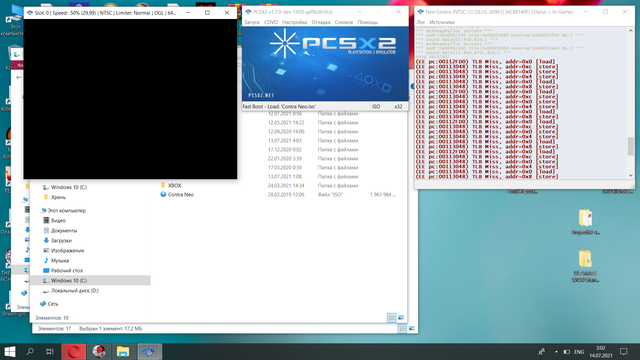


 Or also You can boot it from pendrive, it is also a valid test (if this title is also USB compatible; compatibility between HDD/SMB/USB/FW/MX4SIO are different).

