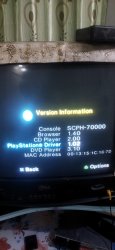
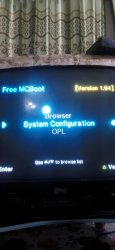
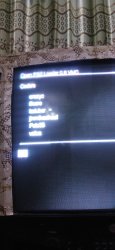
OK, the main thing you need (and what you're missing) is file manager and executable launcher. It's called
wLaunchELF or wLE in short.
Since you have no idea what you need and why, you simply download the simplest basic 'BOOT.ELF' from there.
But since you don't have it in the menu, even if it is on your card, you won't be able to call it.
So you need to run it some other way. Here you can use what is called FMCB 'Recovery Mode'.
You rename 'BOOT.ELF' into 'RESCUE.ELF' and copy it into root of your FAT32 formatted USB flash drive.
Just like
here.
As soon as wLE launches, you can consider that half the work is already done.
Note, it would be a good idea to reinstall FMCB in a normal, human way at this step. But since you don't even know whether your memory card is fake or not, in the case of a fake card you can simply achieve that FMCB will not longer be able to load from this your fake card. Fiasco.
So you don't do it.
Instead, you study the directory structure on your memory card and their contents, looking for where your wLE and OPL are located on your memory card. And update them. If they are not there, then you place them to where they should be. You can get the latest stable OPL v1.2.0 Beta 2049
here.
Next, in order to be able to call wLE from the FMCB menu itself (i.e. w/o 'recovery' trick), you may want to edit the FMCB configuration file to add/edit menu items. With help of special FMCB Configurator.
Just like
here. Very carefully and attentively. Reading what you're doing. So to don't screw up.
Fin.
As for the rest of your nonsense, I doubt that anyone anywhere can help you with it in any way.