Omar Aqoub
Member
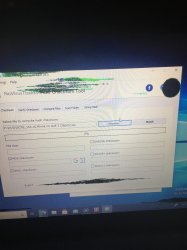
You clicked on "compare files"... There are the tabs! Choose the first one.
I'm in "File Checksum", now what can I do?

You clicked on "compare files"... There are the tabs! Choose the first one.
What file?Scan the file and compare the results with those on redump.org!
Your ISO/game...
What does that mean?
Are you on redump.org and found it?
I don't know.
There is a section "tracks" there... Copy the MD5 and SHA-1 checksums and compare them...
Why is the game in a 7z-archive?