

Ripto
PSX-Place Supporter
I've been sharing information with users on discord, and many have found it helpful - so I felt posting on psx-place to be a good idea. Throughout this post, are dozens of links to information, hardware, and tools recommended in 2025. I will continue to update this post as things continue to develop in the ever changing world of PS2 Development.
I hope this offers some entry clarity on options and recommended hardware peripherals/accessories.
LAST UPDATED: February 12th, 2025
If purchasing your homebrew/entry, MMCE devices are recommended over all other options thanks to their simplicity and ability to simply download an exploited VMC. No tricks, no skill.
MMCE Devices:
- sd2psx - DIY Option
- PMC(+/Z) * DIY Option - Screenless
- MCP1-002 * MMCE Capable with less features than MCP2
- MCP2 * Premium Features/Pre-orders Recommended
- PSXMC * Screenless
- PSXMC2 * Best Value/Most Available
- non-MCP1/2 (all other devices) firmware and information: https://sd2psxtd.github.io/
- non-MCP1/2 (all other devices) PS2BBL with FMCB Decrypted and OpenTuna for Slims Here. (FAT Users should delete the OpenTuna folder with wLaunchELF prior to viewing the memory card.)

- MCP2 firmware and information: https://install.appcenter.ms/orgs/beta-ucu9/apps/memcard-pro2/distribution_groups/public
- MCP1-002 firmware and information: https://distribution.appcake.co.uk/install/8bitmods/apps/memcard-pro/public
- MCP1/2 FMCB and PS2BBL and OpenTuna (for slims) Pre-Installed Ready to use .mc2 VMC Files here. (FAT Users should delete the OpenTuna folder with wLaunchELF prior to viewing the memory card.)
MMCE Notes:
- Recent MMCE device reviews have been extremely misleading, do not believe the negativity on youtube. A properly configured and setup MMCE device will run much better than what has been featured on the hot youtube videos.
FFX does not stutter, KH does not stutter outside of 2 seconds on the Riku Wave scene, and Prince of Persia Sands of Time intro FMV is a little jittery.
PS2 HDD/SSD Recommendations:
- SATA HDD > 5400RPM with 512 or 512e Sector Support. (*3.5" recommended but not required*) or SATA SSD.
- < 1TiB if using HDDOSD, < 2TiB if not using HDDOSD, theoretically unlimited if using APAJ without HDDOSD or when using internal exFAT GPT alone.
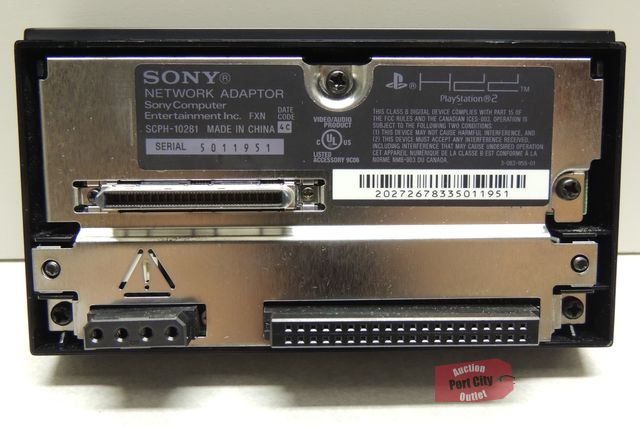
- OEM Sony Network Adapter for highest compatibility and network functionality.
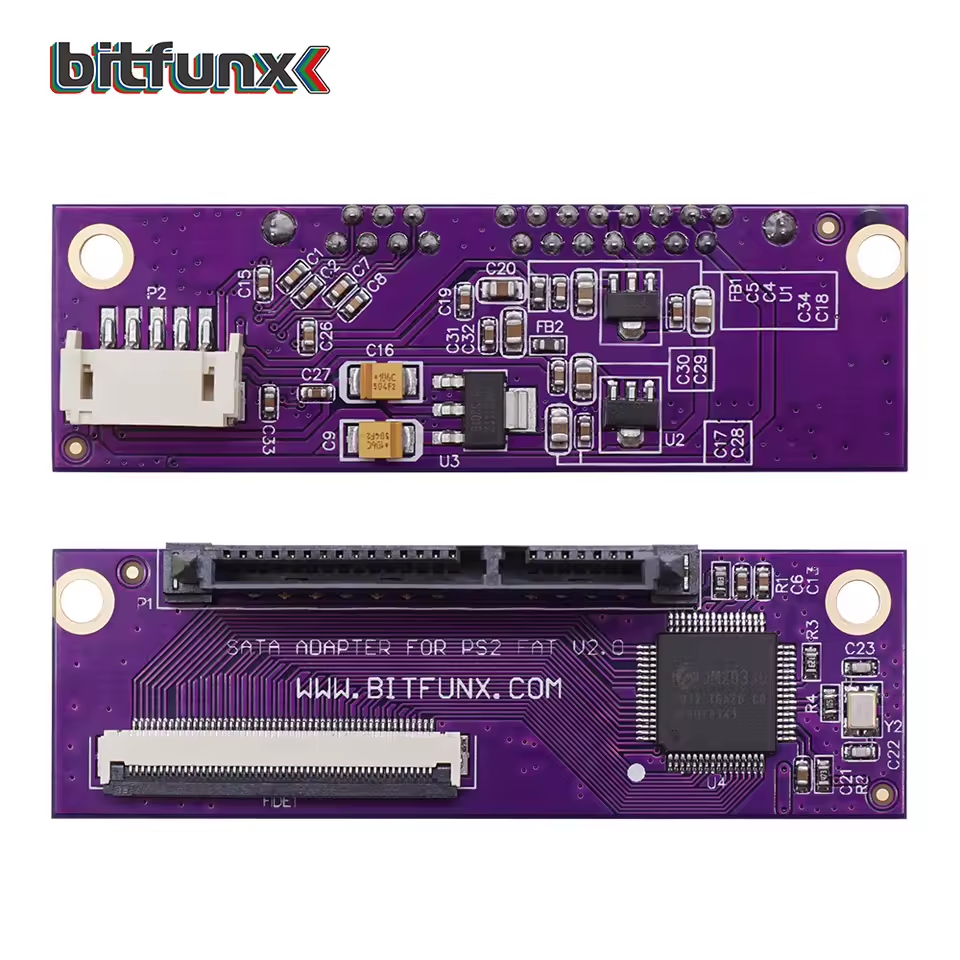
- BITFUNX Sata Kit* to make the network adapter support SATA. (Do not buy from resellers or otherwise - a clone or outdated chip will not work with PSBBN. Tons of clones, buy from bitfunx officially.)
- 2.5" HDD/SSD Bracket if using your console vertically with a 2.5" or SSD drive.
- A SATA to USB kit to connect your HDD to a PC which includes a power source - USB alone will not power the 3.5" drives.
- PFS-BatchKit-Manager by GDX and optional HDD-OSD/Browser 2.0 to do any of the chosen exploits and game installs from a Windows PC.
- PS2HDD Decryption Helper by Berion for APAJ conversion/setup/exploits via Linux or WSL.
- PSBBN English Patch Installer by CosmicScale for PSBBN full English installation.
- FHDB via FMCB Installer by El_isra. or an updated re-pack here with BDMA and MMCE OPL already applied to the installer.
- HDL Batch Installer by El_isra for PS2 game management on APA drives.
Other Recommendations:
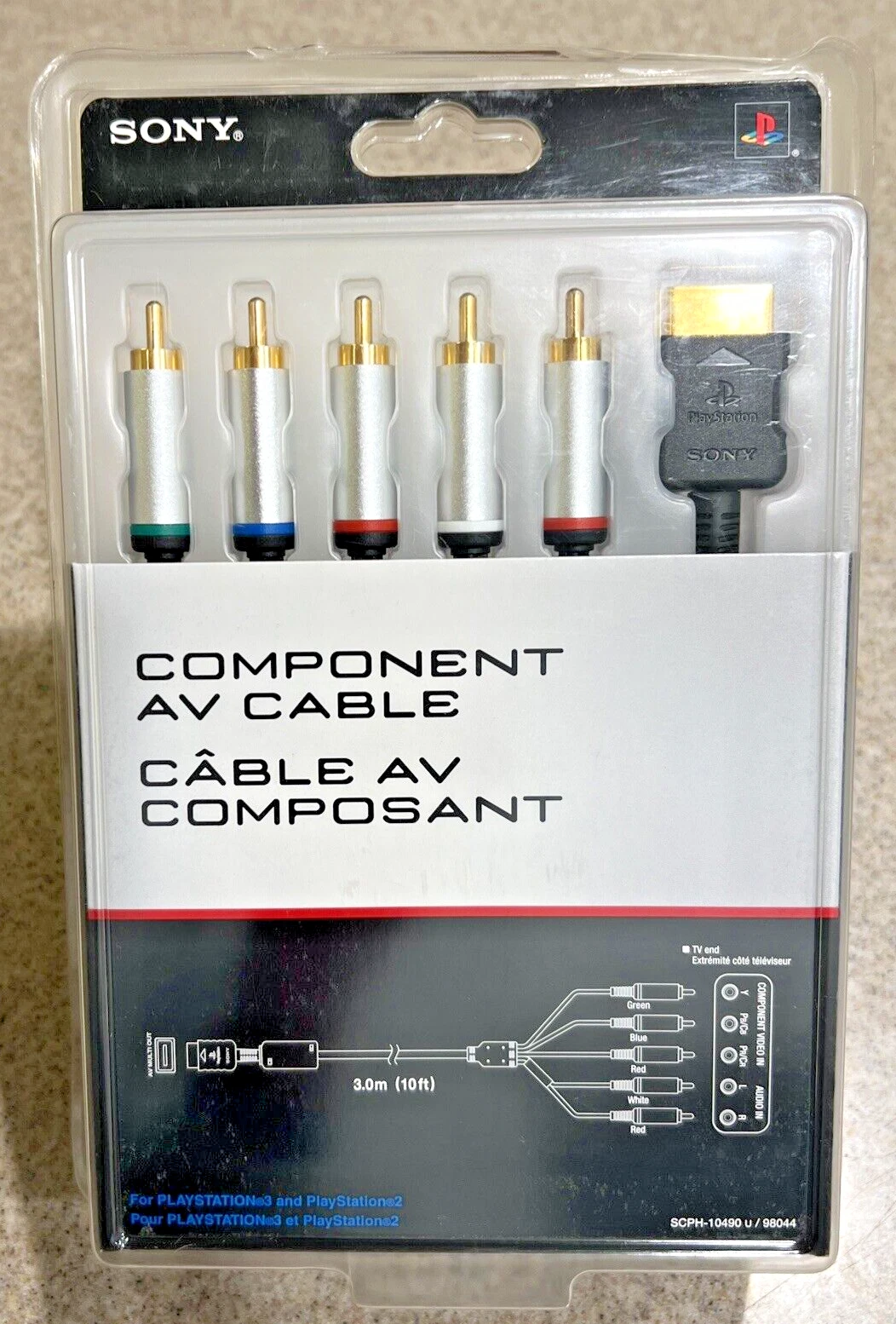
- PS2/PS3 OEM Component Cables or HD RetroVision Component Cables (Comparable to OEM, only applicable if you can use a Component Connection or Convert It.)
- PS1/PS2 to HDMI by Kaico (These are not great, but they are acceptable. Nothing will beat Component IMO, but I use this on the fly.)
- Insurrection Industries makes fantastic cables, such S-Video or Y-Converters.
- RetroTink's various Scaler options are the best of the best for video and audio solutions.
- PSxMC2 and/or MCP2 with > 64GB highspeed microSD: A2 U3 V30 or higher. (exFAT 32kb Cluster MBR format)
- microSD to USB for the occasional game that doesn't work via MMCE, as well as microSD card management via USB.
- Blue-Retro Core with DualShock 3 or any other wireless Bluetooth controller. Open source with constant improvements like pressure sensitive buttons. Best value.
- Brook Wingman is a great Bluetooth adapter. Has pressure sensitive support like BlueRetro but also exclusively features support for USB controllers like fight sticks.
- RetroFighters Defender for the PS2 is praised for its pressure sensitive button compatibility as well.
- fat32 mbr 32kb cluster formatted USB drive for applications which don't support MMCE or HDD.
- exFAT mbr 32kb cluster formatted USB drive for games which don't support MMCE or HDD.
- Wireless extender if you need to make the PS2's ethernet connection wirelessly connect to the network.
- Open PS2 Loader MMCE Beta 2 as a stable highly compatible OPL option.
- BDM Assault (BDMA) by El_isra to ensure exFAT compatible USB drivers.
- FMCB Installer by El_isra. or an updated re-pack here with BDMA and MMCE OPL already applied to the installer.
- OPL Manager - to manage games on exFAT or fat32 storages.
Speed Chart:
- SMB would be between MMCE and iLink:

All users whom have shared feedback with me, have been happy with their results and options.





I welcome all feedback and will try to keep common questions added to the list as well.
Last edited:


