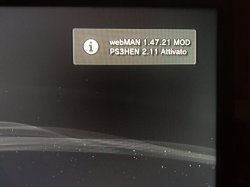
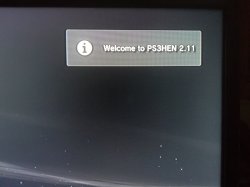
So you're having trouble enabling HEN, well, I had this problem in one of the previous versions, (but it was not quite like yours) I solved it like this ... clearing the browser cache, clearing the cache and everything the browser helps you solve this kind of problem, if you go to a lot of research on your PS3 or even occasionally visit some sites, it is not enough to just clear the history, but rather the entire browser. You can clear the cache in XMB, just go on. PlayStation®Store on the "game" tab (it can be on the PSN tab in What's New) and press the triangle button, will appear some options, you choose to clear the cache. do not worry if you stop it a little, it's normal, depending on how much cache you have, it will take a while. do it two or three times, but I recommend two because more than this the PS3 freezes, I do not know why but when I was in HAN I used this option as many times as I wanted ... well do it and see if it solves, for me it solved . ah and another thing, do all this before you try to enable HEN.
If it succeeds, restart the console and try to enable HEN again, if it gives an error, restart and clear the cache, if it works, then the problem is the cache, do this until you do not give more error when enabling HEN.