PSX-FPKG

PS4 PSX-FPKG (by Jabu) - A Tool to convert PS1 (PSX) games for use on PS4 v0.3

Config+Cheats for Ehrgeiz (SLUS-00809)

SLUS00809.lua
Code:
-- Ehrgeiz [NTSC-U] (SLUS-00809)
-- Widescreen hack by Gamemasterplc
-- ported to PS4 lua
-- emu used=syphonfilter v2

local patcher = function()
--Widescreen 16:9
local code_check1 = R3K_ReadMem16(0x057A9A)
if code_check1 == 0xAC64 then
R3K_WriteMem16(0x80057A88,0x2080)
end
local code_check2 = R3K_ReadMem16(0x057A9A)
if code_check2 == 0xAC64 then
R3K_WriteMem16(0x80057A8A,0x0C00)
end
local code_check3 = R3K_ReadMem16(0x057A9A)
if code_check3 == 0xAC64 then
R3K_WriteMem16(0x80057A8C,0x0000)
end
local code_check4 = R3K_ReadMem16(0x057A9A)
if code_check4 == 0xAC64 then
R3K_WriteMem16(0x80057A8E,0x8C44)
end

R3K_WriteMem16(0x80008200,0x0003)
R3K_WriteMem16(0x80008202,0x2405)
R3K_WriteMem16(0x80008204,0x0019)
R3K_WriteMem16(0x80008206,0x0085)
R3K_WriteMem16(0x80008208,0x2012)
R3K_WriteMem16(0x8000820A,0x0000)
R3K_WriteMem16(0x8000820C,0x2083)
R3K_WriteMem16(0x8000820E,0x0004)
R3K_WriteMem16(0x80008210,0x0008)
R3K_WriteMem16(0x80008212,0x03E0)
R3K_WriteMem16(0x80008214,0x0004)
R3K_WriteMem16(0x80008216,0x8C45)
--Enable All Endings
R3K_WriteMem16(0x801F1A00,0xFFFF)
--Enable All Characters
R3K_WriteMem16(0x801F19FC,0xFFFF)
R3K_WriteMem16(0x801F19FE,0xFFFF)

end

EM_AddVsyncHook(patcher)
config-title.txt
Code:
# Ehrgeiz

--sim-analog-pad=0x2020
--ps1-title-id=SCUS00809
--region-dir=SIEA
#--cdrom-max-seek=true
--bios-hide-sce-osd=0
#--gpu-scanout-fps-override=FXAA
#--defer-linked-dma-irq=true
#--opt-cache-isolation=true
#--pace-gpu-dma=true
#--libcrypt=true
#--deterministic=true
--scale=6
#--gamma=5
#--brightness=5

Works great! Title screen slightly offset to the left
 
Last edited:
Can someone check if Quake 2 works with multitap for 4 players?
Btw is there any way in this new emu to switch between analog and digital modes like using the button between sticks on real dualshock?
Many games support analog both sticks but you need to enable it on the controller itself.
 
Silent Hill. Trade Demo. Quick Look
icon0.png

VIDEO
 
hi, how to fix video skipping in RE2,3? I ran RE3 once and the intro loaded right after the CAPCOM splash screen, but that was only once. :biggrin:
 
Last edited:
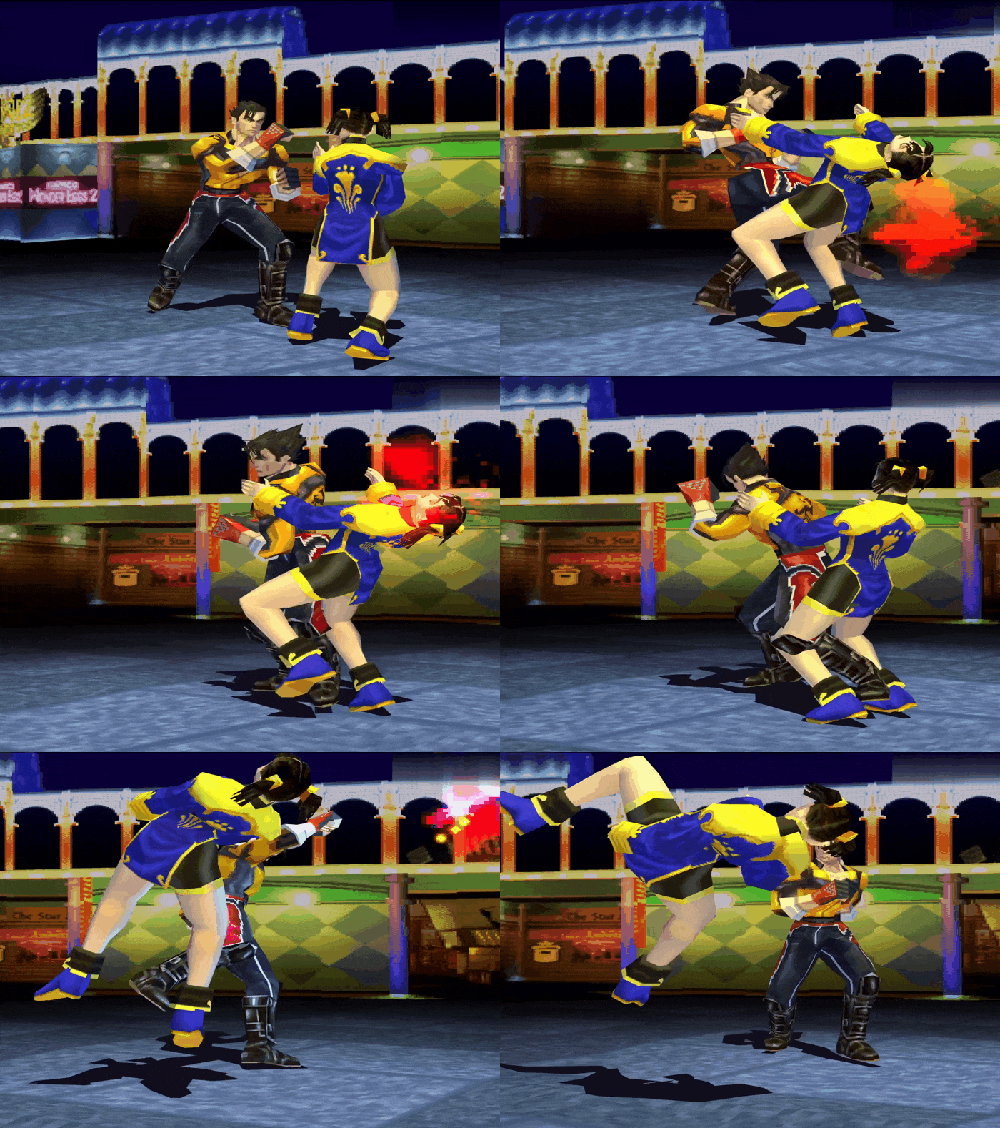
Tekken 3. Short GamePlay!
Tekken-3.gif

Looks more better then was in Tekken 5 package with arcade history! Looks very pure!
VIDEO

¡Hello ! I tried and unfortunately after passing the Arcade mode the screen remains black. This is a common problem when it comes to emulating this game on other platforms. I think it's a matter of the tracks. Maybe it can be corrected :D
 
¡Hello ! I tried and unfortunately after passing the Arcade mode the screen remains black. This is a common problem when it comes to emulating this game on other platforms. I think it's a matter of the tracks. Maybe it can be corrected :D
I completed the arcade mode with Jin and unlocked Kuma. Did not freeze for me. I'm on 9.00 regular PS4.
 
I completed the arcade mode with Jin and unlocked Kuma. Did not freeze for me. I'm on 9.00 regular PS4.
are you sure ? I just finished arcade mode with Jin and the screen went black. At first I did it with Eddy and the result was the same. I'm still at 9.00 my console is Slim
 
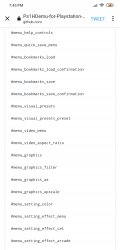
is this hidden menu?
graphics filter, visual preset etc.
it would be nice if we can use this on the fly. like changing aspect ratio.
 

Attachments

  • Screenshot_2022-07-24-19-45-48-149_com.android.chrome.jpg
    Screenshot_2022-07-24-19-45-48-149_com.android.chrome.jpg
    281.8 KB · Views: 125
are you sure ? I just finished arcade mode with Jin and the screen went black. At first I did it with Eddy and the result was the same. I'm still at 9.00 my console is Slim
Of course I'm sure lol. Beat ogre, watched the ending movie and skipped the credits then went into options, saved my game and closed the application.
 
Code:
PS1HDSNAP.PS1HD.Connect USB thumbdrive for import/export:. > usb:/%s/PS1HDSNAP/*.bin.Export Snaps to USB.Import Snaps from USB.Refresh snapshot thumbails.Memcard Import/Export.... > usb:/%s/PS1HD/*.mcd.WARNING: Restart the emulator after importing memorycards..Export MemCard to USB.Import MemCard fr

looks like we can load images and memory cards from USB? Going to test....
 
Most games have a decrypted version of eboot.bin in same folder named boot.bin. Also, you can use tools from ps3 to decrypt PSP games
Damn yes. i do it very very long time before when doing psp games for ps3!
When u pack game, u use iso right?
 
Most games have a decrypted version of eboot.bin in same folder named boot.bin. Also, you can use tools from ps3 to decrypt PSP games(PSPtoPS3 GUI)
I did it! I boot Gun game! Is very slow and laggy but its bootble now! I find another way but i not found how decrypt eboot in psptops3 gui!
VIDEO
 
Last edited by a moderator:
Back
Top