I managed to dump the sflash0 file with binary connection but its size is 33.6mb, is it ok still? I read it had to be 32mb.
32
MiB = 33.55
MB
By default, Nemo (default file manager in Linux Mint) using MB notation for some stupid reason (can be changed in options). Windows using MiB but showing it improperly as MB...

What's the difference with the tool @Berion suggested?
Zero difference. Toolkit invoking that script to extract EAP HDD Key from SFLASH0. I changed Zecoxao script a little bit only to work with different filename, all the rest is the same code.
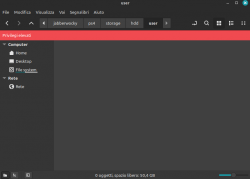
I used your toolkit and mounted/decrypted successfully but the problem is, all folders inside /storage are empty.
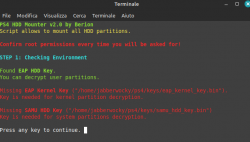
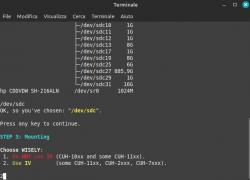
That's because partitions wasn't mounted, and that's because wasn't decrypted, and that's because probably bad key or bad choice (you should choose IV as script suggesting for CUH-7xxx, so you did fine... but try "do NOT use IV" and see the results).
If this still will not result in mounting, please do:
Code:
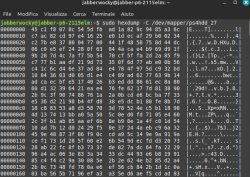
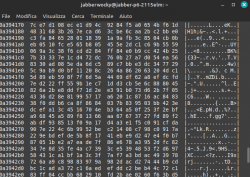
sudo hexdemup -C /dev/mapper/ps4hdd_27 | head 8
and paste here the results (this will tell me if it is decrypted or not, no private data there). Between tests, use Umounter script because it removes mappers, which must be cleared before trying different option.
If both cases results garbage (you should seen mostly zeroes from hexdump output), that means key is wrong.
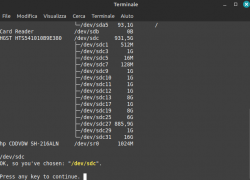
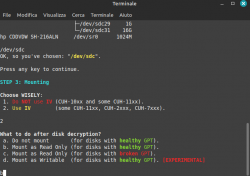
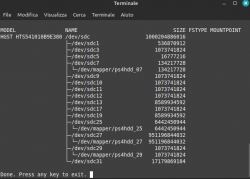
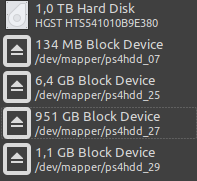
BTW: If decryption will be performed properly, you would see the same mount points as on image below (screen came from older version, that's why is little different than yours):



 ) but for now it is not.

