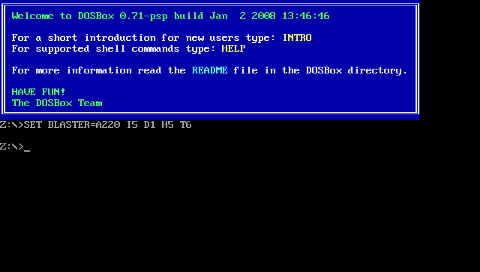
-by CrazyC & The DOSBox Team
-
Dosbox emulator for the PSP.
Bear in mind that there are a few limitations for using Dosbox on the PSP.
The PSP has a limited amount of ram and cpu speed.
You will not be able to play everything dosbox can, but there are still quite a few things you can play.
The standard PSP has a 333mhz max cpu, and 32mb ram, the slim and go has a 333mhz cpu and 64mb ram, and the vita's emu speed, while not exactly known, is about a 60% faster and 32mb ram.
Thus, depending on which model you are using, the speed you will get will vary.
-
Press SELECT + Left trigger + Right trigger + Dpad Down
(to switch between your keypad settings, and the keyboard entry method.)
Press START + Left trigger + Right trigger + Dpad Down
(to switch between your keypad settings and joystick mode.)
---------------------------------------------------------------
It is advisable to create a bat file to launch your program, as the psp's buttons are quite limited, and it can be a chore to use it without first setting your keys.
To set the keys you use "INPUTMAP PSPKEY keyboard key ".
So if you were to, say, map the up key on your psp to the up on the keyboard you would have "INPUTMAP up up".
You can set this up to anything you like, but the default settings are:
INPUTMAP up up
INPUTMAP right right
INPUTMAP down down
INPUTMAP left left
INPUTMAP triangle d
INPUTMAP square lshift
INPUTMAP cross lctrl
INPUTMAP circle lalt
-