PS3 PKG Linker v1.0: Scan & Serve PKGs to PS3 from PC (CFW & PS3Xploit HAN)

Apache close as soon as i start pkg linker & this error comes.
Help needed.
ff6de8e276488da0e8472c59a30dbbba.jpg


Sent from my ONEPLUS A3003 using Tapatalk
 
@ Devil303

Pkg linker 1.0 solved by stopping www in services.msc.

But in pkg linker 2.0 still getting httpd_z.exe 0x000007b.

Sent from my ONEPLUS A3003 using Tapatalk
 
We're not very good with finding server problems for other people so in 2.0 we started running uniform server because it has tons of info about it.
I posted the link to uniserver but here is the link to the forum http://forum.uniformserver.com
 
como hago para un juego que pesa más de 4 G, por ejemplo, GTA V ...
no es un paquete, usted sabe más, que eso son copias de seguridad.
¿Cómo cambio el ingreso a PKG? ¿Si es así, cómo? Hay un tutorial?
disculpas por preguntar gracias ..
as I do for a game that weighs more than 4 G example GTA V ..
is not pkg you know more, those are backups.
As I add them in ps3 should I modify them to PKG? If so, how? I
s there a tutorial?

apologies for asking thank you .
 
Last edited:
pkg linker works very slow by wifi and i dont have ethernet any way to make it work faster for wifi on any another method cause i wont be able to install persona 5 by split method usb
 
pkg linker works very slow by wifi and i dont have ethernet any way to make it work faster for wifi on any another method cause i wont be able to install persona 5 by split method usb
Buy a cable then it will be faster. :)
 
I AM GETTING THIS ERROR 80022334 I TRIED USING PRIVATE IP STILLS ITS GIVING ME AN ERROR I HAVE LAN CABLE ALSO
 
I AM GETTING THIS ERROR 80022334 I TRIED USING PRIVATE IP STILLS ITS GIVING ME AN ERROR I HAVE LAN CABLE ALSO
Network issue. cant help with those.

P.S. Use PKG Linker 2.0, this is no longer supported.
 
como hago para un juego que pesa más de 4 G, por ejemplo, GTA V ...
no es un paquete, usted sabe más, que eso son copias de seguridad.
¿Cómo cambio el ingreso a PKG? ¿Si es así, cómo? Hay un tutorial?
disculpas por preguntar gracias ..
as I do for a game that weighs more than 4 G example GTA V ..
is not pkg you know more, those are backups.
As I add them in ps3 should I modify them to PKG? If so, how? I
s there a tutorial?

apologies for asking thank you .
Look at the other threads from ps3xploit

Send from my PS5 via NASA
 
So i've been able to download and play packages through the webserver perfectly fine. Then I went to my friends house and connected to his internet. Once I got home i connect back to my internet and im no longer able to access the webserver due to (ERROR:80710092) i'm not sure what to do at this point. If anyone has any suggestions please let me know thanks

Also ive been using xxamp and PKG Linker 1.0
 
So i've been able to download and play packages through the webserver perfectly fine. Then I went to my friends house and connected to his internet. Once I got home i connect back to my internet and im no longer able to access the webserver due to (ERROR:80710092) i'm not sure what to do at this point. If anyone has any suggestions please let me know thanks
Your PS3s IP address has probably changed, you will need to set it up again and install the pkg list manually. Best practice is to set a manual IP address, then it wont change.

btw, PKG Linker 2.0 is out now. http://www.psx-place.com/resources/pkg-linker-2-0-serve-packages-to-your-ps3-han-cfw.640/ , best to use that as it has a few fixes.
 
SOLVED
Hello, i have a problem with PKGLinker.
When i install Package_List.pkg i just get a corrupted data in the xmb menu, the installation is completed to 100%.

This happaned after i deleted PKG Linker data from the game data utility because i was having some problems updating the ip before. and now i cant get PKG Linker installed again.

I tried to format my hdd and reinstall ofw and start over but the problem persists, is there any method to fix this, or start clean from scratch?

EDIT:
Here are the steps i attempted for a fix:
1: Format hdd and restore default settings
2: Reinstall OFW v4.82

What works:
HAN
HAN Package Manager
HAN Toolbox v0.5

the option to install from webserver is gone in package manager, and in han toolbox install from webserver menu is empty

When i install Package_List.pkg, i get a corrupted data entry right below the singstar icon

EDIT 2:
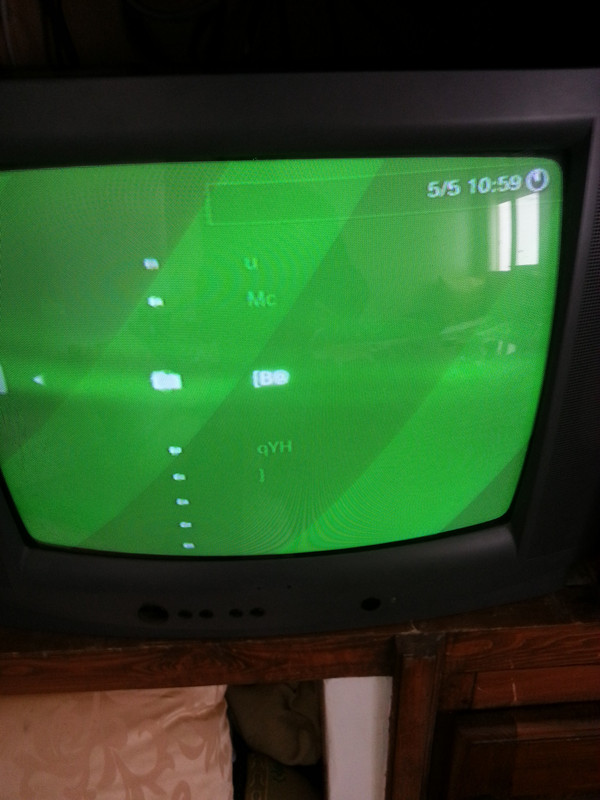
For some reason /dev_hdd0/game/PKGLINKER looks like this after installation
IMG_20180505_115919.jpg

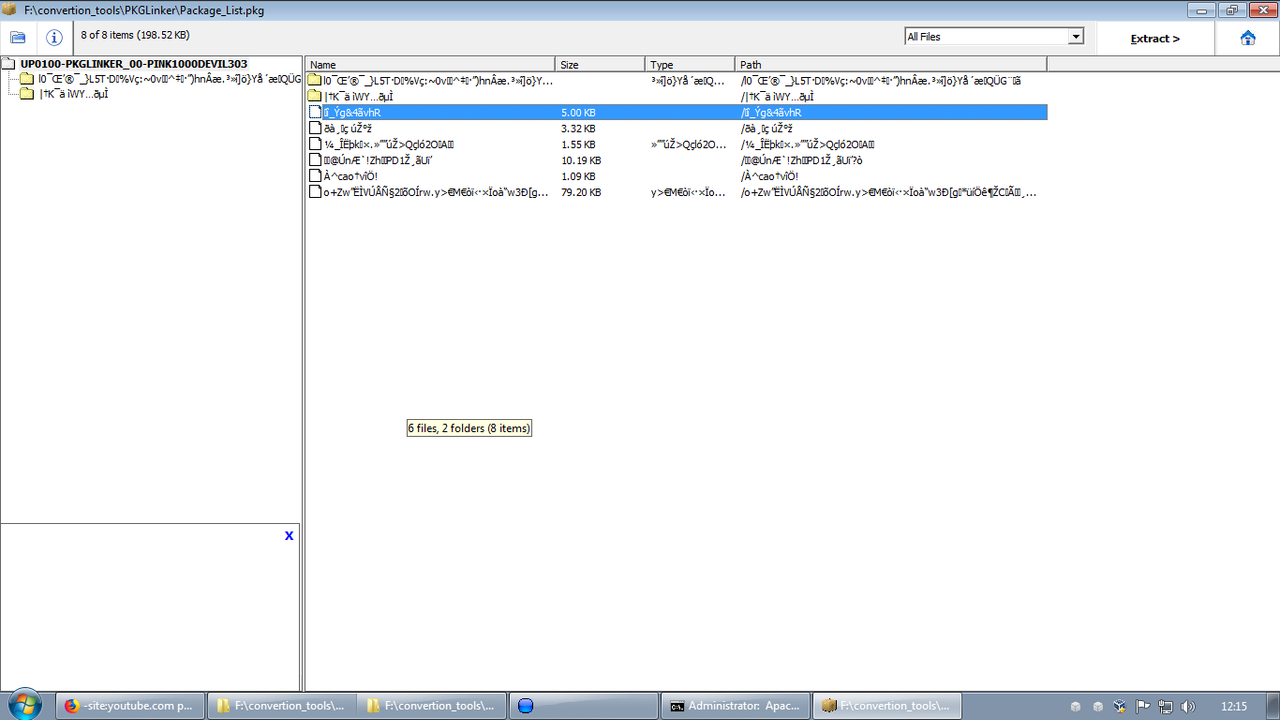
Signed Package_List.pkg looks like this and idk why, unsinged is ok, and signed games don't look like this either.
screenshot-1525522548.png

RESOLUTION:
it seems the problem is related to package signing on my virtual machine, running on live windows does not have the same problem, i will reinstall my vm too see if the problem is caused by some of my messing around along the way.

I will leave this post up just incase someone might encounter a similar issue in the future
 
Last edited:
Does anyone know how i put pkg files from games downloaded pkg merger plus it does not work 32bit version Windows 7 someone help please with this problem
 
I'm not sure what you're asking. You'll need to explain a little clearer what the problem is.
 
I downloaded resident evil 7 PS4 6 pieces of 4gb downloaded pkg merger to join the pieces plus pkg merger version does not run on windows 7x86 I downloaded the x86 version and it does not run the program opens and it already closes
 
I downloaded resident evil 7 PS4 6 pieces of 4gb downloaded pkg merger to join the pieces plus pkg merger version does not run on windows 7x86 I downloaded the x86 version and it does not run the program opens and it already closes
This thread is for a ps3 tool. You should start a thread because this is so off topic I don't think anyone that sees this will be able to answer.
 
Back
Top