
Oh cool, lol, Looks like I was wasting my time writing xmbml for the past hour. ThanksLike this? I have 35 of them


Here you are https://www.mediafire.com/file/hlbpadb77tpccd6/Gaia+RCOS.rar/file

Last edited:

Oh cool, lol, Looks like I was wasting my time writing xmbml for the past hour. ThanksLike this? I have 35 of them
Here you are https://www.mediafire.com/file/hlbpadb77tpccd6/Gaia+RCOS.rar/file

Oh cool, lol, Looks like I was wasting my time writing xmbml for the past hour.
Nice one. Cheers.I already shared a bunch in this thread you can use @DeViL303
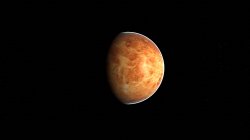
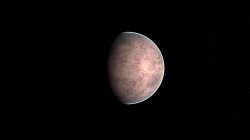


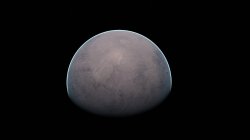





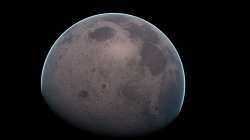

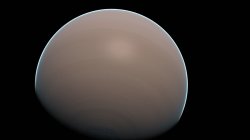
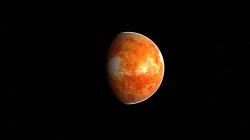
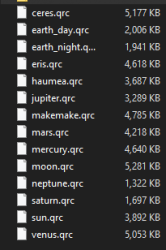
 Im wondering if we could reduce the size of the images to half or even a quarter of the original size
For these 14 I actually removed the ground and specular layers completely, I deleted the earth/flashrom/ground_cm and earth/flashrom/specular folders. I did this to save space and because I had not images to use for those layers. I decided to use the clouds layer for these as its the outermost layer.@DeViL303 when this thread started we was not able to replace images by others of different size (in pixels), right ? (not sure about it, i forgot a bit how many experiments was made)
But now with xforge is easy peasy
Yeah, that is a possibility. Also fully black images use very little space anyway. Anything on the clouds layer that is fully black becomes transparent. Not really in this case as I removed all other layers so its just black underneath too.And now that im writing this im imagining an speial case a bit weird, if someone wants to use the clouds images to display a little single thing (lets say an spaceship in orbit) then maybe is posible to keep only 1 image in high quality and the others tiny
Lets say... one of the images of the "clouds" layer at his original size, and the other coulds images with a size of 1x1 pixel (transparent), the images with 1x1 size are going to be scaled up a lot but are transparent so are not visibles

Hmm, this could look specially good if the 2 sets of textures belongs to the same planet (or object) in 2 different statesI just thought of something kind of cool.
We know how to disable layers via mnu edits. So we can actually have 2 completely different textures in one earth.qrc.
We can have one set of images for the clouds layer, and another for the ground layer. Then have one or the other enabled in the mnus, this way we get 2 Gaias for the price of one.
It will change between them depending which preset is loaded, the preset loading is random so it will just keep swapping between them.
The specular layer can not be used for this as its not shown like a normal texture.
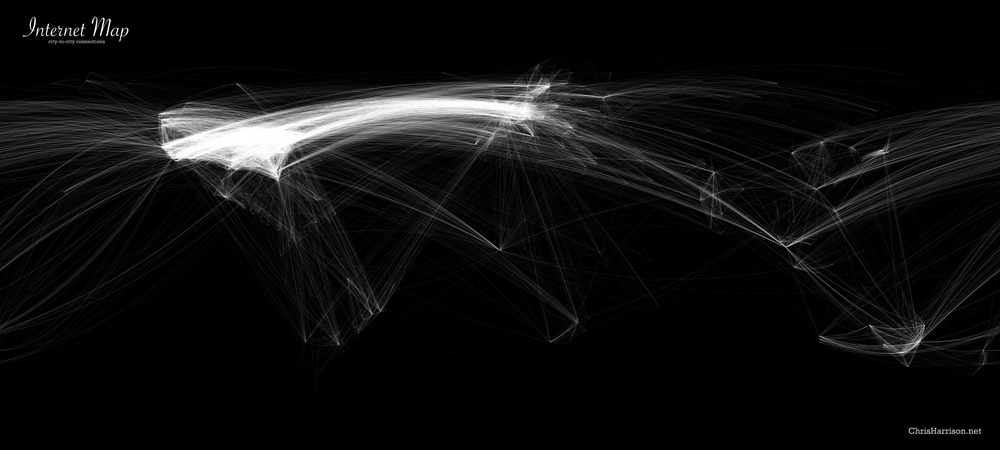
Ohh, that would fit perfect, btw in the night textures can be added this: https://www.chrisharrison.net/index.php/Visualizations/InternetMapYes, or even just day and night earth would be a good one. I have textures for those already.
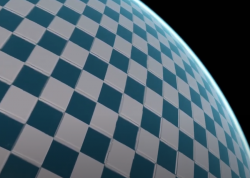
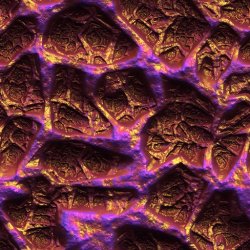
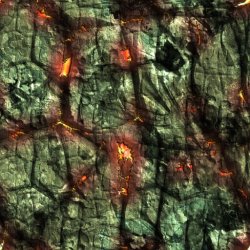
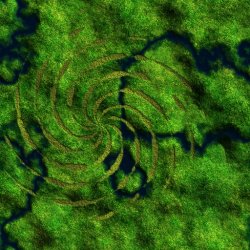
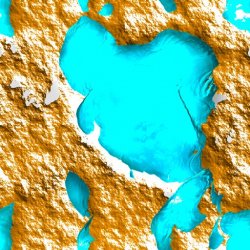
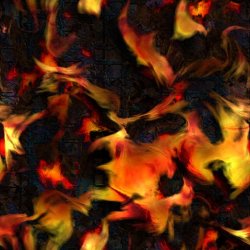
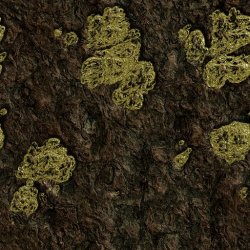
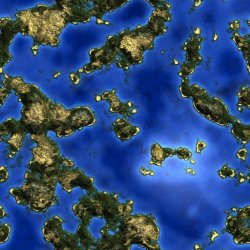
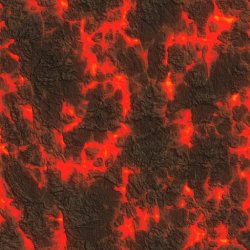
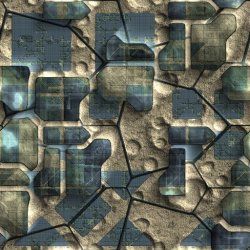
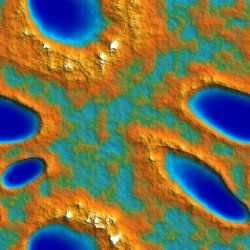
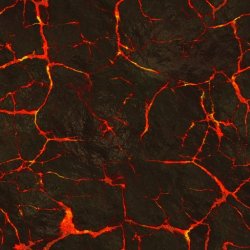
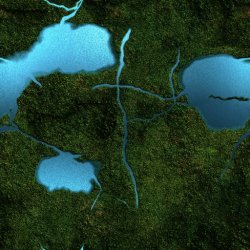
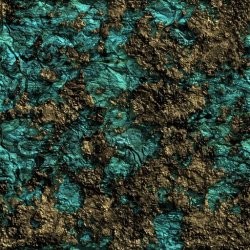
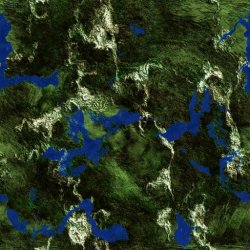
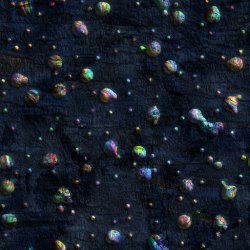
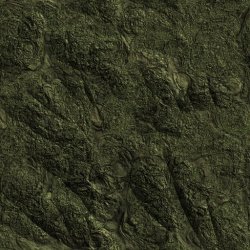
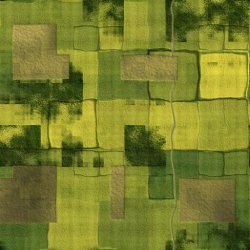
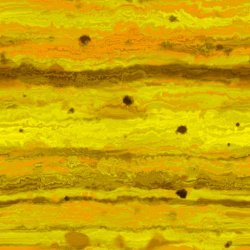
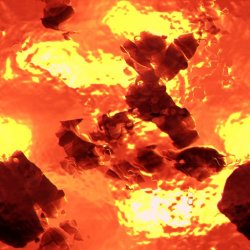
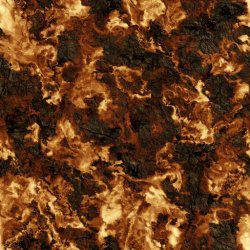
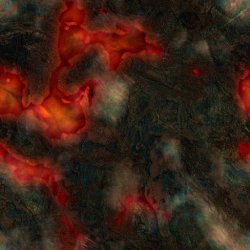
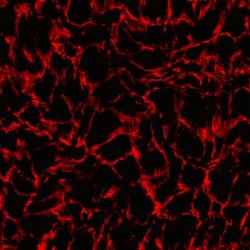

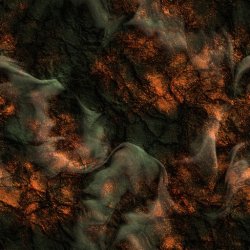
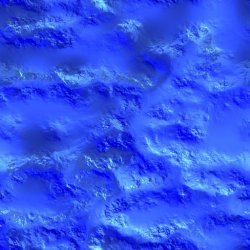
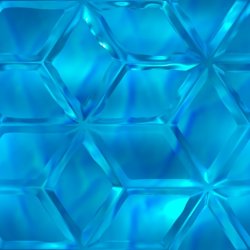
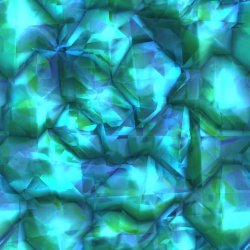
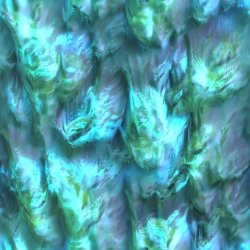
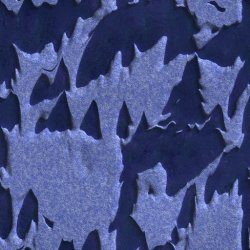
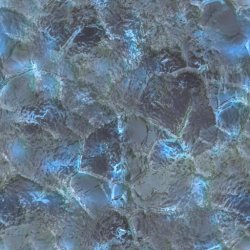
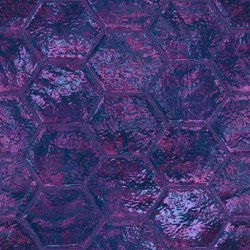

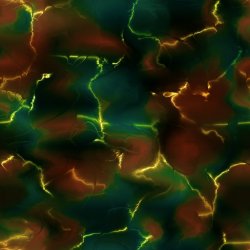
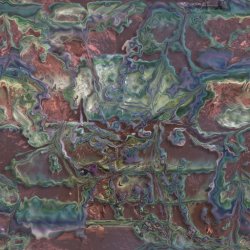


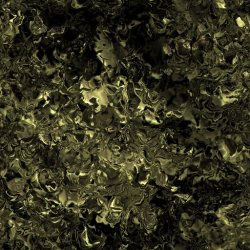
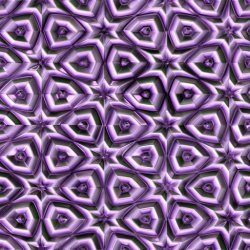

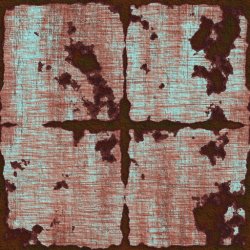
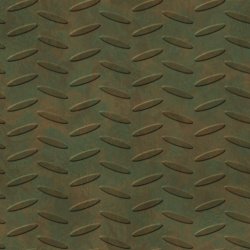

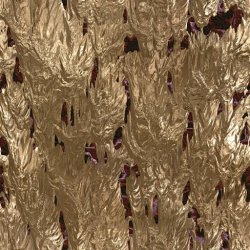
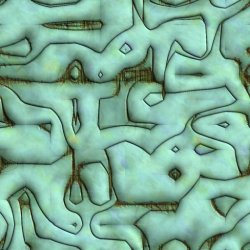
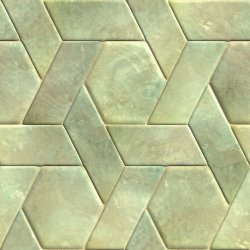
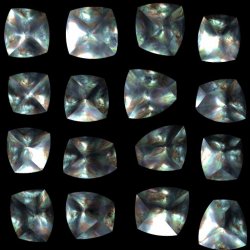
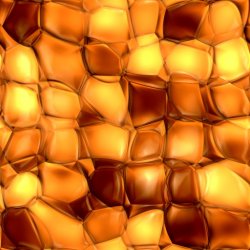
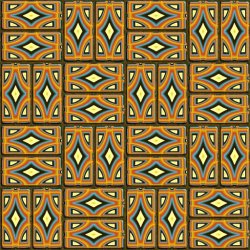
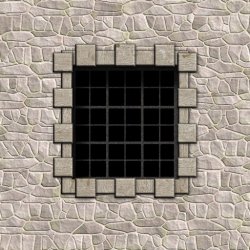
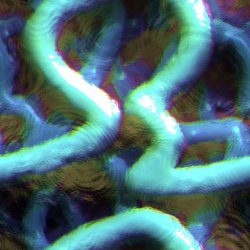
Here is a new earth.qrc pack. 50 NEW spheres.
These were made using Genetica Viewer app to create the seamless textures. Then I used my PS3_Gaia_Image_Tool_v1.2_Beta.bat to prepare the images, and then @pink1s Xforge application to build the qrcs. I am getting fairly quick at thse now, can do one in less than a minute.
These are approx 3MB each on average, They are named 1.qrc to 50.qrc, ready for use via webMAN MOD in dev_hdd0/tmp/earth/.
If you want to use them individually on flash, rename any one to earth.qrc and place it in dev_blind/vsh/resource/qgl/.
Download QRC Pack 1 (156MB)
View attachment 29995 View attachment 29996 View attachment 29997 View attachment 29998 View attachment 29999 View attachment 30000 View attachment 30001 View attachment 30002 View attachment 30003 View attachment 30004 View attachment 30005 View attachment 30006 View attachment 30007 View attachment 30008 View attachment 30009 View attachment 30010 View attachment 30011 View attachment 30012 View attachment 30013 View attachment 30014 View attachment 30015 View attachment 30016 View attachment 30017 View attachment 30018 View attachment 30019 View attachment 30020 View attachment 30021 View attachment 30022 View attachment 30023 View attachment 30024 View attachment 30025 View attachment 30026 View attachment 30027 View attachment 30028 View attachment 30029 View attachment 30030 View attachment 30031 View attachment 30032 View attachment 30033 View attachment 30034 View attachment 30035 View attachment 30036 View attachment 30037 View attachment 30038 View attachment 30039 View attachment 30040 View attachment 30041 View attachment 30042 View attachment 30043 View attachment 30044


