PS3 [Research] Modifying the Gaia Visualization (custom_render_plugin/earth.qrc)

Like this? I have 35 of them
YOukGyW.png
IcEaizP.png


Here you are https://www.mediafire.com/file/hlbpadb77tpccd6/Gaia+RCOS.rar/file
Oh cool, lol, Looks like I was wasting my time writing xmbml for the past hour. Thanks :)
 
Last edited:
Oh cool, lol, Looks like I was wasting my time writing xmbml for the past hour. :)

If you want, i can send my PRO MOD V5.3 it has more than 3K Rcos with the following customizations


#Customizations
- Transformation Packs.
- HEN Logo Icons.
- Beep Sounds.
- XMB™ Icons.
- Clock Icons.
- Fonts.
- Blur Effects.
- System Sounds.
- System Buttons.
- Gameboots.
- Coldboots.
- Coldboot Sounds.
- Background Waves.
- Music Visualizers.
- Earh Visualizers.
- Canyon Visualizers.
- PlayStation™Network Icons.
- PlayStation®Store Icons.
- What's New Icons.
- Trophies Style.
- XMB™ Style.
- XMB™ Icons Style.
- Particles Style.
- LEDs Color Style.
- Game Column Style.
- Themes.

also you can use my toolbox ( i used the hentoolbx of yours as base, and added tons of new features)
 
Sounds cool thanks, but I don't want to go that far really with RCO mods. Want to finish this up and release it today if I can.

TBH I am not sure if i will add those earth.qrcs now that I realize the size of them. It will more than double the size of my mod. I will have to think about it.
 
Last edited:
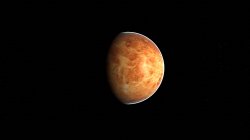
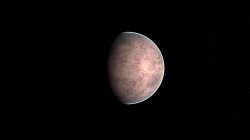
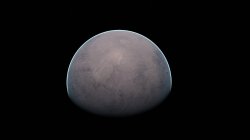
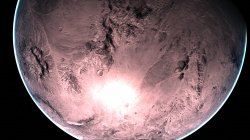
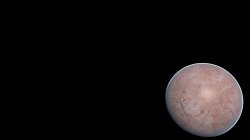
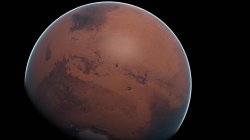
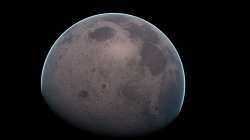
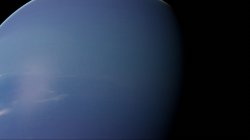
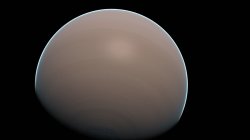
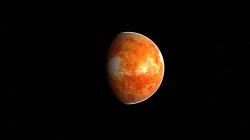
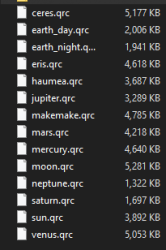
Been messing around, Here are 14 planets created using Xforge and My gaia tool (10 real, 4 fictional). tbh they are not great, the Sun is not super bright, Saturn has no rings, Neptune looks crap. But some look ok. Anyway, better than nothing, rename to earth.qrc and put them in dev_blind/vsh/resource/qgl/

The textures were taken from here: https://www.solarsystemscope.com/textures/

Warning: If you are on Rebug REX/DREX you probably will not have room on flash for some of them. I deleted my hknw_plugin.rco and hknw_plugin.sprx to make room during testing.

Alternatively if you use webMAN MOD you can rename them to 1.qrc, 2.qrc, 3.qrc, 4.qrc, 5.qrc etc and put them in dev_hdd0/tmp/earth/ and wMM will switch them on every boot.

venus.jpg ceres.jpg earth_day.jpg earth_night.jpg eris.jpg haumea.jpg jupiter.jpg makemake.jpg mars.jpg mercury.jpg moon.jpg neptune.jpg saturn.jpg sun.jpg

upload_2021-1-13_5-8-16.png

Download 14 planets v1.00.zip

I will add these to the next Ultimate Toolbox update.
 
Last edited:
@DeViL303 when this thread started we was not able to replace images by others of different size (in pixels), right ? (not sure about it, i forgot a bit how many experiments was made)
But now with xforge is easy peasy :) Im wondering if we could reduce the size of the images to half or even a quarter of the original size

I mean... to downgrade the quality of the images used by the layers named "clouds" and "specular"
The specular (for reflections) doesnt really needs to have lot of precission, are images made with only 2 colors for the areas with reflections (water or ice) and the areas without reflections (ground)... so incase of reducing his size a lot to the point where the borders of that areas becomes blurry it doesnt matters because visually the result is going to be pretty much the same
And the others for clouds... well could be applyed the same rules, because the clouds are going to be always a bit "blurry" anyway

And now that im writing this im imagining an speial case a bit weird, if someone wants to use the clouds images to display a little single thing (lets say an spaceship in orbit) then maybe is posible to keep only 1 image in high quality and the others tiny
Lets say... one of the images of the "clouds" layer at his original size, and the other coulds images with a size of 1x1 pixel (transparent), the images with 1x1 size are going to be scaled up a lot but are transparent so are not visibles
 
Last edited:
@DeViL303 when this thread started we was not able to replace images by others of different size (in pixels), right ? (not sure about it, i forgot a bit how many experiments was made)
But now with xforge is easy peasy :) Im wondering if we could reduce the size of the images to half or even a quarter of the original size
For these 14 I actually removed the ground and specular layers completely, I deleted the earth/flashrom/ground_cm and earth/flashrom/specular folders. I did this to save space and because I had not images to use for those layers. I decided to use the clouds layer for these as its the outermost layer.

I also "optimized" these qrcs by removing every vpo/fpo that is not referenced in the sprx, this did not save much space (~50KB) But it did reduce the amount of of vpo.fpo files by about 50%. On top of that I removed any of the presets that I did not like. The dark ones where you can not see the textures. Then I also disabled 90% of the atmosphere. I left a small bit.

And now that im writing this im imagining an speial case a bit weird, if someone wants to use the clouds images to display a little single thing (lets say an spaceship in orbit) then maybe is posible to keep only 1 image in high quality and the others tiny
Lets say... one of the images of the "clouds" layer at his original size, and the other coulds images with a size of 1x1 pixel (transparent), the images with 1x1 size are going to be scaled up a lot but are transparent so are not visibles
Yeah, that is a possibility. Also fully black images use very little space anyway. Anything on the clouds layer that is fully black becomes transparent. Not really in this case as I removed all other layers so its just black underneath too.

I am not sure if we can reduce the resolution, but we can increase the compression on the specular level for sure, but I am not sure if there is much point unless doing something you like you say with a space ship in orbit, as we can just remove those layers instead.

There is still so much to learn about the MNU files, it almost seems like an impossible task, thousands of settings, millions of combinations and seems only me working on it. :)

I do hope to release updated versions of these planets as I learn more, with customized MNUs for each planet.

I guess I could have compressed the planet textures to reduce the filesize before processing, but I really didn't want to do that.
 
Last edited:
I just thought of something kind of cool.

We know how to disable layers via mnu edits. So we can actually have 2 completely different textures in one earth.qrc.

We can have one set of images for the clouds layer, and another for the ground layer. Then have one or the other enabled in the mnus, this way we get 2 Gaias for the price of one. :)

It will change between them depending which preset is loaded, the preset loading is random so it will just keep swapping between them. :D

The specular layer can not be used for this as its not shown like a normal texture.
 
I just thought of something kind of cool.

We know how to disable layers via mnu edits. So we can actually have 2 completely different textures in one earth.qrc.

We can have one set of images for the clouds layer, and another for the ground layer. Then have one or the other enabled in the mnus, this way we get 2 Gaias for the price of one. :)

It will change between them depending which preset is loaded, the preset loading is random so it will just keep swapping between them. :D

The specular layer can not be used for this as its not shown like a normal texture.
Hmm, this could look specially good if the 2 sets of textures belongs to the same planet (or object) in 2 different states
This way the specular images could match with both
Lets say... the earth in 2 different states, the actual, and the other postapocalyptical replacing the water by lava and ground by snow :D
 
Yes, or even just day and night earth would be a good one. I have textures for those already.
I don't think we can take advantage of the specular layer on the clouds layer though. I think its only meant to effect the ground layer. I could be wrong but fairly sure.
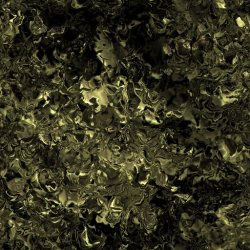
 
Yeah cool.

I actually think the specular layer is more than that. its like its a bump map too. Maybe dual purpose?

I am not sure but when I use proper height map as a specular layer it really makes the 3D "pop"! When the camera is up close and the earth is turning I can kind of see some bits look like they are behind other bits.

I think maybe to reduce the file size the combined the bump map and specular layer. Black bits are shown as raised and white bits are reflective and lower.
 
OK, So I have learned a bit more.

The specular layer is not a bump map but it does have a similar effect due to the way it works.

So there are 3 layers that are rendered at different levels.

1. There is a blueish-blackish ball that is underneath everything, this ball is reflective. This is layer 1.

2. Layer 2 is the ground layer, this layer is rendered approx a few miles higher than layer 1.

The specular layer is actually a mask that is applied to the ground layer, WHITE = transparent

3. The clouds are then rendered a few miles above that. On this layer BLACK = transparent.

So any bits of the specular layer that are white, will make the ground layer transparent in those areas so we see the REFLECTIVE blue ball underneath, Any bits of the cloud layer that are black will make those areas transparent so we see the ground layer underneath.

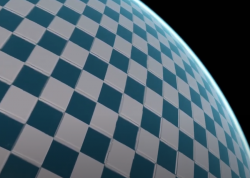
So we can exploit this to add a 3D effect. If you make an area of the clouds layer black, and then the same area of the specular layer white, we get this raised effect.

Fairly cool. :)

upload_2021-1-15_17-22-54.png
 
Last edited:
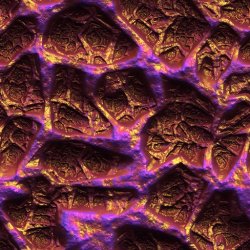
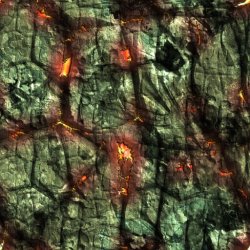
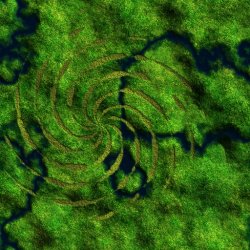
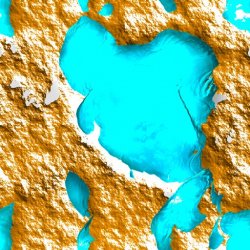
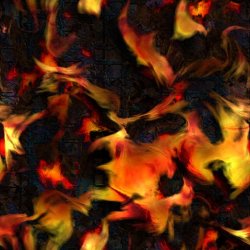
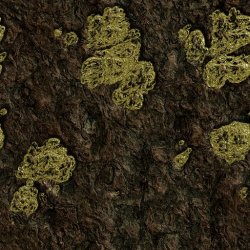
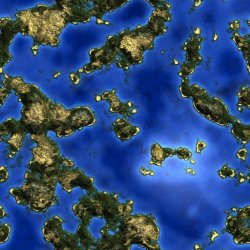
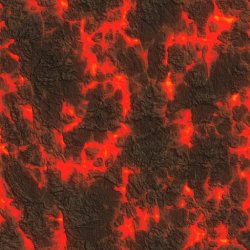
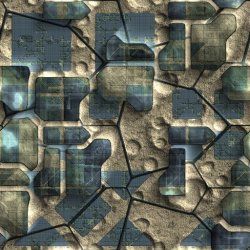
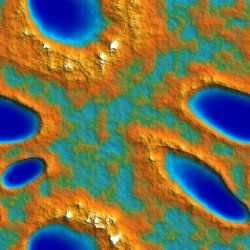
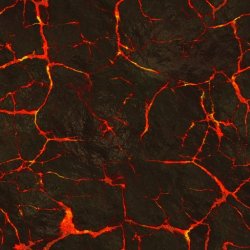
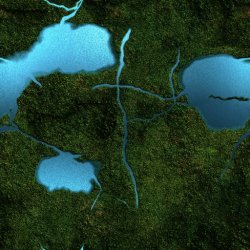
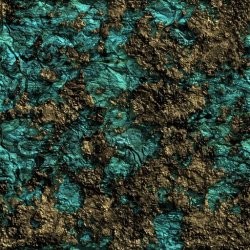
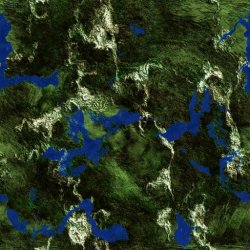
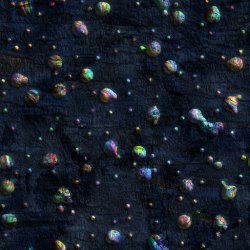
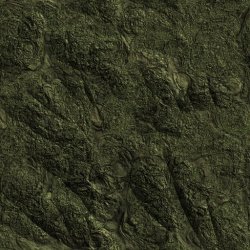
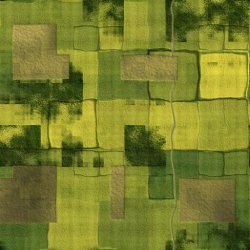
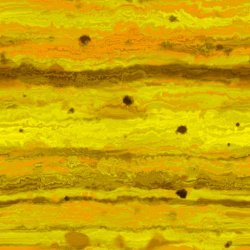
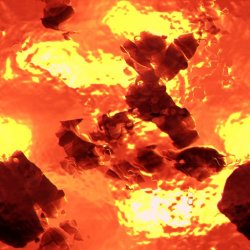
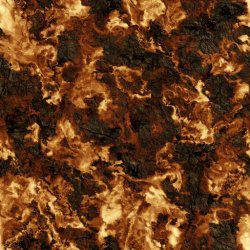
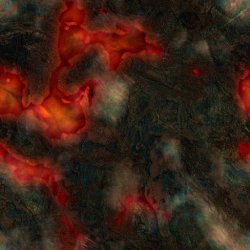
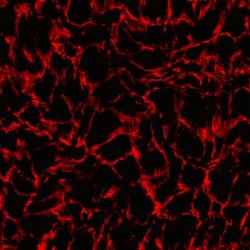
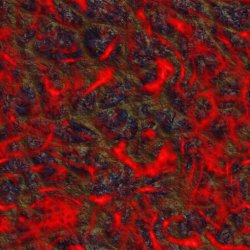
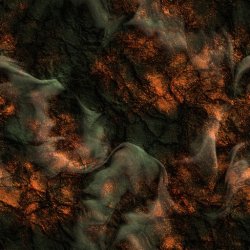
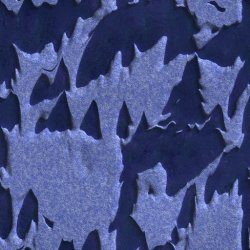
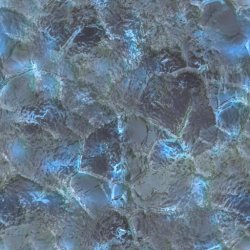
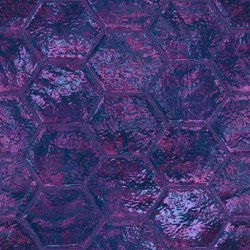
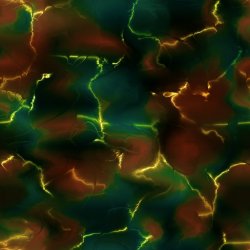
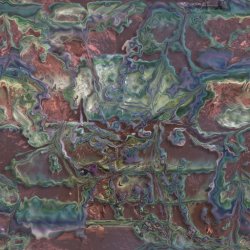
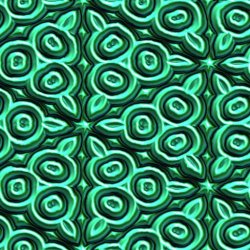
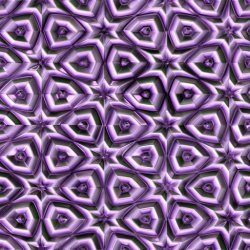
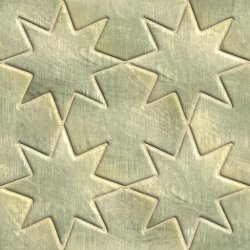
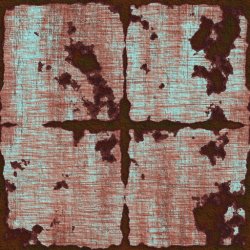
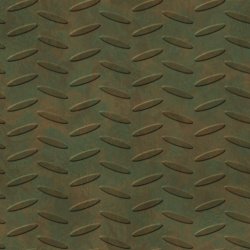
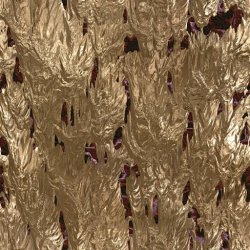
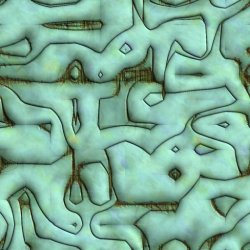
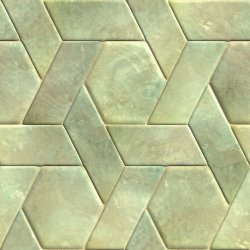
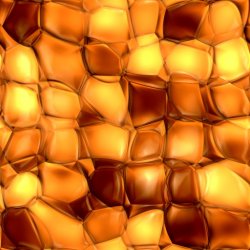
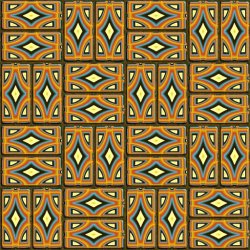
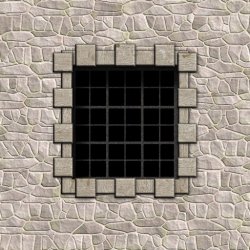
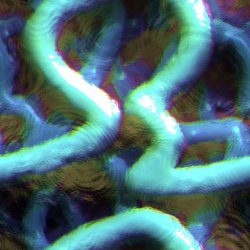
Here is a new earth.qrc pack. 50 NEW spheres.

These were made using Genetica Viewer app to create the seamless textures (inc specular). Then I used my PS3_Gaia_Image_Tool_v1.2_Beta.bat to prepare the images, and then @pink1s Xforge application to build the qrcs. I am getting fairly quick at thse now, can do one in less than a minute. :)

These are approx 3MB each on average, They are named 1.qrc to 50.qrc, ready for use via webMAN MOD in dev_hdd0/tmp/earth/.

If you want to use them individually on flash, rename any one to earth.qrc and place it in dev_blind/vsh/resource/qgl/.


Download QRC Pack 1 (156MB)
]
1.jpg 2.jpg 3.jpg 4.jpg 5.jpg 6.jpg 7.jpg 8.jpg 9.jpg 10.jpg 11.jpg 12.jpg 13.jpg 14.jpg 15.jpg 16.jpg 17.jpg 18.jpg 19.jpg 20.jpg 21.jpg 22.jpg 23.jpg 24.jpg 25.jpg 26.jpg 27.jpg 28.jpg 29.jpg 30.jpg 31.jpg 32.jpg 33.jpg 34.jpg 35.jpg 36.jpg 37.jpg 38.jpg 39.jpg 40.jpg 41.jpg 42.jpg 43.jpg 44.jpg 45.jpg 46.jpg 47.jpg 48.jpg 49.jpg 50.jpg
 
Last edited:
Here is a new earth.qrc pack. 50 NEW spheres.

These were made using Genetica Viewer app to create the seamless textures. Then I used my PS3_Gaia_Image_Tool_v1.2_Beta.bat to prepare the images, and then @pink1s Xforge application to build the qrcs. I am getting fairly quick at thse now, can do one in less than a minute. :)

These are approx 3MB each on average, They are named 1.qrc to 50.qrc, ready for use via webMAN MOD in dev_hdd0/tmp/earth/.

If you want to use them individually on flash, rename any one to earth.qrc and place it in dev_blind/vsh/resource/qgl/.


Download QRC Pack 1 (156MB)

View attachment 29995 View attachment 29996 View attachment 29997 View attachment 29998 View attachment 29999 View attachment 30000 View attachment 30001 View attachment 30002 View attachment 30003 View attachment 30004 View attachment 30005 View attachment 30006 View attachment 30007 View attachment 30008 View attachment 30009 View attachment 30010 View attachment 30011 View attachment 30012 View attachment 30013 View attachment 30014 View attachment 30015 View attachment 30016 View attachment 30017 View attachment 30018 View attachment 30019 View attachment 30020 View attachment 30021 View attachment 30022 View attachment 30023 View attachment 30024 View attachment 30025 View attachment 30026 View attachment 30027 View attachment 30028 View attachment 30029 View attachment 30030 View attachment 30031 View attachment 30032 View attachment 30033 View attachment 30034 View attachment 30035 View attachment 30036 View attachment 30037 View attachment 30038 View attachment 30039 View attachment 30040 View attachment 30041 View attachment 30042 View attachment 30043 View attachment 30044

Nice, are you going to add them to your ultimate toolbox?
 
I might add a method for downloading them or something like that. Not sure. They are very big, I don't really want the Toolbox to be 90% Gaia mods (~ 250MB if I added these to the earth.qrc files already in it) :)
 
Last edited:

Similar threads

Back
Top