
Cypher_CG89
Senior Member
The first link is 64bit already compiled.
Whoops lol, I clicked on the second github link lol...derp...

The first link is 64bit already compiled.

It happens lol you catch me messing up all the timeWhoops lol, I clicked on the second github link lol...derp...


Not possible to identify? we have screenshots and we know from those which one is displayed correctly.Im not sure but... i think right now is not posible to identify that position of the starfield by looking at the images, there are too many ingredients in play
We are dealing with a rotate180º effect, or/and horizontal and vertical mirroring, and the fact we are not completly sure if the image is proyected into the opposite face (at least me im not sure about that, from time to time i think in it and my head is about to explode because it changes everything)
Oh, very nice find!@DeViL303 Have you seen this free tool? It also comes in a cmd version he has some environment maps too.
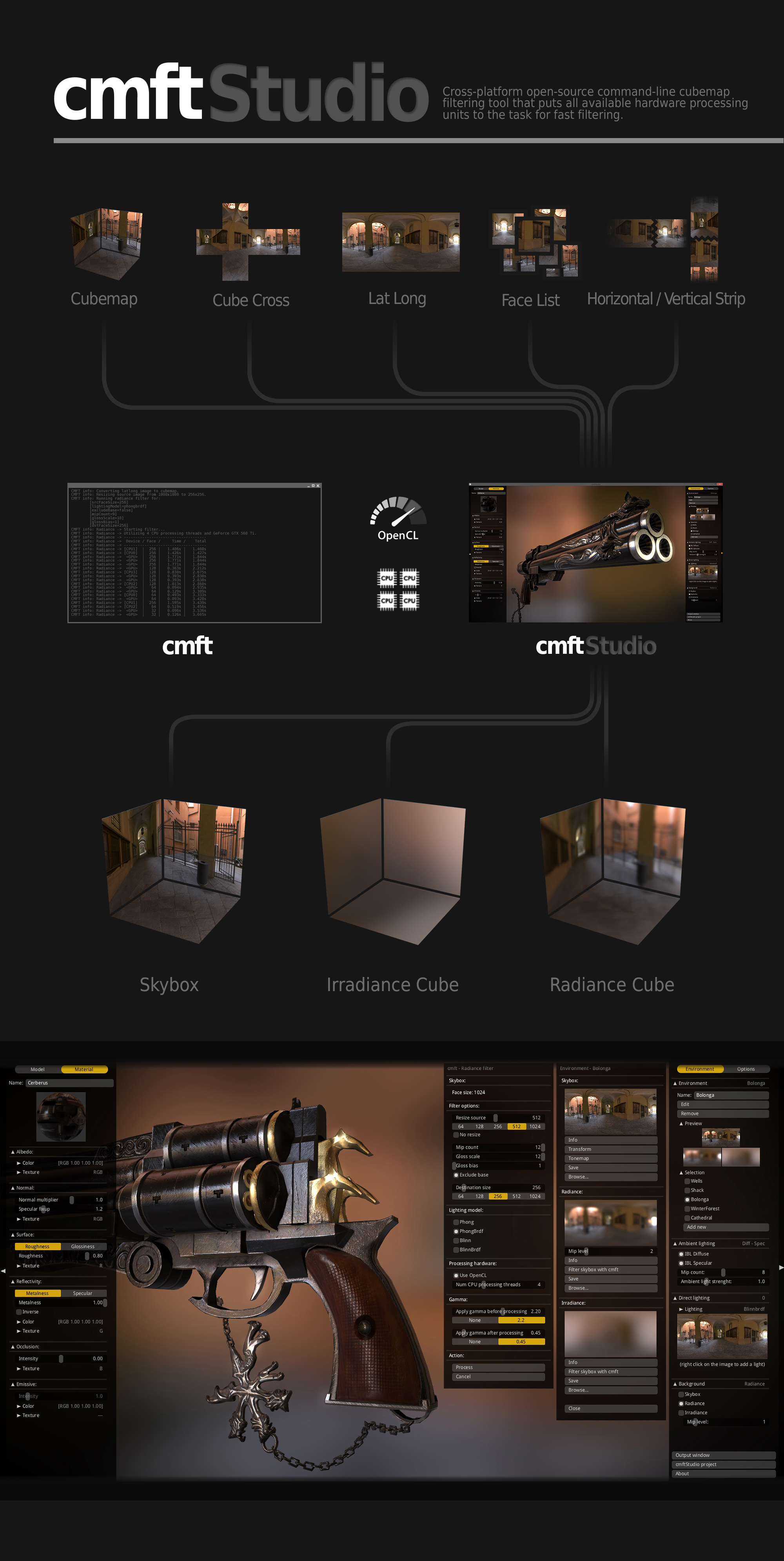
https://github.com/dariomanesku/cmftStudio-bin/blob/master/cmftStudio_win64.zip?raw=true
https://github.com/dariomanesku/cmftStudio
 I think this is just what we need.

3D Pong in first person, lolOK, I have no idea what I am doing...
This camera path
Code:time=0 eye 4.85042 -0.288142 5.20632 center 4.16031 -0.253807 4.48343 up 0.07519 0.99687 -0.0244323 fovy=500.00 time=10 eye 4.85042 -2.398142 5.20632 center 4.16031 -2.253807 4.48343 up 0.07519 0.99687 -0.0244323 fovy=50.00 time=20 eye 4.85042 -2.398142 5.20632 center 4.16031 -2.393807 4.48343 up 3.07519 3.99687 -0.0244323 fovy=500.00 time=30 eye 4.85042 -2.398142 5.20632 center 4.16031 -2.393807 4.48343 up 3.07519 3.99687 -0.0244323 fovy=50.00
Equals this motion:
We need AI...
Yeah, I got the zoom bit sorted, at least that was easy.. But I dont get why i need to have such random values to be able to see the earth.. I was hoping I could just zero them all and have the earth in the centre, but nothing, I need to start off with values like this or very close to it or I can see nothing.3D Pong in first person, lol
Edit:
Btw, the value named fovy is the "Field Of View in Y axis"
https://en.wikipedia.org/wiki/Field_of_view
It works pretty much as a zoom
The Y axis crosses the spehre at the "top" and "bottom" cube faces
I meant, the code is taking one of the .dds textures of the 24 total of the starfield and is generating the other 23 textures on runtime (by rotating mirorring or flipping the original)Not possible to identify? we have screenshots and we know from those which one is displayed correctly.
I dont see how it being projected or placed makes much difference when we have screenshots? We know how it displays an image we give it, So if its mirror images projected from the back, or normal image projected from the front, its the same result which we can see by how our image displays.
I know I would be.
I think as there are so many references to the dev_hdd0/game/ABCD12345 in all the related sprx files, and references to debug menus etc that we should try enable running that properly if we can...like everything else it is probably disabled very simply. The debug menu might not even be disabled at all and might even only need a button combo to enable or some flag file.and we know it existed internal versions of this in high quality
0,0,0 should be located at the center of the sphere, and is usually named "world coordinates"Yeah, I got the zoom bit sorted, at least that was easy.. But I dont get why i need to have such random values to be able to see the earth.. I was hoping I could just zero them all and have the earth in the centre, but nothing, I need to start off with values like this or very close to it or I can see nothing.
time=0 eye 4.85042 -0.288142 5.20632 center 4.16031 -0.253807 4.48343 up 0.07519 0.99687 -0.0244323 fovy=xxxx
FOV can be anything of course, but the rest must be like that or close to it.
I guess its due to where earth is rendered in the 3D space. Not sure..maybe 0,0,0 refers the bottom corner of the cube or something. I will figure it out eventually with trial and error, but now its too slow to test mods..
For these mods I have patched the sprx to only use preset0 and have removed everything from the camera path for preset0 and started from scratch apart from the first line.
I need to be able to test multiple mods per minute really, for that I basically need to be able to drag and drop a camera.path onto the qrc or something and have it used as the path for preset0..
Man i wish we could run extracted QRC files from dev_hdd0/game/ABCD12345/ like the devs could...it would be so much easier.
You never know what you'll find during 2am google searchesOh, very nice find!


C:\>planettool.exe --help
Planettool version 0.4.2
planettool -o <outType> <outFile> [-i <inType> <inFile>] [-g <generator>] [-S <s
ize>] [-F] [-J] [--sixteen-bit] [-L] [-R <ry> <rx> <rz>] [-H] [-V] [-Q]
--output, -o: Type and name of output file. Type must be one of: "latlong" (l), "cube" (c), "cubex" (x), "mercator" (m), "gall-peters" (g)
--input, -i: Type and name of input file. Type must be one of: "latlong" (l), "cube" (c), "cubex" (x)
--generate, -g: Type and name of generator. Type must be one of: "grid1" (g)
--size, -S: Size of output, in pixels. Interpretation depends on output type.
--fast, -F: Use faster, low-quality rendering.
--jitter, -J: Use jittering for slower, slightly noisy rendering which may look better in some cases.
--sixteen-bit: Save in sixteen bit per channel format (instead of eight-bit-per-channel format).
--flip, -L: Mirror the texture in 3D space (through the YZ plane) while rendering. This produces an "inside-out" texture.
--rotate, -R: Rotate the texture around the planet while rendering. The ry axis corresponds to the planet's axis of rotation.
--help, -H: Show this helpful help.
--version, -V: Show version number.
--quiet, -Q: Don't print progress information.
Planettool reads a texture map from an input file (in PNG format) or a generator function, and writes it to an output file (in PNG format). In so doing, it may change the projection and scale of the map, and may rotate it around the planet.
Planettool's design is geared for flexibility and quality. As a side effect, itis extremely slow. Don't be alarmed if it takes several minutes to do anything.
EXAMPLES:
planettool --output cube "cubemap.png" --input latlong "original.png" --size 512
Reads original.png, treated as a latitude-longitude map, and remaps it to a cube map with a side length of 512 pixels.
planettool -o c cubemap.png -i l original.png -S 512
Same as above, only less legible for extra geek cred.
planettool -o cube grid.png --generator grid1 --fast --rotate 30 0 0 --flip
Generate a grid, tilted 30 degrees and projected onto an inside-out cube map at low quality.
THE PROJECTION TYPES:
latlong: Equirectangular projection. In this format, the intervals between
pixels are constant steps of latitude and longitude. This is
conceptually simple, but inefficent; lots of pixels are crammed
together tightly near the poles.
cube: The surface is divided into six equal areas, which are projected
onto squares. These are then stacked vertically, in the following
order:
+x, -x, +y, -y, +z, -z.
cubex: The same projection as cube, but the squares are rearranged into a
more human-friendly layout (which can be printed and folded into a
cube if you're bored).
mercator: An angle-preserving map projection. The traditional projection for
sailors and people who can't be bothered to choose a more approp-
riate projection for whatever they're doing. Entirely unsuitable
for texturing, but possibly useful if you want a wall map.
gall-peters: A variant of the cylindric equal-area projection, in which the
proportions between different areas are preserved.
THE GENERATORS:
grid1: A grid with lines spaced ten degrees apart. Longitude lines are green in the northern hemisphere, blue in the south. Latitude lines are red in the western hemisphere, teal in the east.
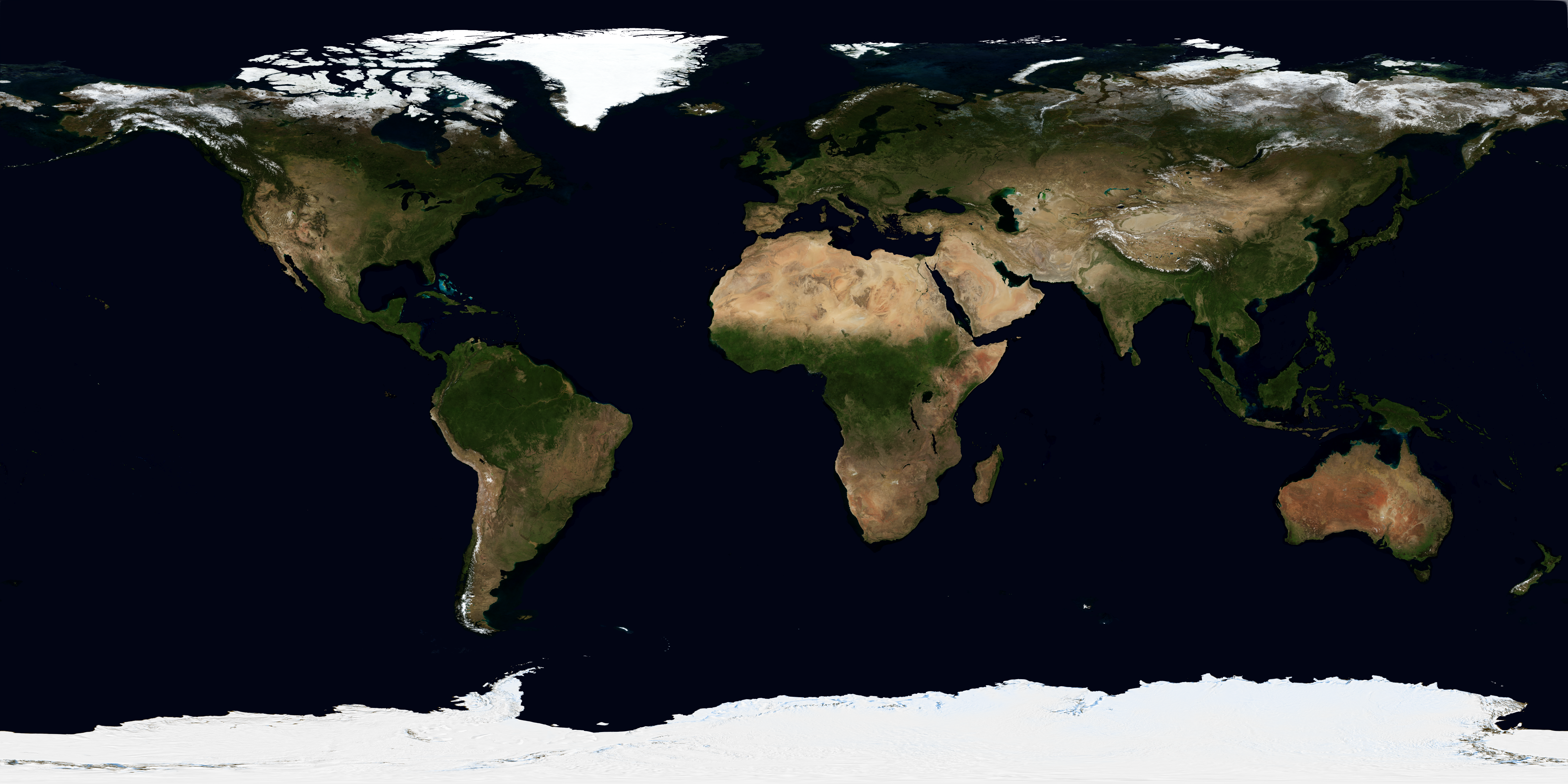
planettool.exe --output cube "test_cube_1024.png" --input latlong "test.png" --rotate 0 45 0 --size 1024
planettool.exe --output cubex "test_cubex_1024.png" --input latlong "test.png" --rotate 0 45 0 --size 1024


 There will probably be cool potential there for mods.
C:\>planettool.exe --output mercator "test_mercator_1024.png" --input latlong "test.png" --rotate 0 45 0 --size 1024


