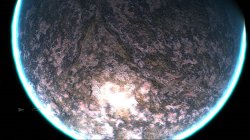
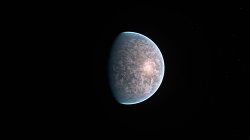
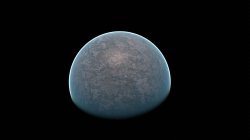
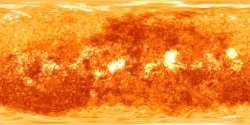
Also for me "511" means nothing really and refers to nothing else except your map.
Like I say, do 5 planets with 24 unique textures, and see what you think then. I will test the qrcs.
Can you see now what means the 3 numbers ?
As i mentioned i was not sure what to do with that filenames, and the texts that appeared at the borders, but there are not much options, as example for this file:
earth/flashrom/ground_cm/5/1/001_000.jpg <--- displaying the whole path
/5/1/001_000.jpg <--- removed only the path where it appears the names "clouds/ground/specular"
5_001_000.jpg <--- some kind of shorting method
510.jpg <--- minimalistic
23.jpg <--- this is what you are doing, you are giving it a new name needed to remember
--------
And im not sure what you want me to see by creating a texture mod myself... you could explain, if there is some problem that im not seeing im open minded to try to make an effort to understand why you consider is hard
But keep in mind the process you do is different than what i would do, i mentioned it here first:
https://www.psx-place.com/threads/r...der_plugin-earth-qrc.27756/page-2#post-223062
And i explained it again here (up to step 6):
https://www.psx-place.com/threads/r...n-custom_render_plugin-earth-qrc.27756/page-8
By doing that i dont need to remember any offset, so i dont need to write the offsets in the reference image, also i could replace files from the layers ground/clouds/specular without problems
There is no room for mistakes in that process (other than is a repetitive task and we humans have mistakes when geting bored)
Also, the first thing i would do after extracting the files with a tool would be to copy all the .jpg files to a folder and rename them like with the numbers i said, note if you display them in "list mode" in windows there are going to be ordered correctly (in the same order than when you rename them from 1 up to 24)
000.jpg
001.jpg
010.jpg
011.jpg
100.jpg
101.jpg
110.jpg
111.jpg
etc... up to 5 groups of 4 each
Is just a mater of openning the .qrc + official file (000.jpg first)... search for it, replace by zeroes in the qrc... then open my custom file 000.jpg and paste it in the area with zeroes
And so on... following the order of the "list" displayed in the windows folder