I been playing around with CubeTheSphere
http://realmofconcepts.com/unreal/CubeTheSphere.html
I like it because doesnt runs in the web browser, is a tiny tool to do a single task and works fine
The only annoyance i found (and i fixed) from it is something that doesnt matters in most cases, but i will explain it later
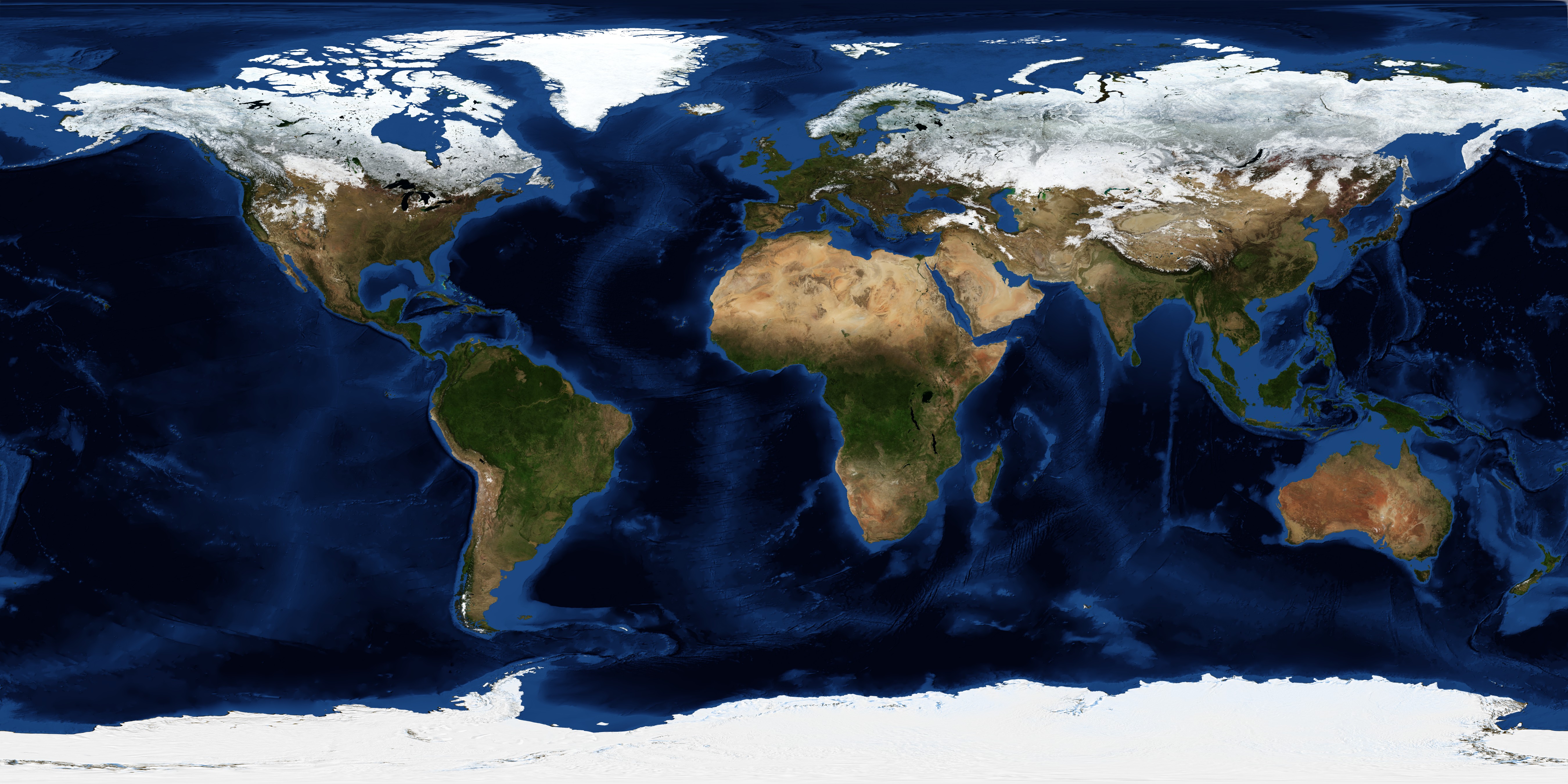
It converts "sphere maps" into "cube maps"... the sphere maps are a rectangle of width=2*height
Im going to explain how to create the images in the same way are made in the official firmware
And im doing all this process with images of the earth, taken from
https://visibleearth.nasa.gov/collection/1484/blue-marble?page=1
-----------------------------------------------
In the official PS3 images the equator have a lenght of 8 textures at 512 pixels each so...
we have 4096 pixels in the equator
Is better to prepare the image with that dimmensions before processing it with CubeTheSphere
The point is... you can use bigger sizes, is ok, but the tool is going to take more time to render the cube faces
For that resize task i found a command line tool, and i realized is not so easy because most requires an installation, personally i always have installed irfanview but i wanted this to be more generic, so the only one i found is this one, it have an interface but also works in command line
http://www.rw-designer.com/picture-resize
The way it works is a bit special... you can pass the commands from a batch, but also you can rename the file with the settings and drop images on top of the exe
To do the resize into the correct format needed for CubeTheSphere download this file
http://www.rw-designer.com/NT/6.0/PhotoResize400.exe
And rename it to
PhotoResize4096x2048Q100O.exe
*4096x2048 is the final size
*Q100 is max quality
*O is silent mode
When using it in a .bat... whatever you write in command line overrides the settings from the filename, you can automatize it this way:
Code:
C:\>PhotoResizeWHATEVERNAME.exe -o -g100 -WxH4096x2048 test.jpg
----------------------------
After that the image is ready to be converted by CubeTheSphere
Export the images at 1024x1024
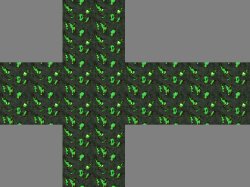
It creates 6 images named "front", "left", "right", "top", bottom", and "back"
In the PS3 the "cube face names" can be seen in the path... from 0 to 5, are:
0=back
1=left
2=front
3=right
4=bottom
5=top
You can rename the 6 images generated by CubeTeSphere like that
After that... is needed to automatize the actions with jpegtran like in the examples i mentioned in my previous posts to
1)Rotate them
2)Crop them
3)Rename them with the official filenames