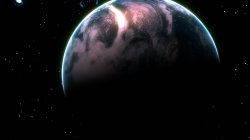
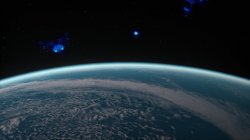
PS3 [Research] Modifying the Gaia Visualization (custom_render_plugin/earth.qrc)

Im not sure but... i think right now is not posible to identify that position of the starfield by looking at the images, there are too many ingredients in play
We are dealing with a rotate180º effect, or/and horizontal and vertical mirroring, and the fact we are not completly sure if the image is proyected into the opposite face (at least me im not sure about that, from time to time i think in it and my head is about to explode because it changes everything)
 
You need the CXML Compiler source code and "py" scripts, along with the libs cxmlacces.a, cxmlutils.a and a few other things I cannot remember the names of.....:rolleyes:o_O:-p
I'm not far from having building the qrc files from scratch working.
I have it generating the xml on extract all so now all I have to do is read the xml to get the files then build the tables. The xml is simple enough that it could be made by hand eventually I'll probably add an editor to make it easier to customize it.

You guys are moving so fast I'm having a hard time keeping up :encouragement:

I've been rebuilding the gui for the most part you can't see much difference but we can now open multiple files & have a good base to add other file types. Thanks to @sandungas for pointing out that I should try to have it ready for the other types in case we wanted to keep going.
Here is the new look.
Capture.PNG
 
I'm not far from having building the qrc files from scratch working.
I have it generating the xml on extract all so now all I have to do is read the xml to get the files then build the tables. The xml is simple enough that it could be made by hand eventually I'll probably add an editor to make it easier to customize it.

You guys are moving so fast I'm having a hard time keeping up :encouragement:

I've been rebuilding the gui for the most part you can't see much difference but we can now open multiple files & have a good base to add other file types. Thanks to @sandungas for pointing out that I should try to have it ready for the other types in case we wanted to keep going.
Here is the new look.
View attachment 23439
Awesome , looks great., :)

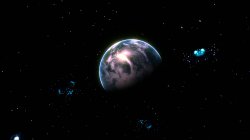
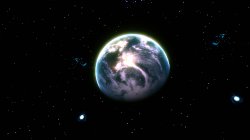
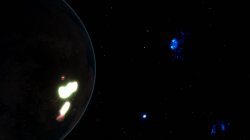
I have been messing with the star field, we can add higher resolution DDS files, its cool. :)

galaxy0.jpg


galaxy.jpg galaxy1.jpg galaxy2.jpg galaxy3.jpg galaxy4.jpg galaxy5.jpg
 
I've also been thinking about adding some kind of hex tool. I could add something into the app or we can just use HxD & have a full editor.
Using HxD we would extract the file to a temp directory, make a call to open it in HxD, do our editing then when you save it would automatically replace it in the qrc.
Just something for us all to think about.
 
Sounds good, you mean for the plain text MNU values and stuff like. Good idea. could even just be a text editor mainly.
 
I'm not far from having building the qrc files from scratch working.
I have it generating the xml on extract all so now all I have to do is read the xml to get the files then build the tables. The xml is simple enough that it could be made by hand eventually I'll probably add an editor to make it easier to customize it.

Nice one :)

I've been rebuilding the gui for the most part you can't see much difference but we can now open multiple files & have a good base to add other file types. Thanks to @sandungas for pointing out that I should try to have it ready for the other types in case we wanted to keep going.
Here is the new look.

Looks good. If it does get extra stuff for other QRC's you should consider calling the app " QRC Wizard " or something like that...idk lol, just a derpy idea.

I've also been thinking about adding some kind of hex tool. I could add something into the app or we can just use HxD & have a full editor.

There are plenty of free "Portable apps" out there that could be added to the tool over time> HxD and NotePad++ being 2 of them, this way you have all the tools you need in to right place.

If GIMP has any kind of cube map creation, could be good for editing images, combine that with @DeViL303 .bat files fro chopping them up ready for the QRC and you have a powerful AIO tool for editing/creating QRC files.

Adding some kind of VPO and FPO editing could possible be done as well once these are fully mapped out for each QRC so we know which values do what, could even increase the mesh size for larger textures if I can find where the hell the mesh file is or how its generated in OpenGL LOD, might not even have to be a sphere depending on whats whats.
 
pink1 and sandunags there are multiple links here to multiple apps and source for converting images to cubemaps..maybe we can use some of that code.

https://stackoverflow.com/questions...equirectangular-panorama-to-cube-map/32151528

There is talk of python, c++, js, c..I dont understand much of it but must be something good there. :)
I've been trying to find something in c# I haven't had any luck yet so I may need to try writing something.
I may be able to use some of that as a reference.
 
We probably dont need it, but this is a cool way to show the layout of the cubemap in code with the "name_map" smart.

upload_2020-1-31_0-18-39.png
 
I wasnt really happy with it from all angles so didnt keep it, I have so many files if I dont delete them I will end up working on earth21343565.qrc. :D

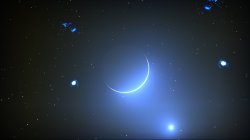
Its easy to do, get a high res image of stars, make it 1024x1024, then get some pngs of galaxies and shit and drop them on. I cant do it all :)

Something like this, only better. I even added the death star in my one.

stars.jpg


I am messing with the camera now, maybe I will be able to solve that issue. But probably be a while , too much to learn..not enough time.

Man if we had an sprx to mod these values using input from the controller we could fly around while listening to music, would be fairly cool. Wouldnt it be great if one of those RTM mod menu guys did something useful like that. :)

New mini game made here very easily , great gfx :). I am a bit wobbly...Hope you don't feel sick after watching that.

 
Do you know what, you are right, the visuals of Life with playstation were handled by Gaia afaik, because I keep seeing all the city names in SPRX there for ages and I am wondering why there are there. :)

Hmm..interesting.
 
OK, I have no idea what I am doing... :)

This camera path
Code:
time=0 eye 4.85042 -0.288142 5.20632 center 4.16031 -0.253807 4.48343 up 0.07519 0.99687 -0.0244323  fovy=500.00
time=10 eye 4.85042 -2.398142 5.20632 center 4.16031 -2.253807 4.48343 up 0.07519 0.99687 -0.0244323  fovy=50.00
time=20 eye 4.85042 -2.398142 5.20632 center 4.16031 -2.393807 4.48343 up 3.07519 3.99687 -0.0244323  fovy=500.00
time=30 eye 4.85042 -2.398142 5.20632 center 4.16031 -2.393807 4.48343 up 3.07519 3.99687 -0.0244323  fovy=50.00

Equals this motion:


We need AI... :D
 
It looks like you can do the dds for the environment and the sphere. Idk I was just looking at the pics lol

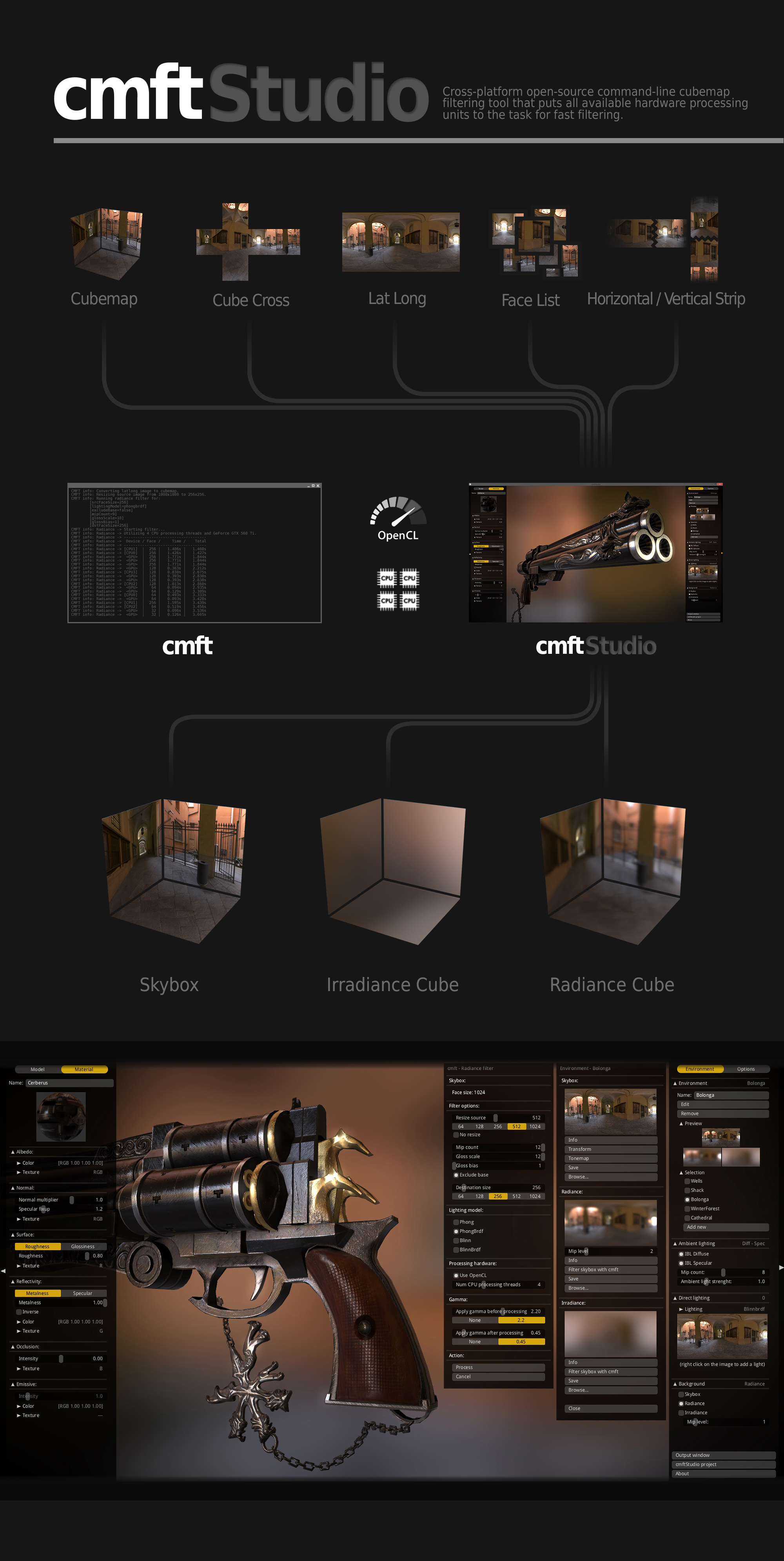
I'll have a look into it in a bit as it needs to be compiled first before you can use it. Cannot be bothered to do it yet lol.

EDIT: Just looking through it, it looks like it can also deal with .tga files and such> perfect for the lines.qrc .tga etc

Supported formats
--------
- Environment map:
- Input and output formats: \*.dds, \*.ktx, \*.hdr, \*.tga.
- Input and output types: cubemap, cube cross, latlong, face list, horizontal and vertical strip.
- Texture:
- Input formats: \*.dds, \*.ktx, \*.pvr.
- Mesh:
- Input formats: \*.obj, \*.bin (bgfx binary format).
 
Last edited:

Similar threads

Back
Top